Can you guys enLIGHTen me? This happens with all models. Whenever I rotate a model to a top view, the whole model becomes almost black, making it nearly impossible to see anything. All of the lights are above the model, so I would expect it to become very bright when viewing from above, but the opposite happens. When viewing from below, the model is brighter, despite being on the shaded side of the part. Can you explain why? How can I fix this?
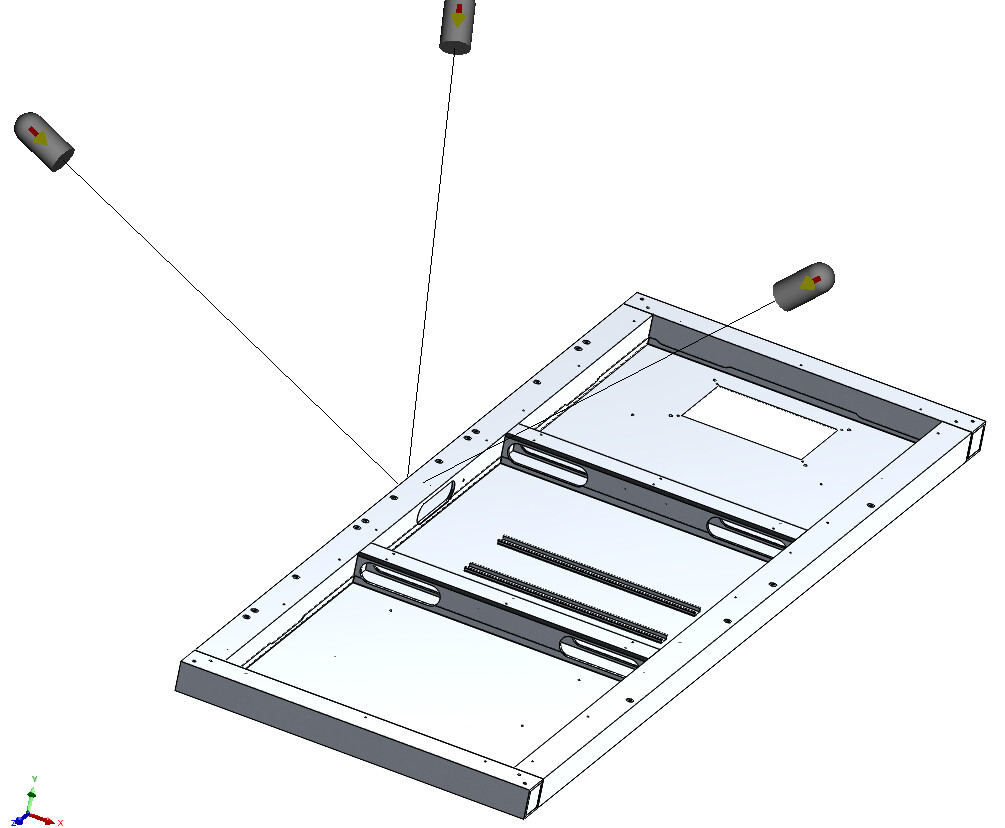
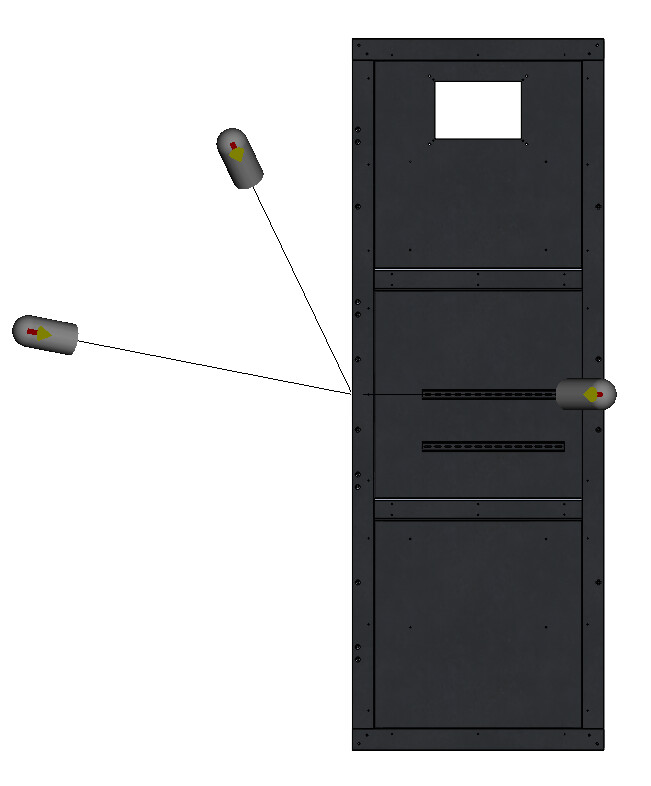
Could you share a file so we can check? Sometimes light settings can cause this, minimum ambient with multiple spot lights. There is a macro to reset lighting to a desired setting.
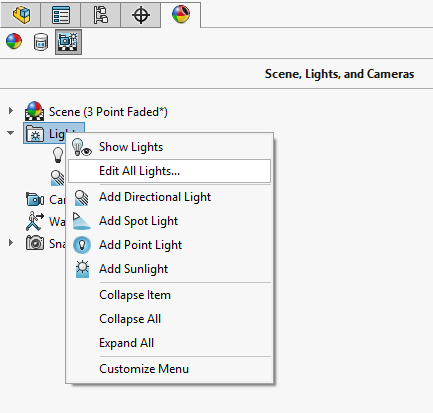
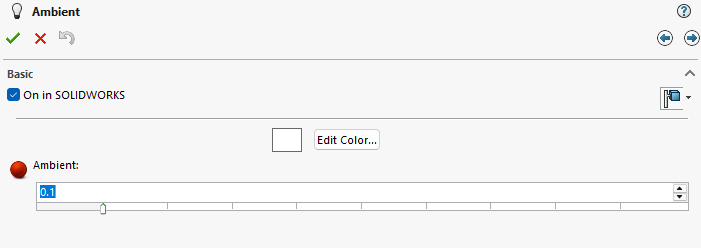
If none of the other suggestions work, check out this blog post I wrote, especially the first thing mentioned there.
You hit the nail with your head. Enhanced graphics performance was enhancing my graphics appearance, too. Many thanks!
Thanks for the suggestion. SW’s enhanced graphics performance was enhancing things. I turned it off and now it’s fixed.
Good thought. Thanks for the suggestion.