Anybody running SW 2022 SP 5.0?
Curious to hear how stable it is.
Is there a list of bugs that it fixes?
I can’t seem to find one on the SW website.
Thanks.
Anybody running SW 2022 SP 5.0?
Curious to hear how stable it is.
Is there a list of bugs that it fixes?
I can’t seem to find one on the SW website.
Thanks.
I’ve been a total of a day configuring and testing. I haven’t crashed it yet, even on some of our more complex assemblies, so it seems more stable than 2019 SP5 that we are currently on.
Fixed SPR’s are here: https://www.solidworks.com/support/subscription/fixed-spr/
Bug fixes you should be able to find https://www.solidworks.com/sw/support/downloads.htm links under the download table or try this link https://www.solidworks.com/support/subscription/fixed-spr/ (you probably need to be logged in)
Been running since its release. Definitely more stable than previous. Have not crashed once as of yet.
Eager to hear everyone’s experience! We’re still on 2019 SP5 but I’m hoping to move to 2022 SP5 so that we can keep up to date with CustomTools also but we’re very “cautious” about it.
Curious to hear to feedback also. I’ve got the files downloaded, planning to upgrade our office to this version soon.
Don’t blame you at all. You know how many issues we have had.
Everything that we had issues with seems to be resolved. I can’t speak to anything to do with PLM because we don’t use it.
Otherwise .. its running very good for us now.
Had it since release, upgraded from 2021 SP5.
Pretty stable so far. No complaints
M
Tried to download, but got an error: “Active subscription service contract required ..”
Anybody else got this and what is wrong?
Did this get fixed in SP5? (click on the pic to see the GIF)
Media1(4).gif
Nope
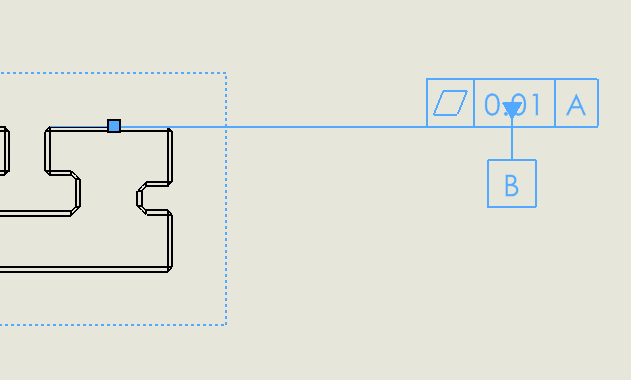
Well, it seems that in SP5, one of our problems are solved and another one is added to the long list.
In SP5, after mating two components, the toolbar to lock the rotation or change alignment etc stays on screen. It used to disappear since we upgraded to 2022.
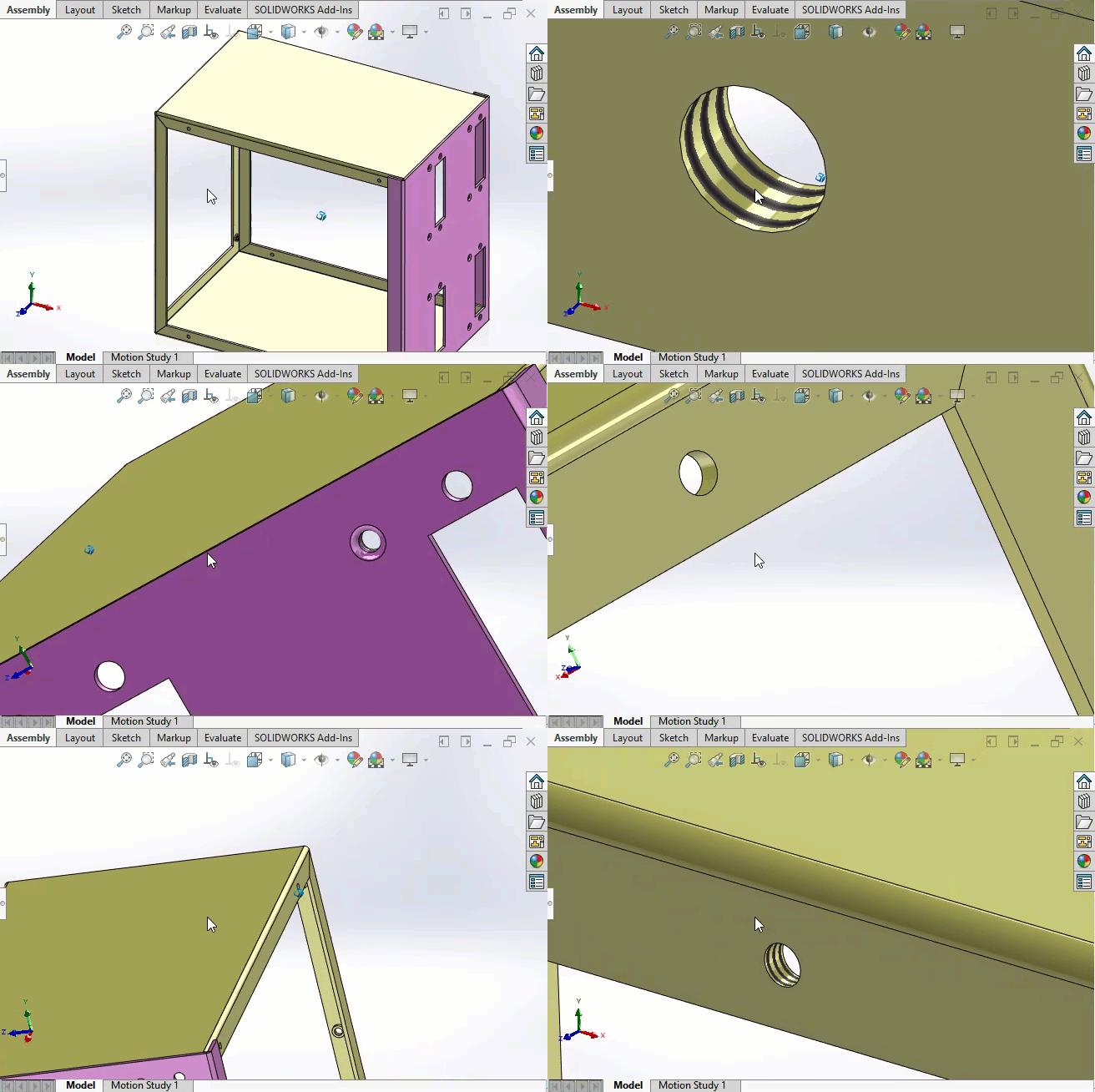
Is it only us? or you can replicate it too?
thanks.
That’s ridiculous. Dassault should be embarrassed.
Looks like it is already in an SPR:
SPR 1242054 is the SPR that SOLIDWORKS filed it under.
This seems to be a battle of SR. They implement the feature, people complain and they kill the feature. Other people complain and they re-implement the feature.
I thought there was one SP where there was a switch for this, but if so, I can no longer find it.
I don’t think that is possible.
Yeah, after while, being foolish becomes your schtick.
The software knows that a tap drill that long doesn’t exist and did you a favor.

The story is a little bit different. They implemented the floating make concentric button, but it used to remain on screen. At times we had 5 or six of them floating around. Then they added the option you mentioned. Everything was OK and then 2022 version came along. In their new version, no matter the condition of the option, it didn’t stay on screen. Any how it seems they managed the bug after more than 10 months and 5 SPs.
The problem with SW is nothing is stable. There’s a good chance something that’s working now, will be broken in the next version or next SP. I don’t really care about what do they add or discontinue. I just say for God’s sake don’t break a working feature to add something new.
2022-11-15_10-33-02.png