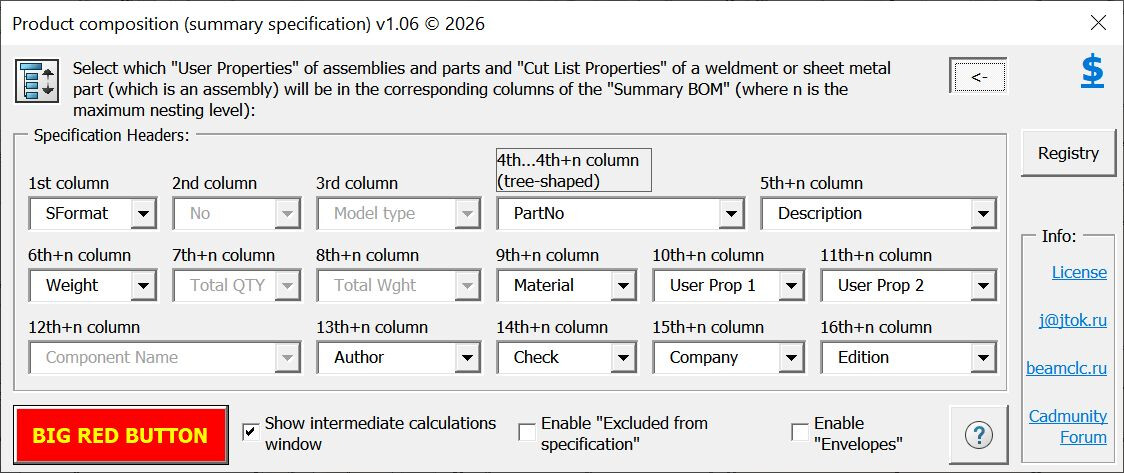
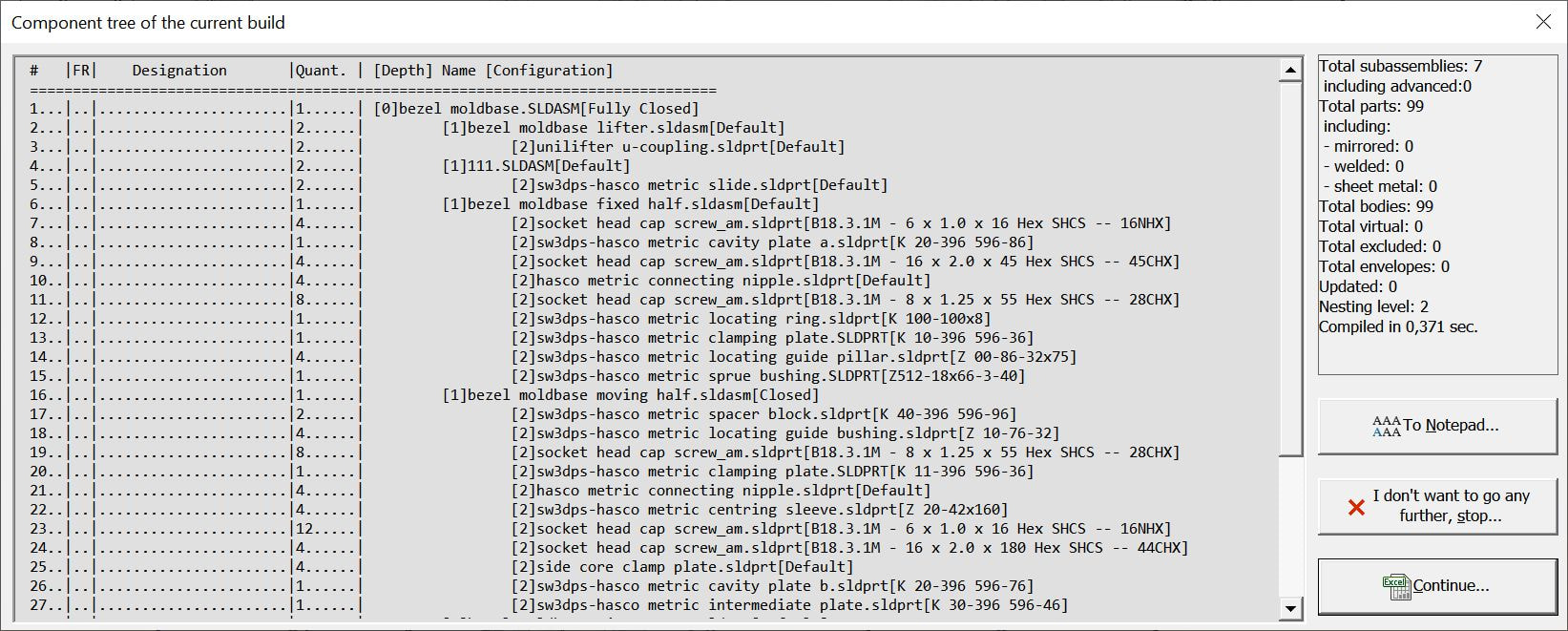
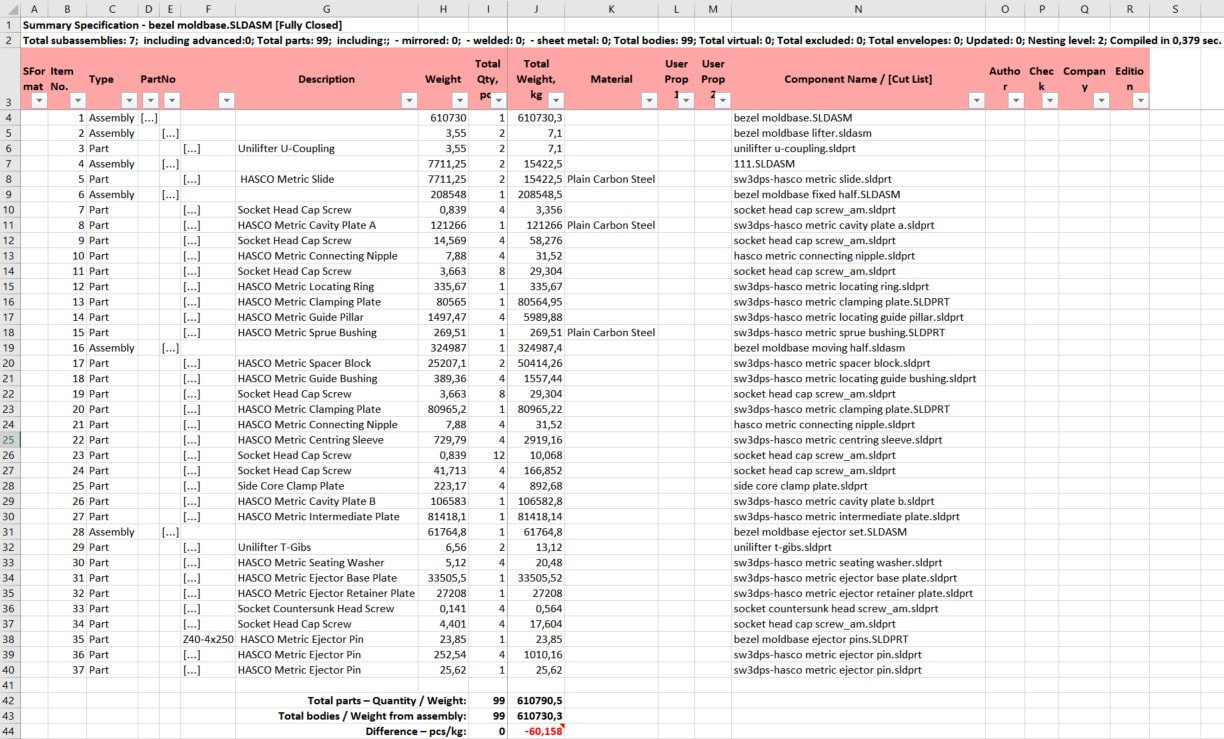
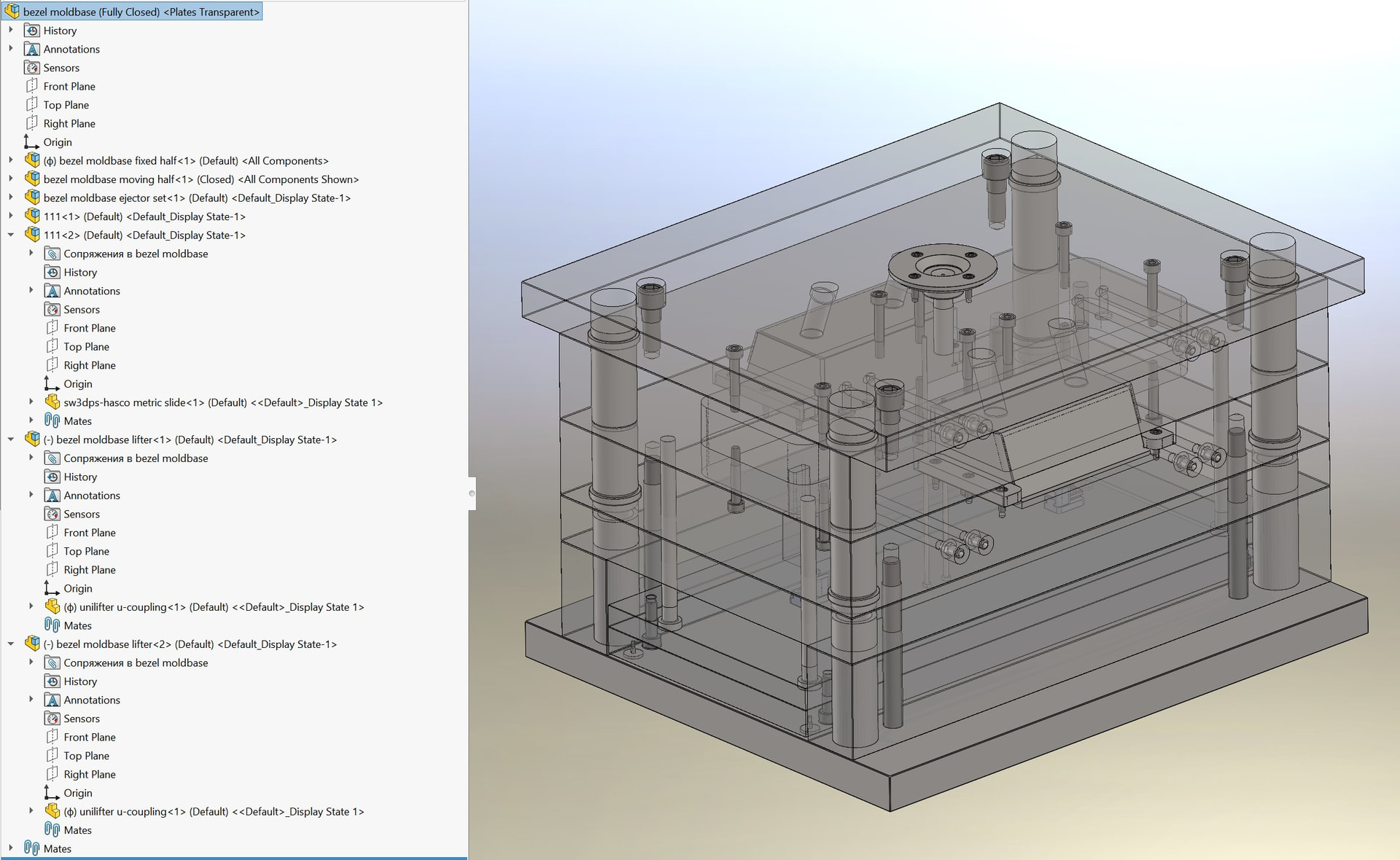
Generates a consolidated Bill of Materials (BOM) in Excel based on the currently open assembly.
Weldment and sheet metal parts that contain cut lists and consist of multiple bodies are treated as assemblies.
Data is populated using Custom properties from the Property Manager or the Cut list folder of a weldment or sheet metal part.
A recursive class was written to handle the tree structure; it builds and populates itself automatically.
Custom properties that should ideally be filled in within the cut lists or custom properties:
As I understand it, the macro is provided as-is, so complaints are not accepted?
Still, let me make a few observations:
There is no way to generate a family of BOMs for all configurations of the root assembly. Only the currently active configuration of the root assembly is processed.
If the same component/configuration occurs twice under the same parent, with one instance being an Envelope and the other a normal component, and Envelopes are enabled, both instances are merged because the key only contains FileName + Config. The Envelope state itself is not stored in the tree node, so the distinction between the two instances is lost. The stored Component2 is simply the one that was encountered first.
There is a similar issue with Excluded from BOM. If the same component/configuration occurs twice under the same parent, one excluded and one not excluded, and excluded components are enabled, they are merged into one node. The isExclFrBOM value is taken from the first instance encountered, so the resulting Excel row can be marked incorrectly depending on traversal order.
There is no check at all for parts whose FeatureManager tree is in a rollback state. This can cause incorrect results for multi-body parts. For example, the Sheet Metal check itself uses the very reliable GetBendState, but isSheetMetalAssy also requires:
GetBodyCount(swModel, Config) > 1
If the part is rolled back to a point where no solid bodies exist yet, or where only one of the original five bodies exists, the result will be isSheetMetalAssy = False, and the macro will miss what should normally be treated as a multi-body sheet-metal assembly.
One small detail regarding GetBendState: it would be better to call it after explicitly switching to the required configuration with:
tModel.ShowConfiguration2 Config
At the moment this happens indirectly because isWeldMetalAssy is called first and its GetBodyCount switches the configuration. So it works in the current call sequence, but isSheetMetalAssy is not really self-contained if viewed as an independent function.
SOLIDWORKS 2018 is certainly old, but still useful. However, for modern versions I would reconsider the use of Component2.ExcludeFromBOM. This property is obsolete and has been superseded by GetExcludeFromBOM2 / SetExcludeFromBOM2, which allow the configuration to be specified explicitly.
the full path is not stored in the key. In practice, this should normally be fine because SOLIDWORKS itself will not allow two different loaded documents with the same file name/title from different folders to coexist normally in the same session. So I would not consider this a serious bug. It is mostly just a small inconsistency in how component identity is handled.
I was doing a very similar project, so I immediately looked at the places where I had problems.
Thanks for the feedback; I’ll take some of your points into account—specifically regarding “Envelopes” and “Excluded from BOM” items.
Regarding the rollback state and unresolved components: before running the macro, the assembly must be fully resolved and updated, with no “traffic light” warnings present.
SolidWorks 2018 was used specifically to ensure compatibility.
Most importantly, the Russian version is the current one; this version has simply been translated into English and is unlikely to receive further updates—it was posted out of academic interest and in case anyone happens to find it useful.