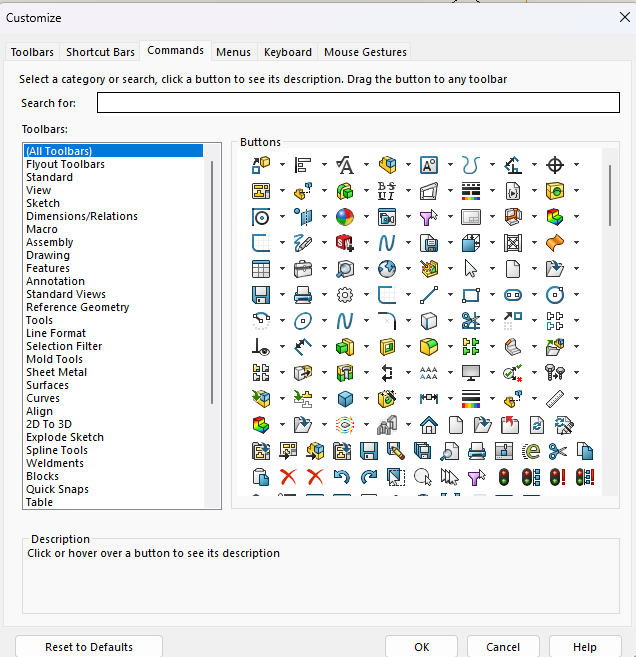
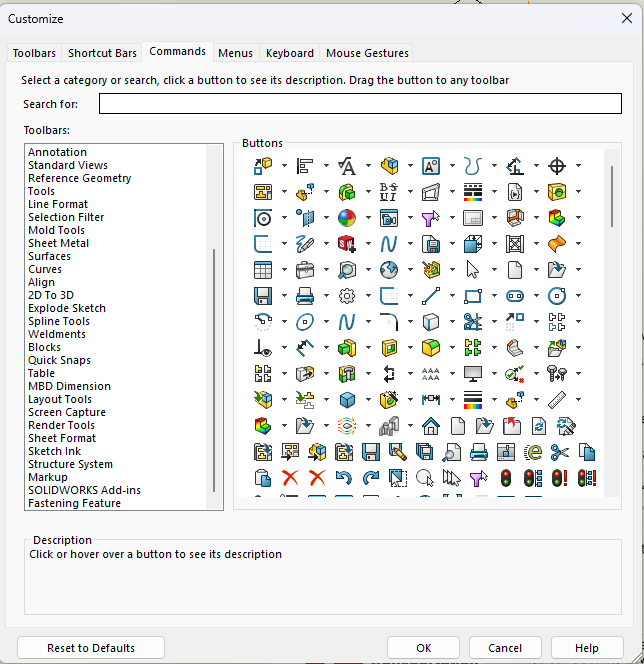
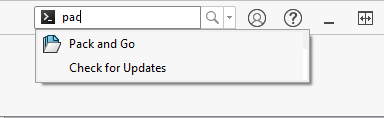
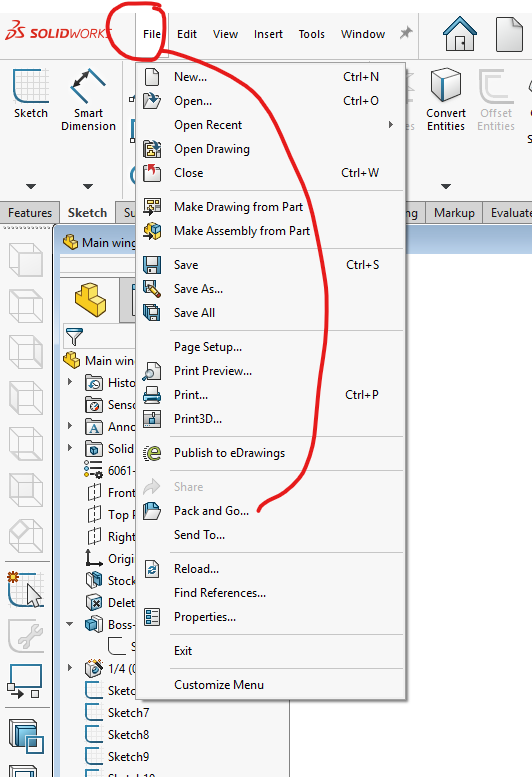
My computer was recently wiped and had Windows 11 re-installed. I used the Copy Settings Wizard to duplicate my settings, but not to my surprise the result was spotty. One of the things that didn’t come through was the commands in the Menu Bar above the Command Manager. I have restored all of them except for Pack and Go. I have looked several times but can’t find it, and can’t remember how I put it there in the first place.
It seems like it should be in File under the Commands tab when right-clicking at the top of the screen and choosing Customize (and that’s what Google said), but File isn’t there. Am I missing something?
This is funny, because I remembered there was a post where I learned this ‘trick’, and I was pretty sure it was @Glenn_Schroeder, but thought to myself, nah, you’re misremembering, so I just posted my reply, rather than search for it.
That’s often a good method also. By doing it that way there’s no danger of forgetting to close the parent file and start editing it instead of the new one. That happens some times . . . or so I’ve heard.