Really I don’t understand why SW just can’t fix one thing that would save me half my life?
Figure out a way to more intelligently assign ID’s or whatever SW uses to keep track of things. Today I had to re-dimension nearly two entire views because I got rid of a hole in a face and all the dimensions related to that face and all the mates related to that face just exploded…that’s just STUPID!
I don’t think SW use unique ID. Looks like they use “creation sequence” or item number in the list/array.
Hence if you delete something, everything after that get blow up.
It doesn’t explain why adding thing blow up the list. Unless it doesn’t add at the end.
No, no no… See if they fixed that for you and gave you back some of your life, they’d retroactively owe me back to when I was 35. I’ve spent so much time fixing flipped features and lost references in surfacing parts. It wouldn’t be fair if they fixed it now.
Don’t get me started on the Item numbers in the BOM…We have some long BOM’s here and I’d like to be able to automatically have the BOM Item number in the part view title. THERE IS NO WAY TO AUTOMATE THIS!!!
Yeah, you can kludge something together and it will update if the BOM changes, but you have to do this kludge for EVERY SINGLE VIEW!!!
Try sorting through a 100 item BOM looking for a part called “Set Screw” or “Clamp Collar”, instead of going directly to Item 67 or 23…
Related, sort of.
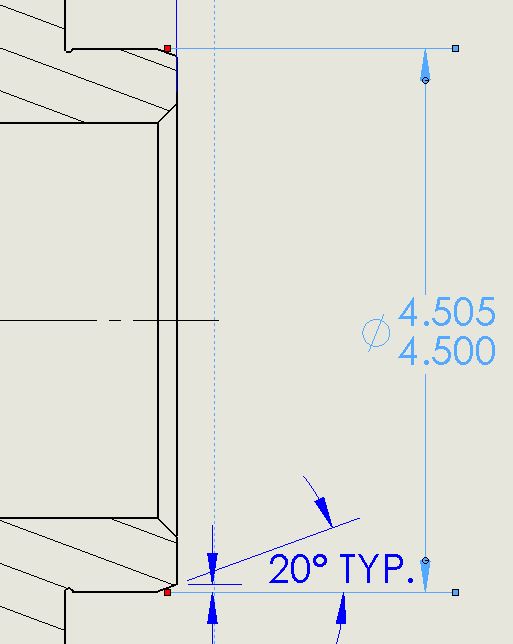
I removed a fillet and replaced it with an undercut on this hub and lost the diameter dimension and now need to reattach it. If one leg is lost it is no problem. However I have NEVER been able to reattach if both legs of the dimension are lost. Is there a secret handshake I need to know to be able to do both?
I’ve been asking for us to be able to set the display style for detail views in Document Properties for a very long time (I always use “with Leader”), and it seems such a simple thing. I’ve probably had to make that change when making a new detail view a few thousand times in the last 12 years. Am I the only one who gets torqued every time he (or she) has to change that when making a new detail view?
Or why doesn’t the sort feature work!!! BOMs in SW suck out loud!
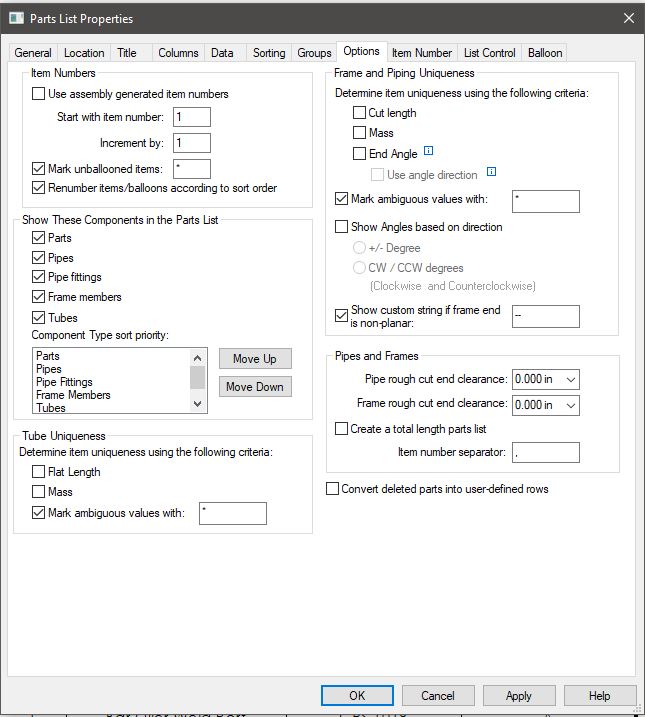
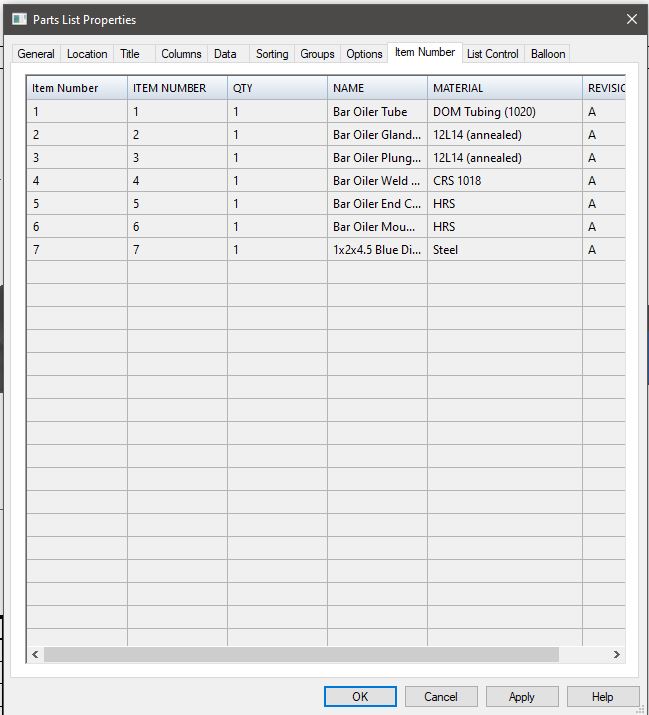
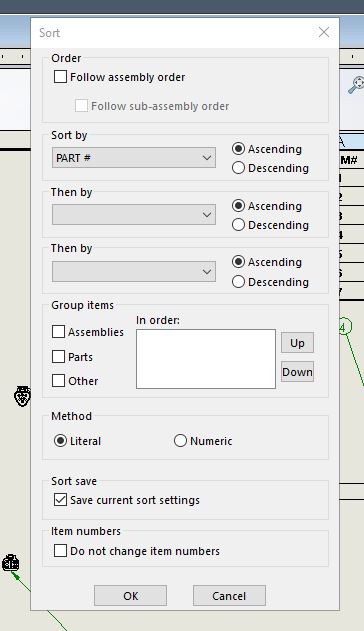
The sort feature actually works in SE!
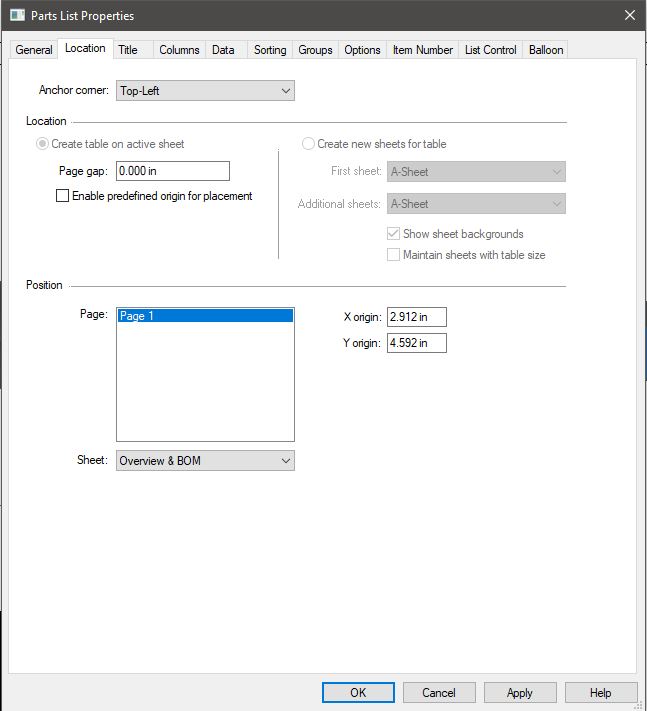
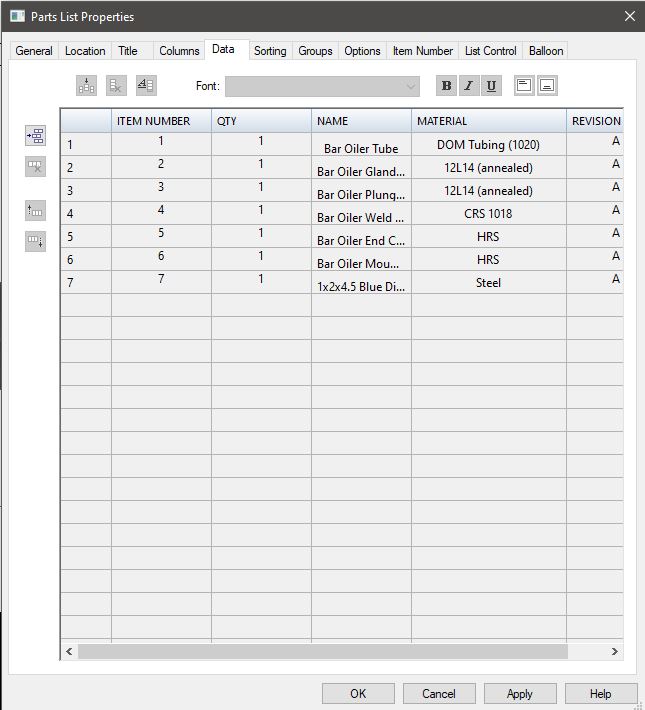
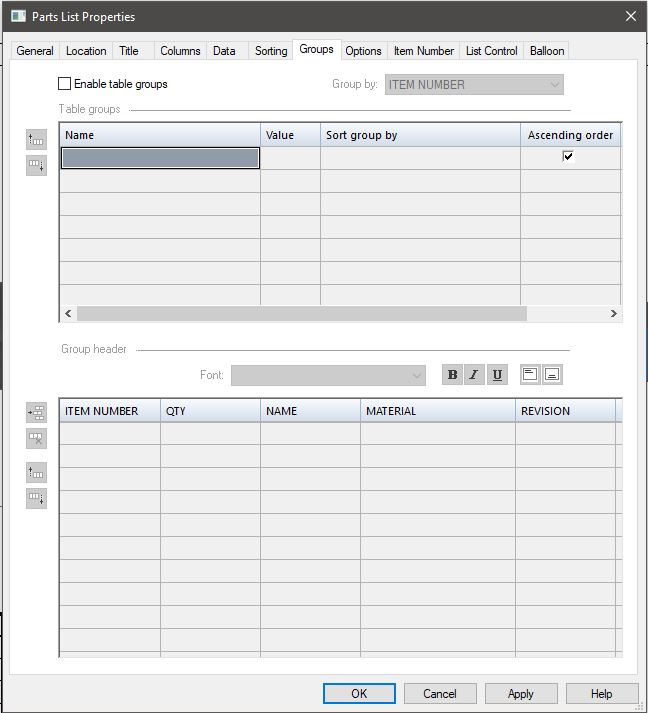
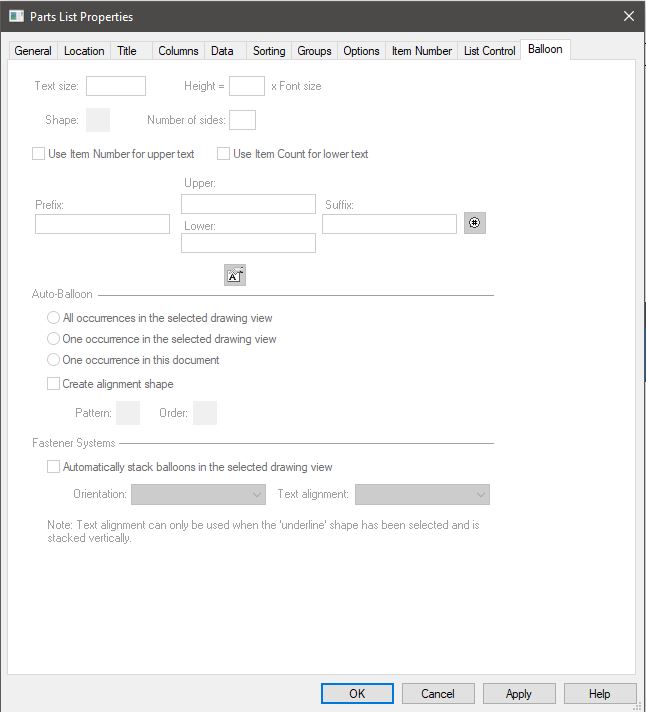
Here is the Parts List option dialogue in SE in tab order.
2021-08-27 11_30_14-Window.jpg
2021-08-27 11_30_27-Window.jpg
2021-08-27 11_30_39-Window.jpg
I was only able to attach 9 pics, will attach the rest in the next post…
Yes, you need to know how you dimension it before. You need to pick the same feature.
If you picked line-line before, you need to do the same.
If you picked point-point, same thing.
Jim Steinmeyer,
I think Tom G had a solution to this. I think it involved showing the actual endpoints of the dimensions some kind of way…Or maybe it only had to do with a dimension that is to something outside of the “clip” of the view? Anyway it was in the old forum, so good luck finding it.
Maybe he’ll weigh in…
Are you talking about the dangling dimensions (brown) where you click on it and it has a red handle on a leader or dim line? You drag the red handle back to the same kind of entity it was connected to originally (edge, vertex, axis, etc.)
The secret handshake (sometimes) is that you have to drag one witness line to the correct location. Note that SOLIDWORKS will make it seem like it didn’t work. Then immediately drag the second witness line to the correct location and voila. I created a little video of this in the ‘Have you ever been given a SW tip that you didn’t know existed?’ thread in the old forum, but that thread has been obliterated by the SWYMp.
It’s hit or miss, some manner of how many versions back the dimension was created along with what type of geometry it was originally attached to seems to effect your ability to reattach it.
When that happen, I create a new dimension then use the Format Painter to copy the settings, then delete the old dimension.