Can anyone explain why some of my drawings zoom really wide and others don’t? I cannot find any abnormally-large views or invisible text off the border.
press CTRL+A
to select all and see if there is a sketch point or some entity floating around.
Nope. Thanks for the suggestion.
It seems to be related to the size of the part. I guess SW sets a sheet scale based on the dimensions of the part. When the sheet scale is really large, the whole sheet zooms way out. Is there any way to prevent this?
Crop the view? Or put Zoom to Sheet on a hotkey and forget the problem exists.
SW does set the sheet scale in relation to the size of the Part, but that should not cause all the extra space around your sheet. I suspect there’s something in your model that is causing the drawing view to be much larger than the sheet.
1 Like
Usually happens when a component or even a sketch entity is located way off in space for some unknown reason. It’s easy to do with 3D-sketches.
Also, make sure the file isn’t saved with the exploded view active. That can play with bounding box sizes in some SW versions.
Also, check the size of reference geometry in the model. First make it all visible, if not already. Adjust the size as needed.
Dwight
There are times that there is a sketch shown that is way off the sheet. Or a line got put out there. I would be curious to see what the model looks like. Sometimes a little part gets lost way out in space or some other geometry. It has always been fun to try and find this. The clue is that it is off to the right since the sheet is on the left.
1 Like
close down SW and reopen and see if it does it again.
or try a Control Q
all guesses of course
I had a bug around the 2020 time frame where I created a sketch and somehow a point was generated at the extent of the build volume (500m, 500m, 500m.) It happened to me more than once, but never when I was trying to capture it for support.
Several versions ago (2016 maybe) I had trouble with views being unreasonably large because a sketch picture thought it needed lots of extra space beyond the actual size of the sketch picture. I had steps for dealing with it, but I don’t remember them off the top of my head.
We just turned in a bug with an assembly with two parts in it that where mulitbody and the bodies were exploded. When the assembly saved, it would save with the exploded view shown no matter what you had set before you saved. Then, the drawing had no idea what it needed the size of the view to be. Even when I tried to crop the view, it didn’t match the cropped boundary (but was better). I don’t think we had trouble with zoom all on that drawing, but I don’t remember.
That looks like the bug I’ve had where your SolidWorks creates empty viewports and leaves them there as hidden but not really hidden. Check to see if you have hidden annotations or hidden views
Edit: For reference
https://forum.solidworks.com/thread/210007
1 Like
Wow, thank you all for the helpful suggestions. I didn’t expect so many responses.
I don’t see anything hiding and Ctrl-A doesn’t select anything outside the borders of the drawing.
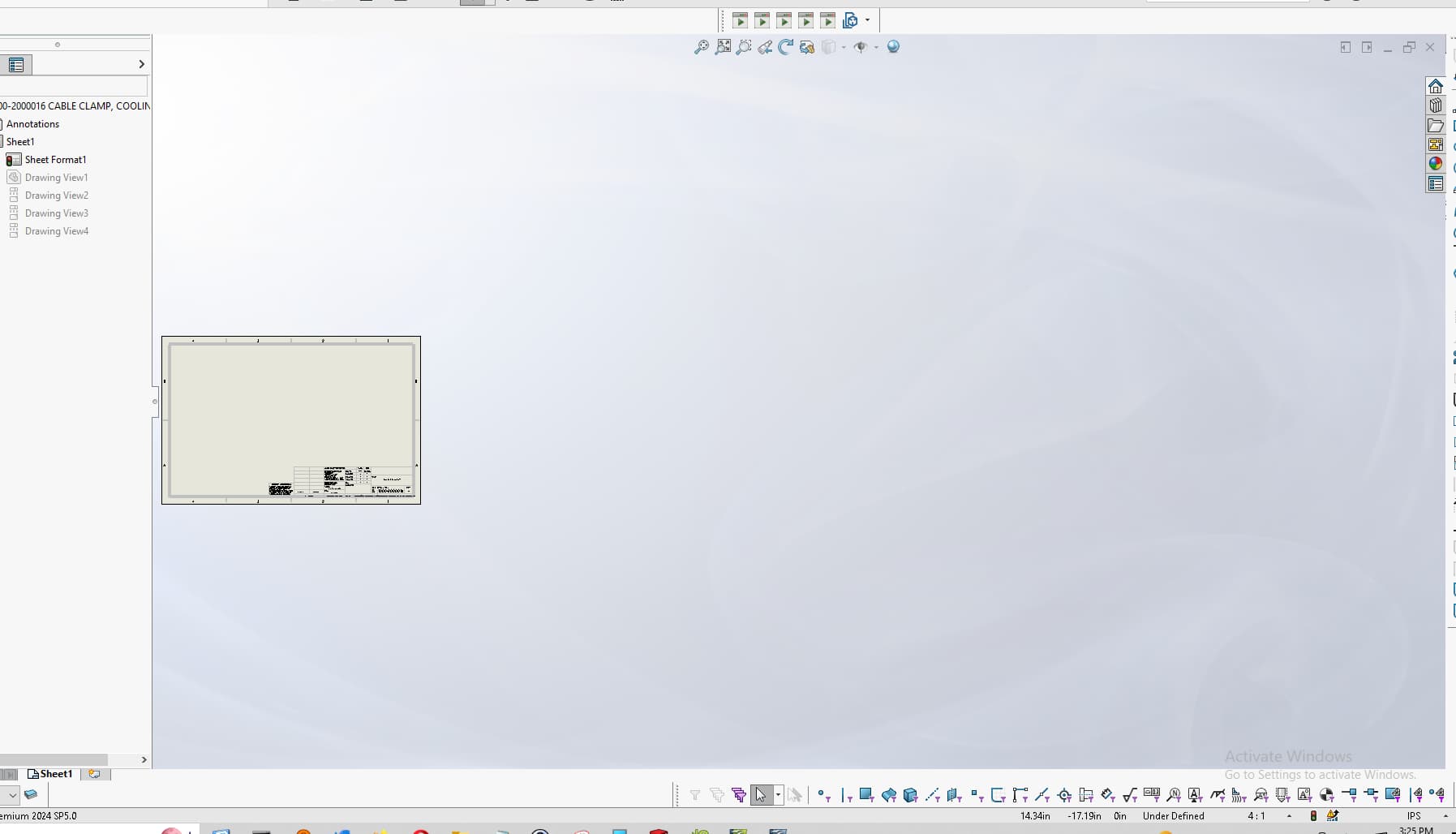
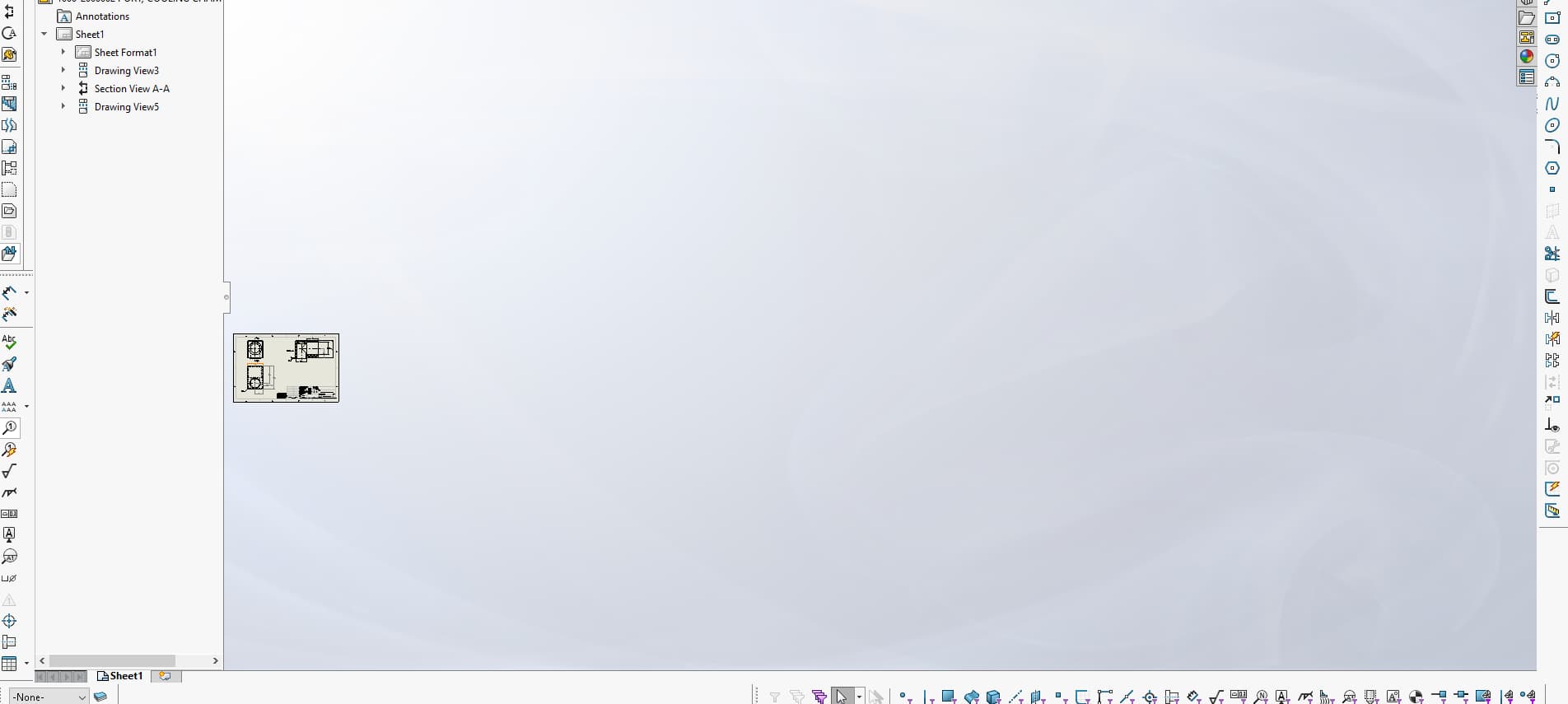
I’m pretty sure the problem is the sheet scale. Here’s what a zoom-fit looks like with sheet scale set to 10:1.
Here’s what it looks like at any scale from 1:2 through 1:100 (all look the same).
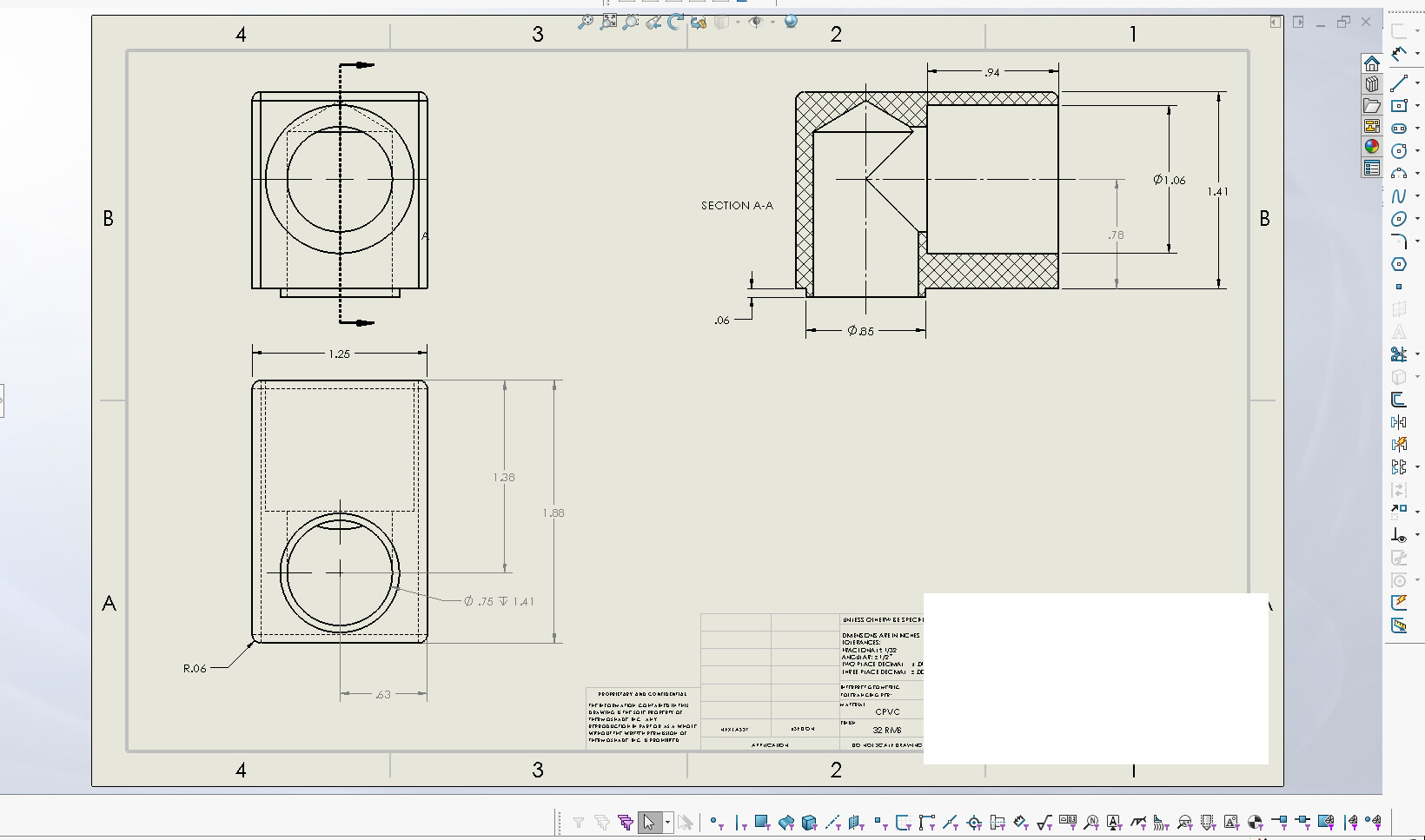
At 1:1, it’s similar to 1:2, but slightly smaller and shifted to the side.
I disabled automatic scaling of new views and the problem seems to have disappeared. The behavior still seems very weird to me.
Thanks again for all your suggestions!
1 Like
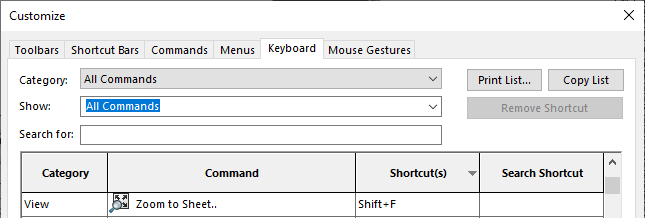
Interesting, didn’t know they added a Zoom to sheet command. At first I was wondering what the difference would be, but I think of some old cases where we put views outside the sheet for various reasons.
2 Likes
There is something attached to one of the views that could be a line as long as .006 or a sketch point. If you really want to find it you can try to hide the views one at a time till it zooms right. Then show just that one view. Activate it and see if there is something in the view.
Then go to the model in that orientation and see if there is anything in that model in that orientation that is causing it to do that.
In the past I have suppressed 95% of an assembly to find a part that had a sketch 5 miles away from the orgin that was causing my drawing to look like a postage stamp when I hit “f” to center the drawing.
1 Like