What goes in what folders

So,

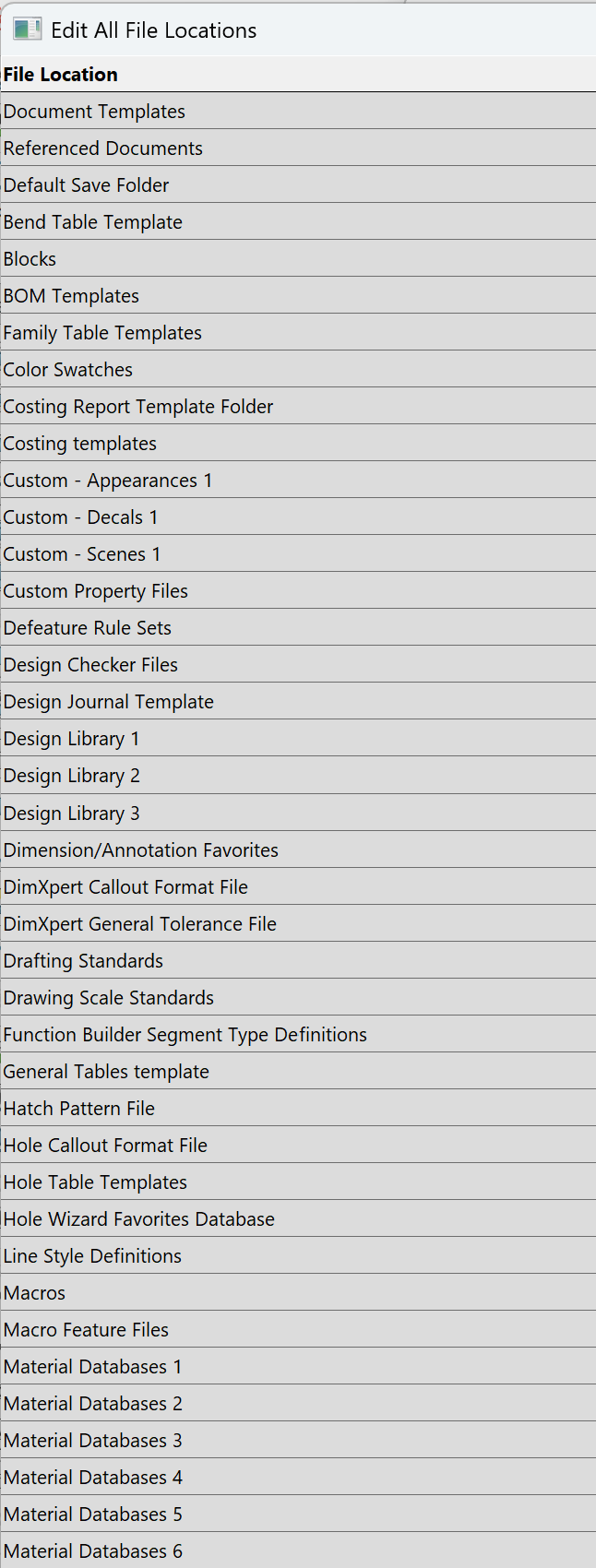
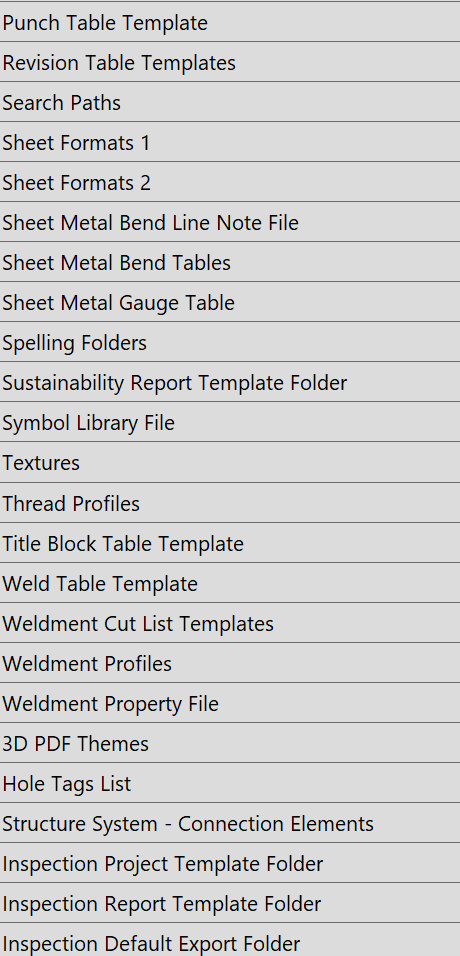
I’m just a wee bit OCD. In Settings → File Locations, I put each “category” in it’s own folder.

This is what the folders look like:

3DCC
Appearance
Bend Note
Bend Table
Blocks
BOMs
branches
Color Swatches
Costing
Custom Materials
Custom Property
Cut List Properties
databases
Decals
Design Checker
Design Journal
design library
Dimension Favorites
DimXpert
Drafting Standards
drawfontmap.txt
Drawing Scale Standards
Electrical Symbols
Function Builder
General Tables
Hatch Pattern
hatchpatternmap.txt
Hole Callout Template
Hole Table
Hole Tags
Hole Wizard and Toolbox
Inspection
Inspection Project Template
Inspection Report Template
Light
Line Style
Macro Features
Macros
Materials
Obsolete
Palette Assembly

I’ve played with what goes where, but is there an document somewhere indicating which files go where?

Thanks

chris

Wow.
That is a lot of folders. I like keeping them to a minimum.

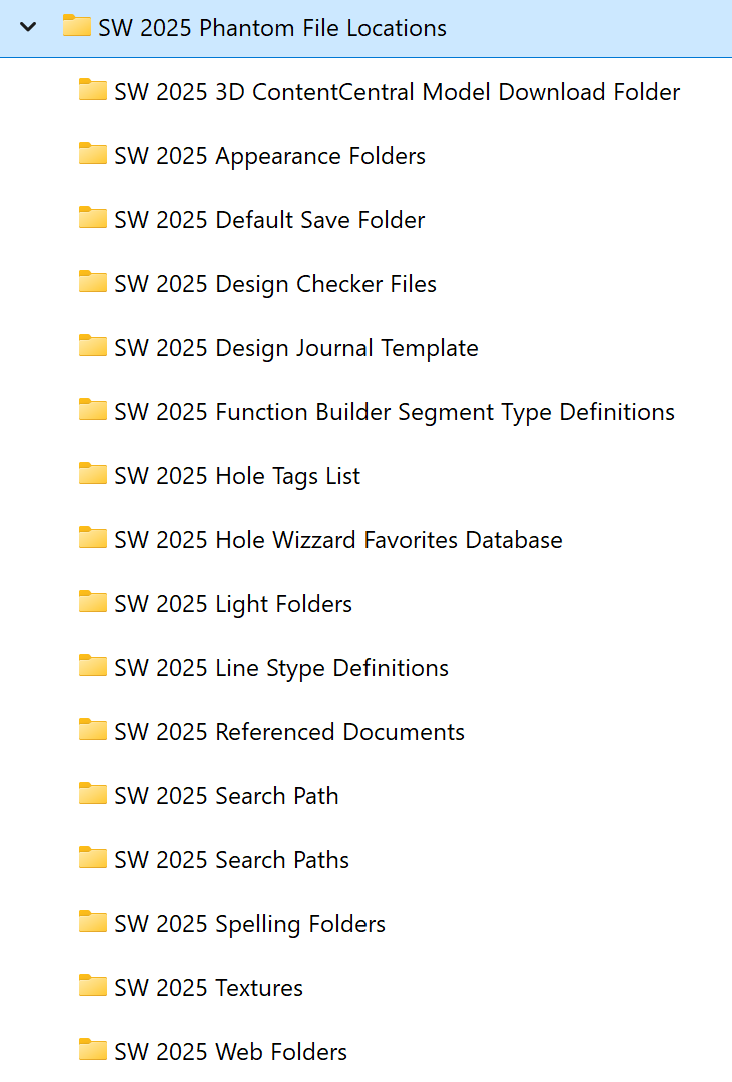
Still a few missing? I have created directories for all file locations that are not defined during the install of SolidWorks, in a directory called “Phantom File Locations”.
After some time, you will see what gets saved where.

I am working on a macro to dump all the system settings and document properties. I have put together a working version to migrate our templates from 2023 to 2025.

SW is a total mess. There are like 1600-1800 settings inside the application and the documents. all mixed together.

I can understand the pain with all those specialized files, tables, etc you are handling, all without a solid logic to organize their content and poor documentation.
5 Likes

Can I help?

I made a thread in the past which I am updating with my latest findings.