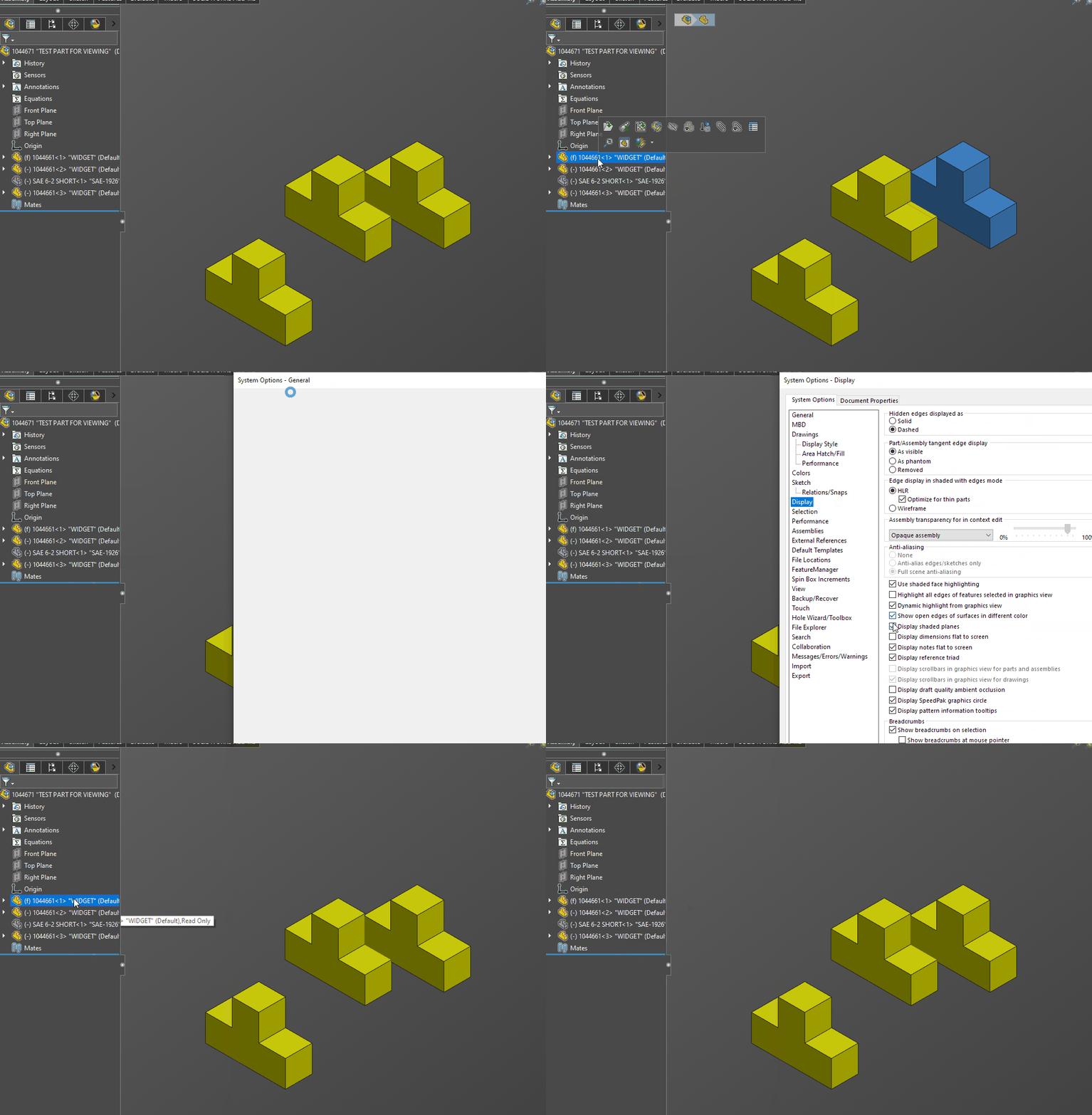
I have a user that wants to turn off the bounding box preview when you hover over a part in the feature manager in the assembly since it already highlights the part…i cannot find a way to turn this off,
Yeh, had seen that, but not changing anything, must be a setting related to the assembly because if i open a sub assembly the functionality seems normal…
Thanks Alex, but not that setting, in a nutshell here is what is happening, in an assembly, as we highlight features in the feature manager, the highlight bound box shows, but when we select a part or sub-assembly the bounding box does not go away…Also, I can open a couple subassemblies and this works as expected
image.png
The bottom of your screenshot seems to show an assembly being selected..?
image.png
P.S. I do not think you can turn off the ‘bounding box’ you speak of. Maybe the large assembly mode turns it off..?
I believe there is a way to turn it off, but I don’t know what it is. When I click on a component in the tree it turns blue, but I don’t get the bounding box (and it’s not in large assembly mode).
So yes, I do have the “Enhanced Graphics” junk turned off, however, please note this does NOT happen to all parts/assemblies, currently only seeing this behavior in one set of assembly and part files, on top of that, there are 2 sub-assemblies that do not have this behavior even if opened from this assembly
So, I get that bounding box on everything when I hover over it, whether it is a sub assembly or not. unless I turn off dynamic highlighting in the feature manager tree.
Still have not found a way to turn this off, odd that it is only on certain files, and no document settings i can see to change for those particular assembly items…