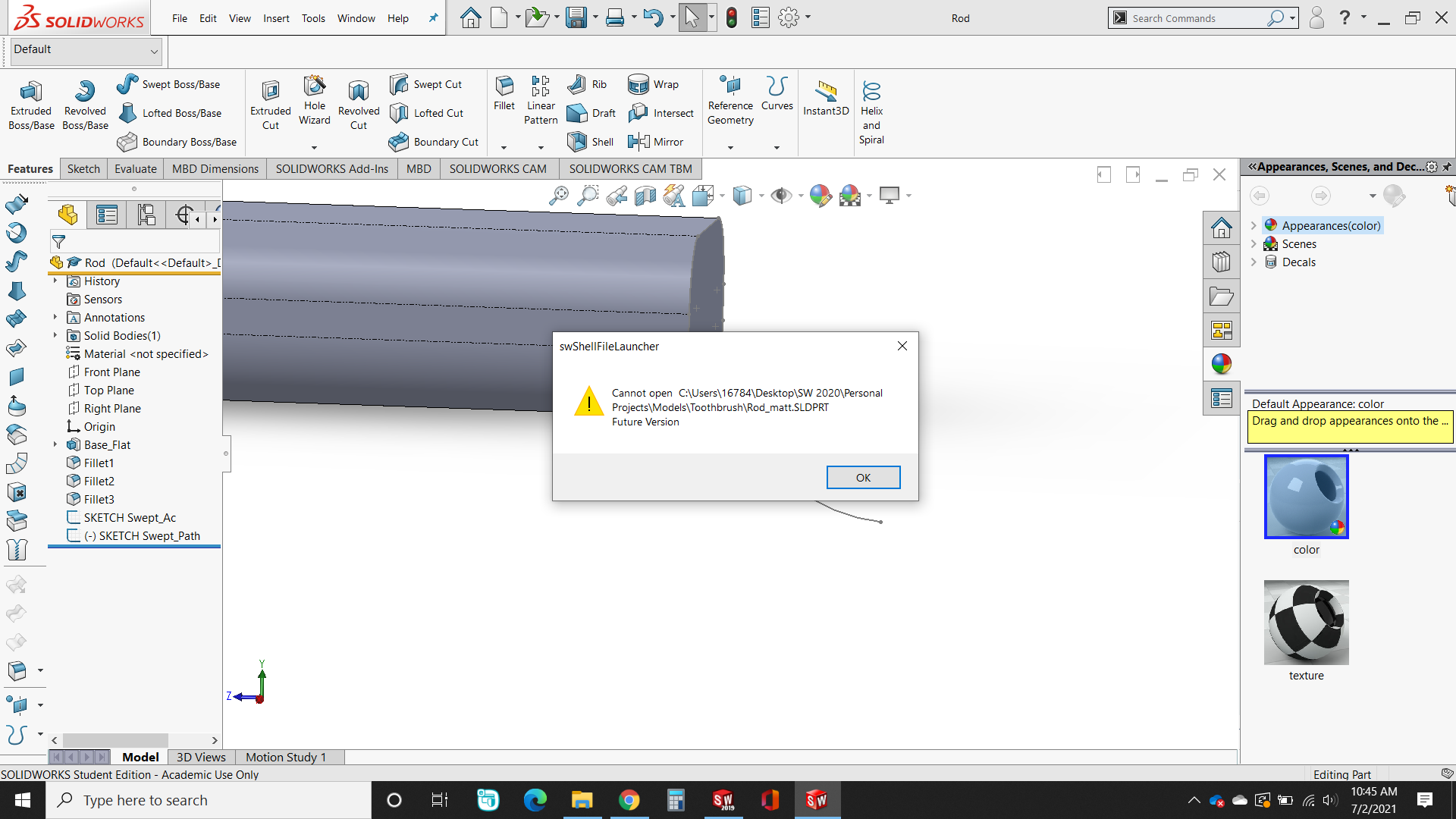
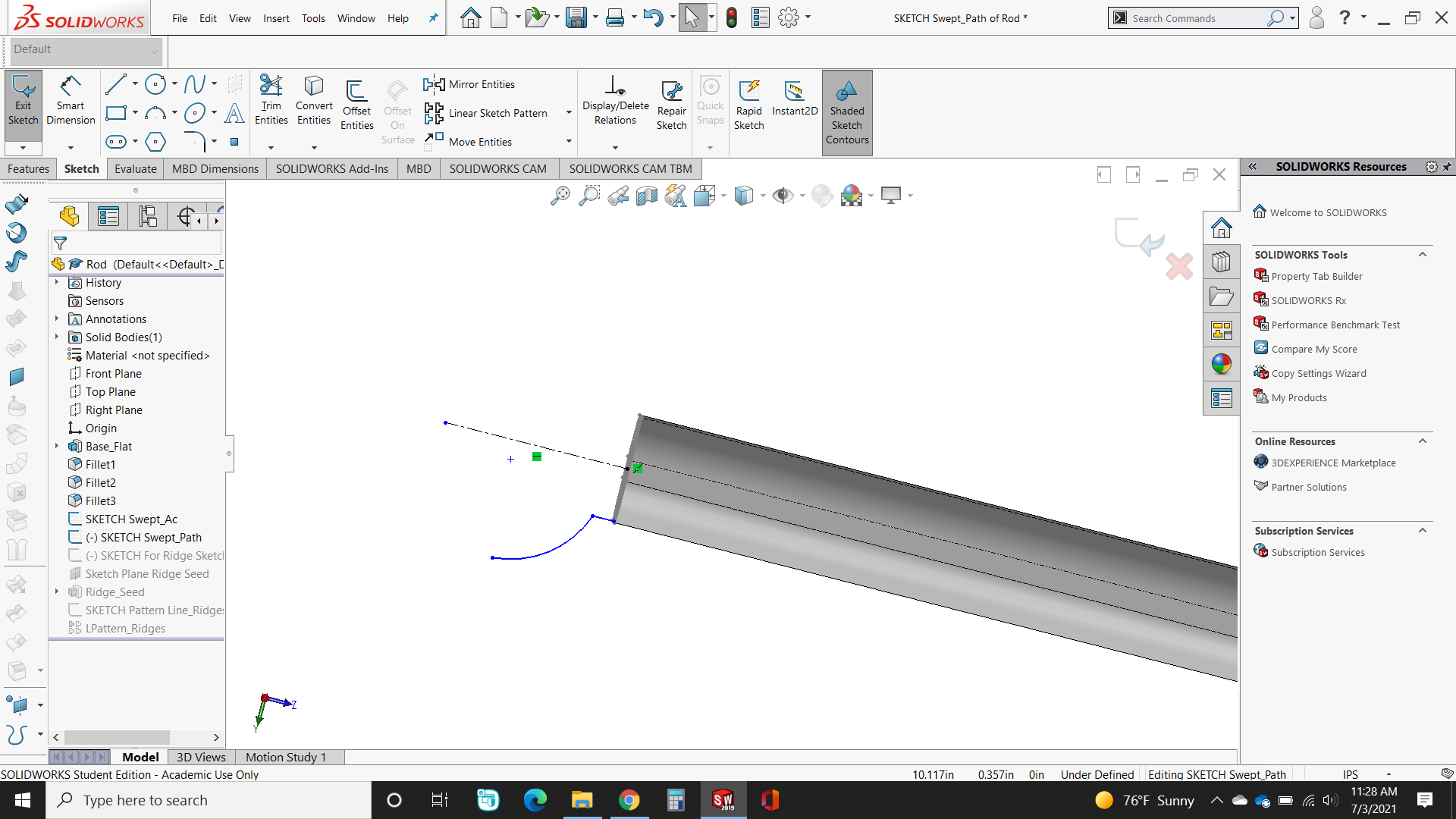
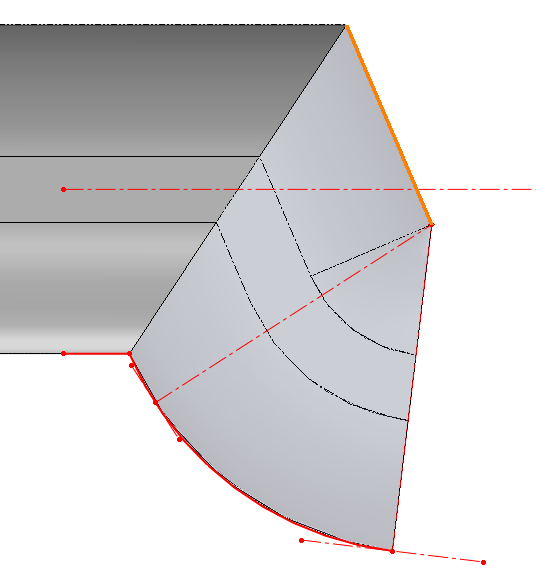
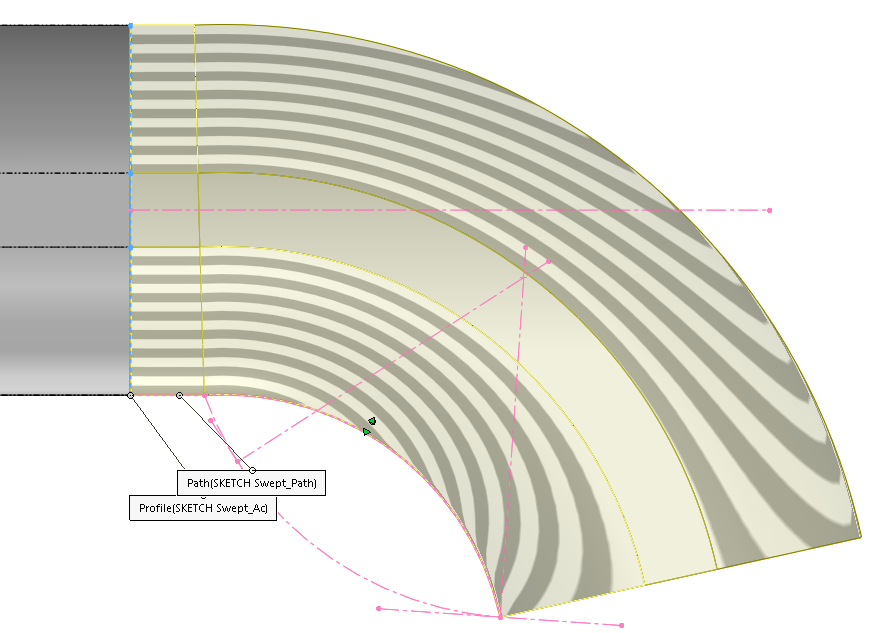
In the attached file, I’m trying to use “SKETCH Swept_Ac” & “SKETCH Swept_Path” to create a swept feature. When I try to do so, SW gives me the error message in the title. Could this be because the end of the new feature would touch the pre-existing “Base” feature, or otherwise?
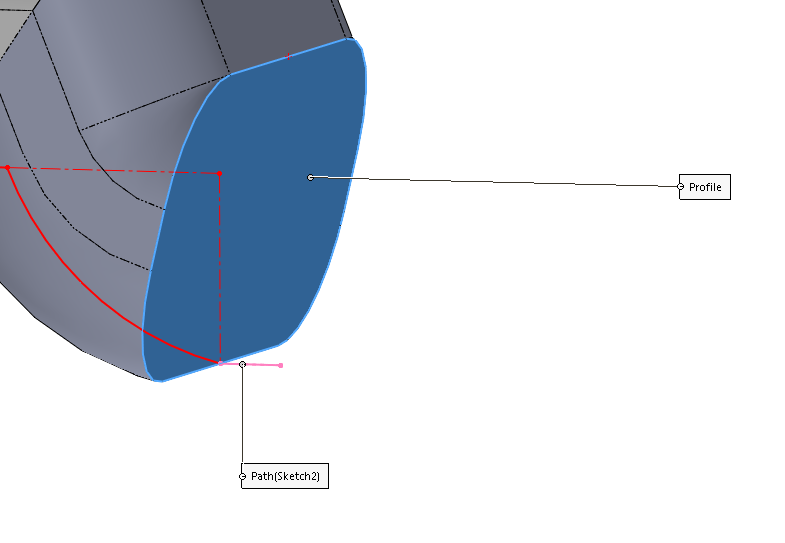
Sweeps aren’t allowed to run into themselves. That’s called “self intersecting geometry”. When you put the sweep path in the middle of the profile and then put a sharp sketch transition in there, the sweep runs into itself. Think about what you are trying to create, and then how to follow the rules to do that.
I moved the path from the middle down to the bottom of the profile. This allows it to complete without self intersecting.
image.png
As Matt had mentioned, changing the path will make it work as it clear up the self intersecting geometry
image.png
In the example above, the path was shifted such that the sweep path is piercing the lower line instead of the center of the profile
image.png
One thing to keep in mind is that this changes may be different from your original design intent
By default, your sweep profile will follow the profile (Unless you change it in your sweep setting)
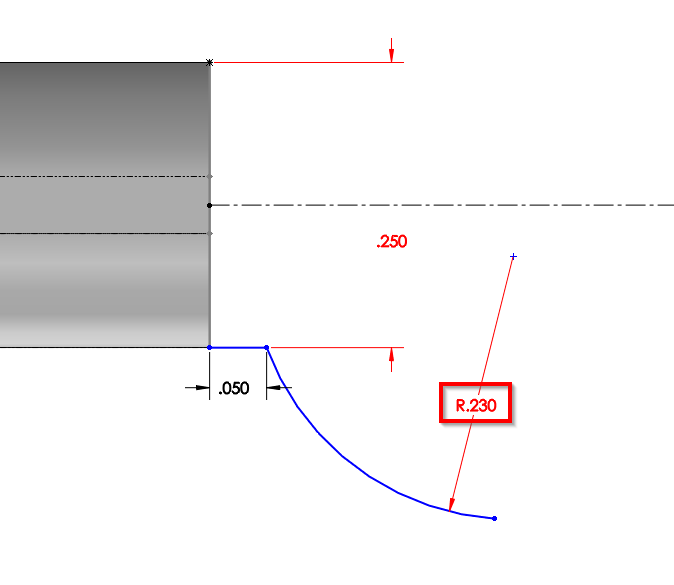
Hence if your profile is larger than your arc which is convex / concave upward**, they will self-intersect… R .230 (original sketch)/b]
image.png R .250
**This will be a different situation if your arc is concave downward as the profile will not intersect
Edit: Added image to better illustrate R.250
So I was able to get the Sweep operation to complete until I added one small horizontal line at the bottom-left of the path sketch (In the file attached here)…and now I’m back to getting the same error!
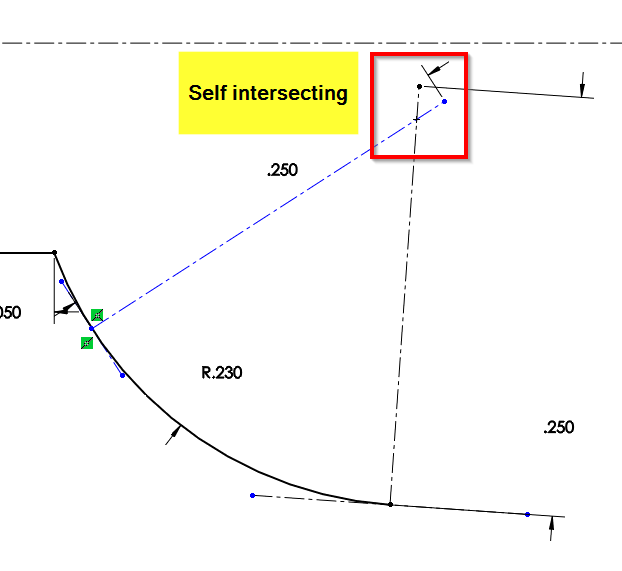
Again, this is due to the self intersecting profile…
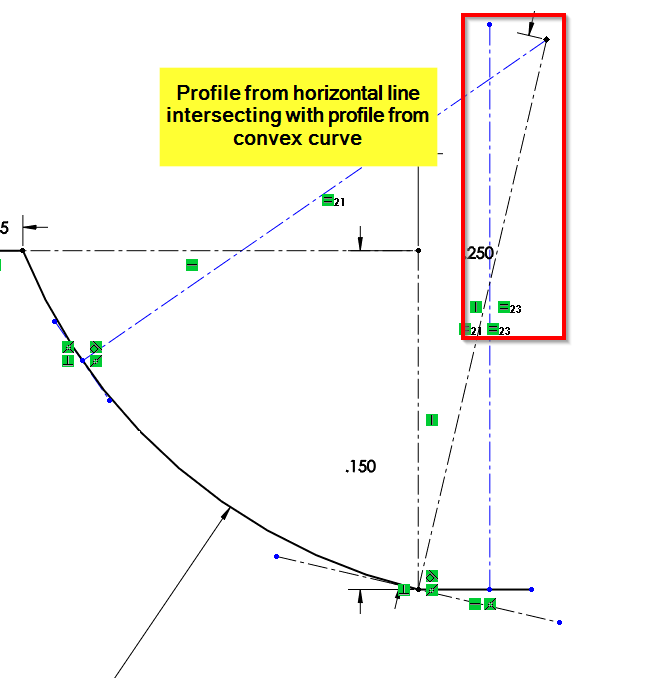
When working with sweeping non-tangential convex path, you need to be aware of how your profile is being sweep.
See the image below, the horizontal profile is intersecting with the convex curve profile
image.png
There are a few workaround and that depends on your design intent
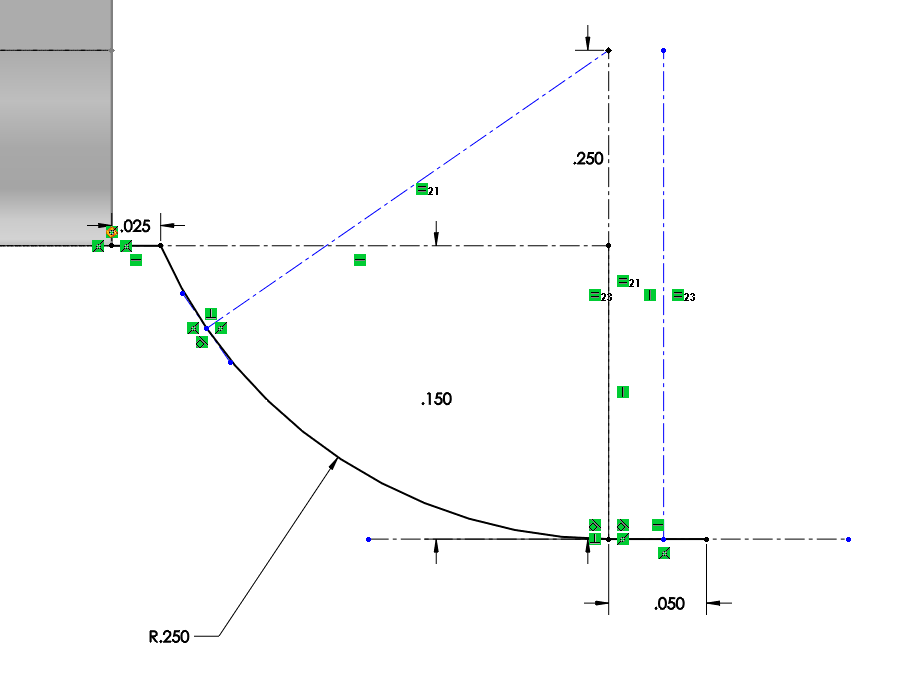
Option 1: Creating a horizontal line that is tangent to the convex curve
The convex curve will change (either shrink vertically or grow horizontally)
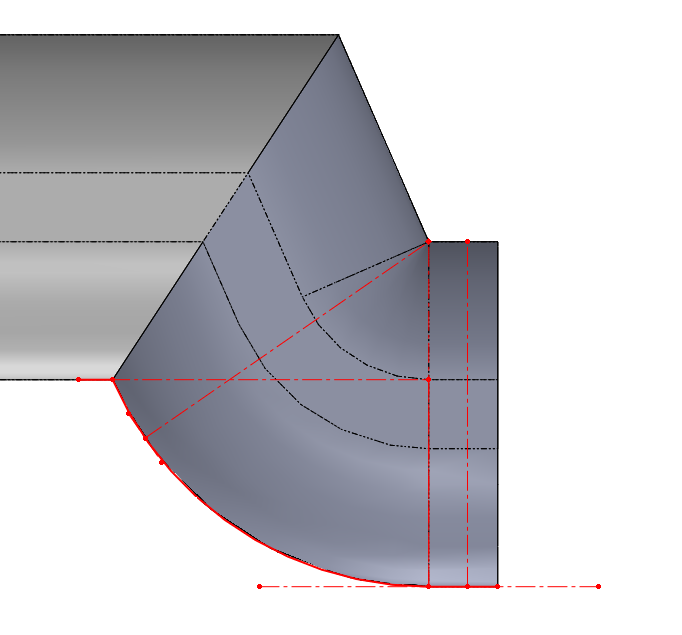
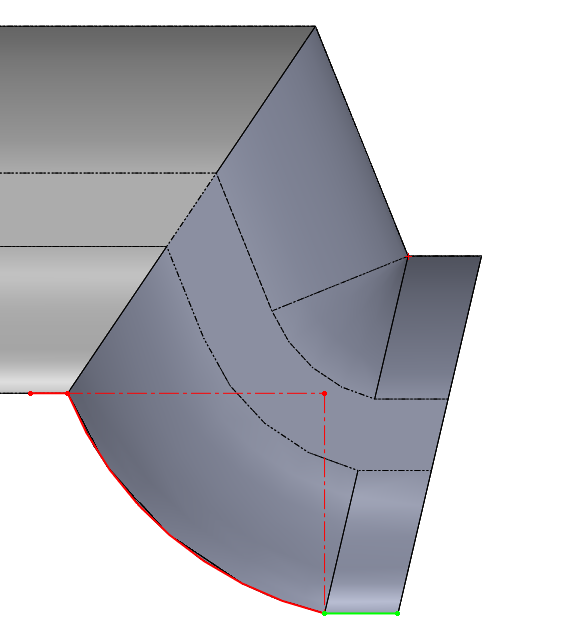
Notice that how the profile on horizontal line no longer intersect the profile from the curve because the line is tangent to the curve Option 2: Split the sweep into 2 feature (You will need either 2 sketch or using selection manager)
For the first sweep, sweep until the curve end point (red sketch)
For the second sweep, sweep using the face and the horizontal line (green sketch)
Depending on the design intent, you might need an additional extrude to get the horizontal end face
However, this option will cause the sweep on the horizontal line to have different profile than the original sweep profile (note the 0.25 and 0.24 dimension).
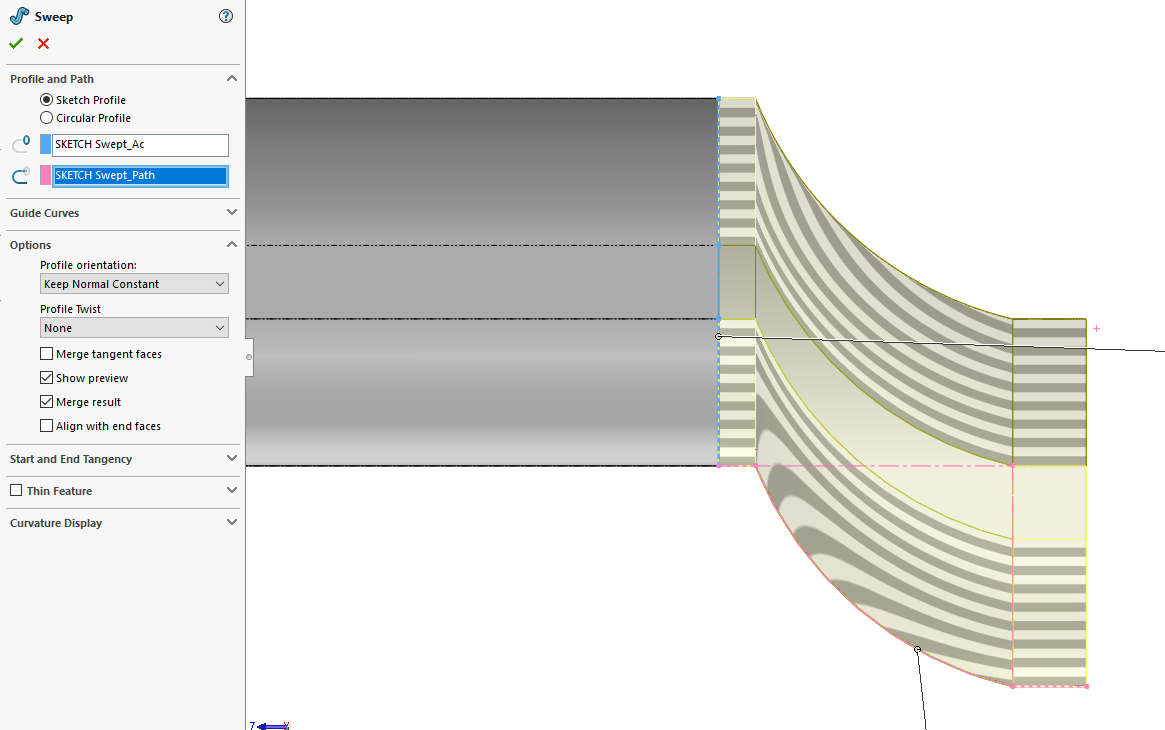
This is because in the second sweep, the face is forced to follow the horizontal line, hence the sweep profile is projected, causing the dimension to change Option 3: Use Keep Normal Constant for your Profile orientation option
This will force the profile normal to be kept constant
But that note that this will produce a really “bad” geometry at the curve area
Each option will produce different result.
I believe Option 1 is the correct way for this case if you want to have a consistent sweep profile
 !
!