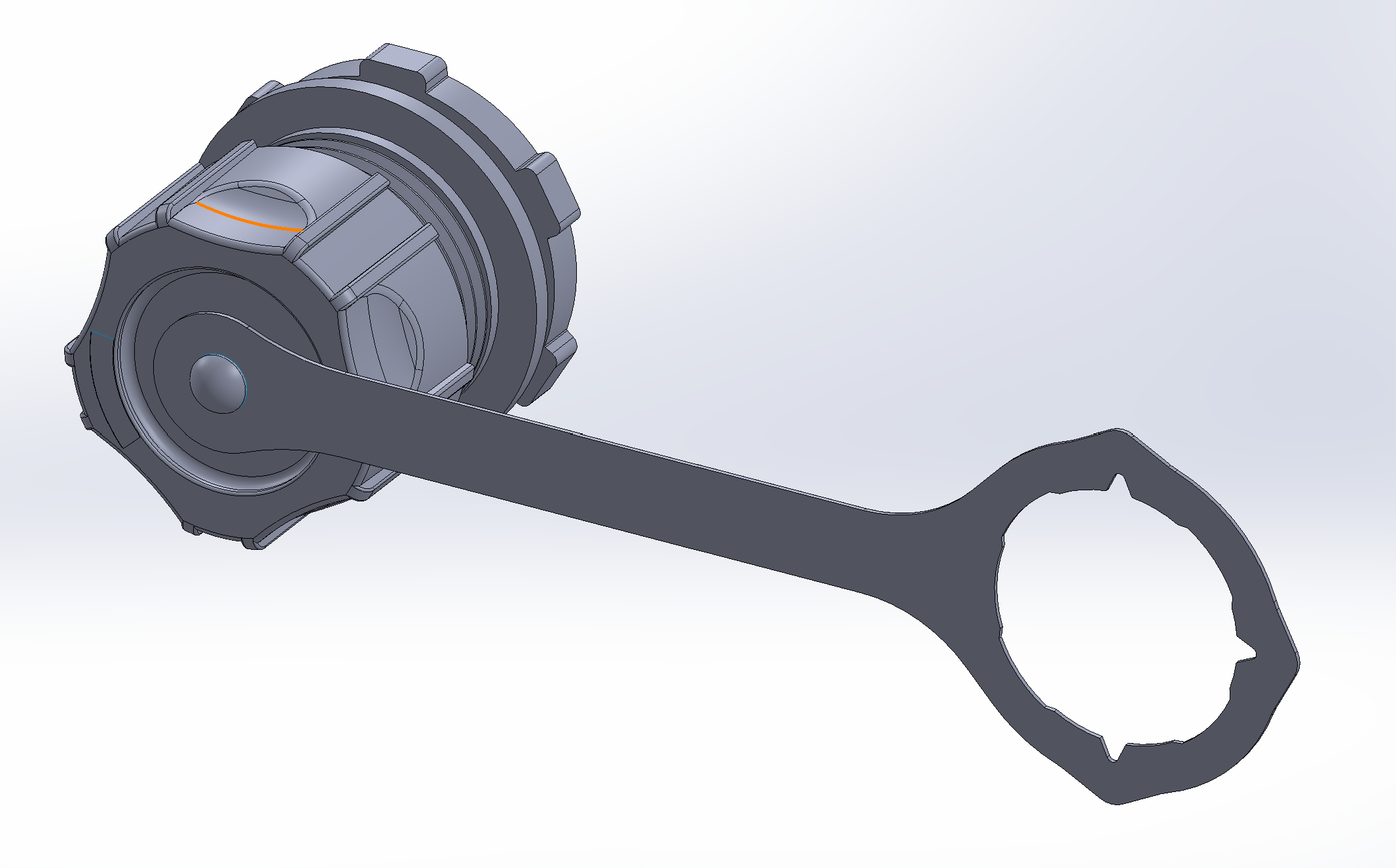
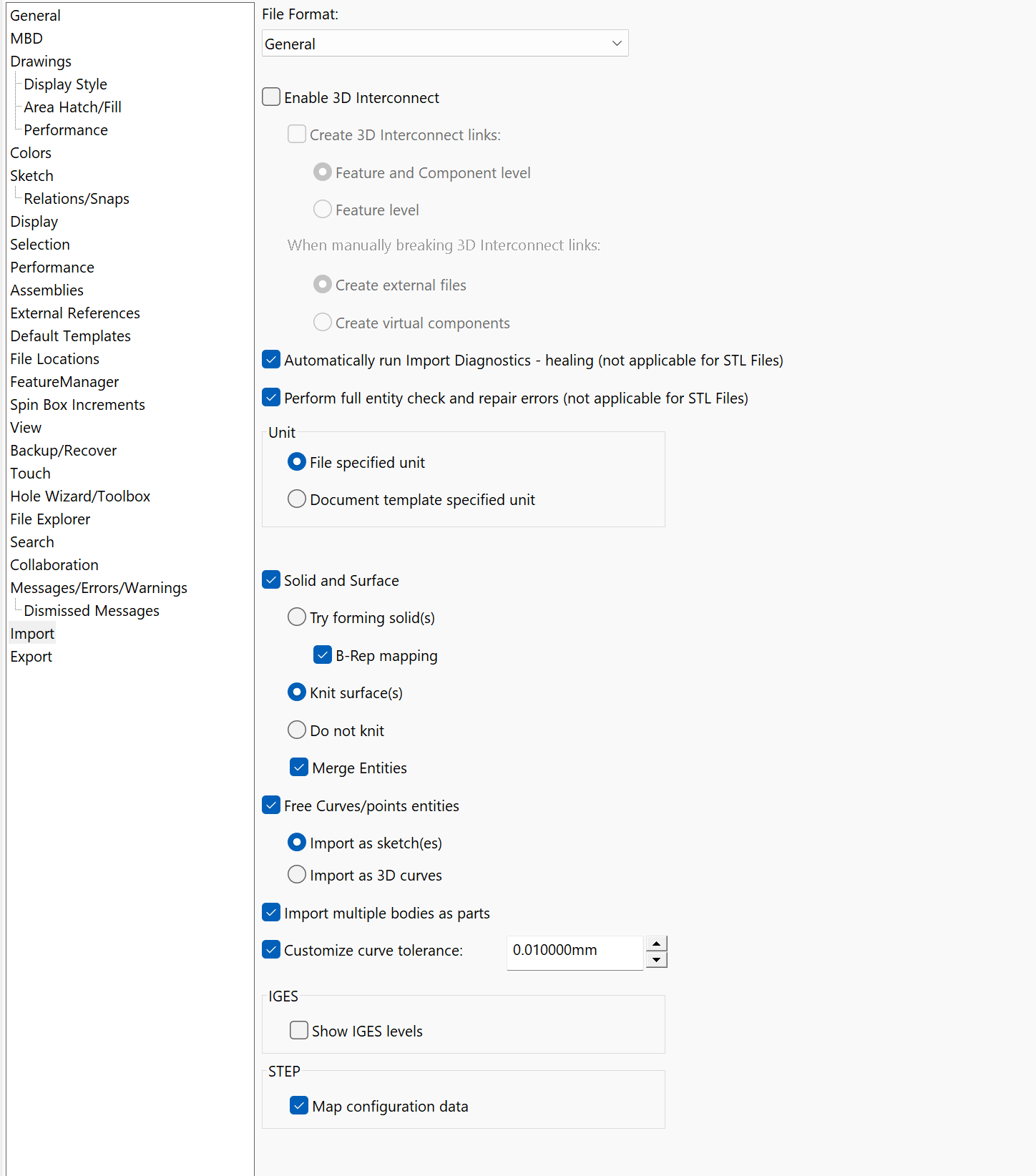
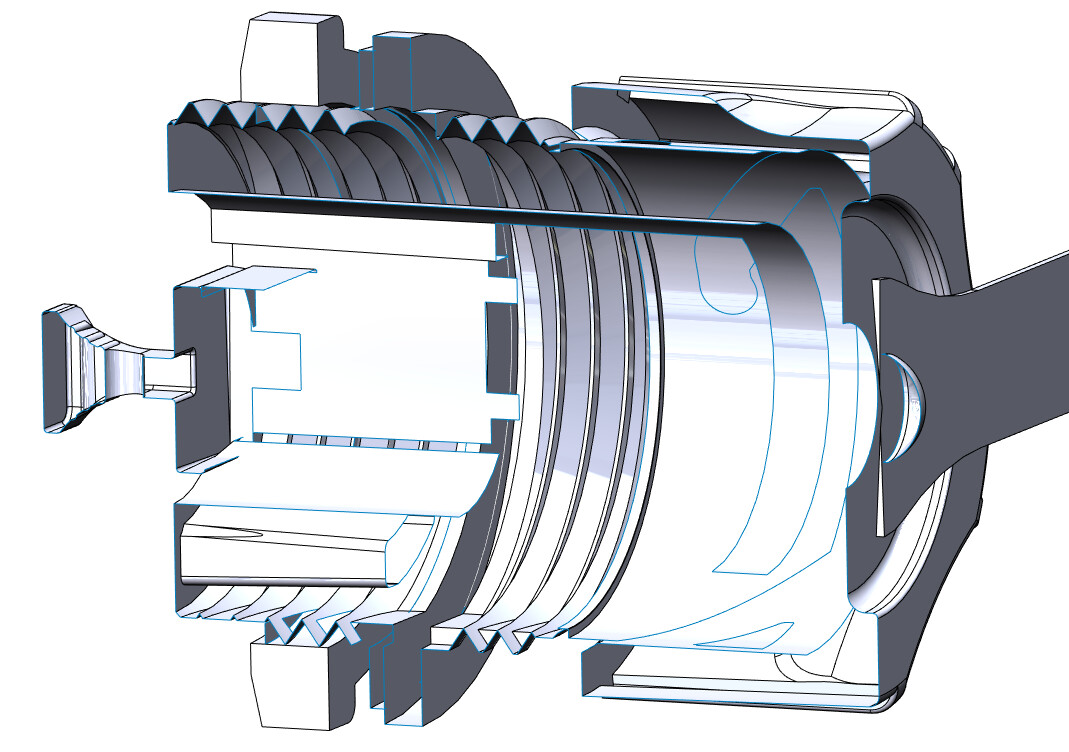
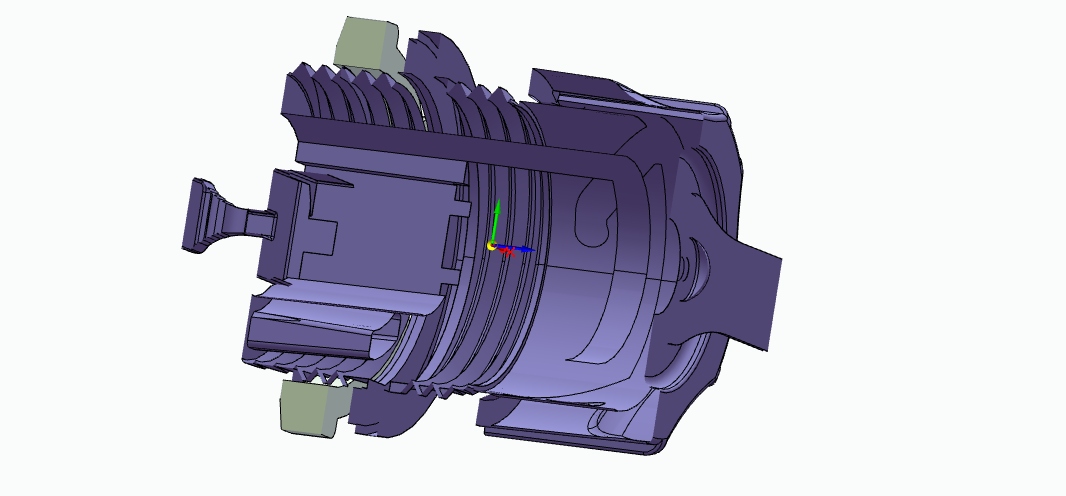
I’ve downloaded a vendor model (only available as a STEP file) and it’s coming in not particularly cleanly in to SW23. 3DInterconnect on/off produces slightly different results but neither are that great.
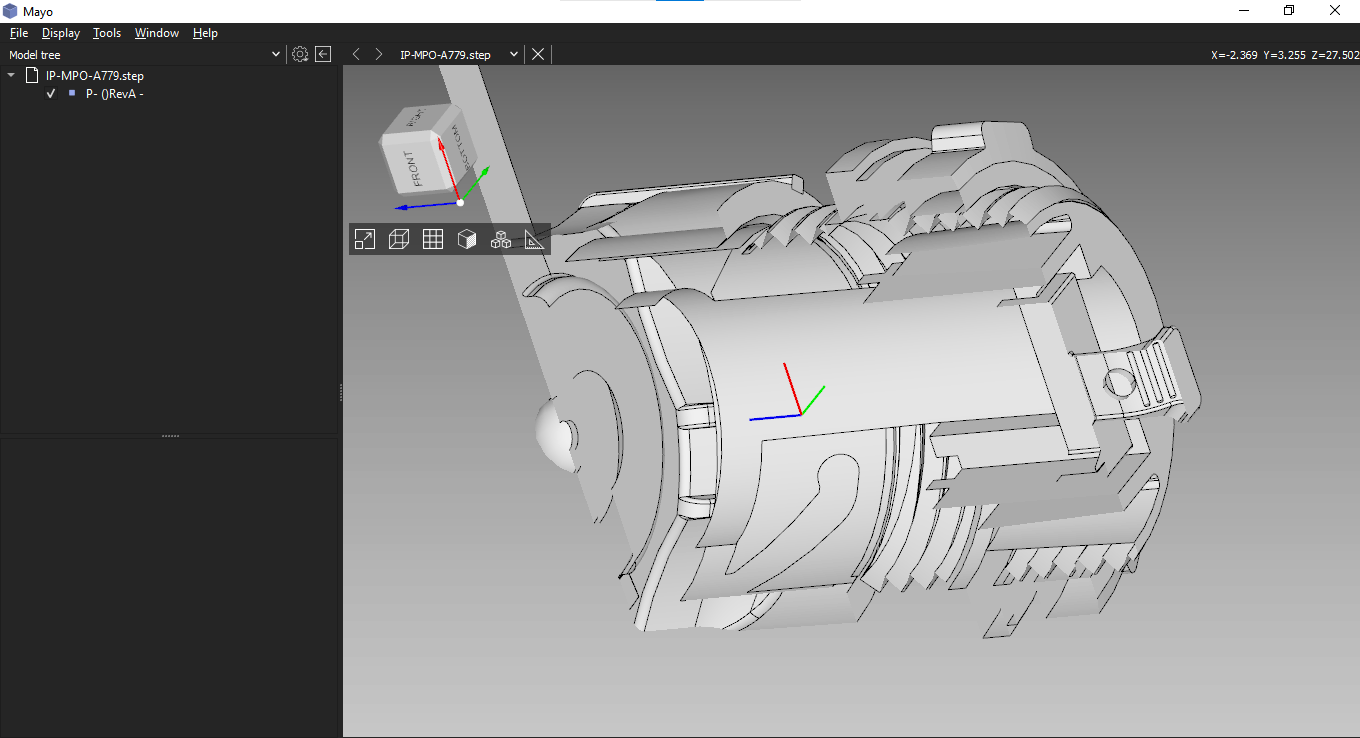
Before I launch in to cleaning up the model, could someone with access to software other than SW take a look and see if it imports cleaner there please? Then maybe try a Parasolid translate to see if that’s a better output?
I’d anticipate more of the internal geometry / geometry under the cap being available to inspect. Just trying to get a feel for if the part was butchered before it left whatever software it came from, or if the import is losing a whole bunch of faces / shapes inside the part.
Looking at the STEP file, it was exported from SolidWorks 2021. Maybe some of the parts themselves were imported in that version when the vendor was building it in 2021. Missing thread faces are typical when importing models from something like CATIA which has loose model tolerances. I suspect CATIA because there is a hole in that end piece on the left that has two half cylinder faces and I remember CATIA doing that everytime.