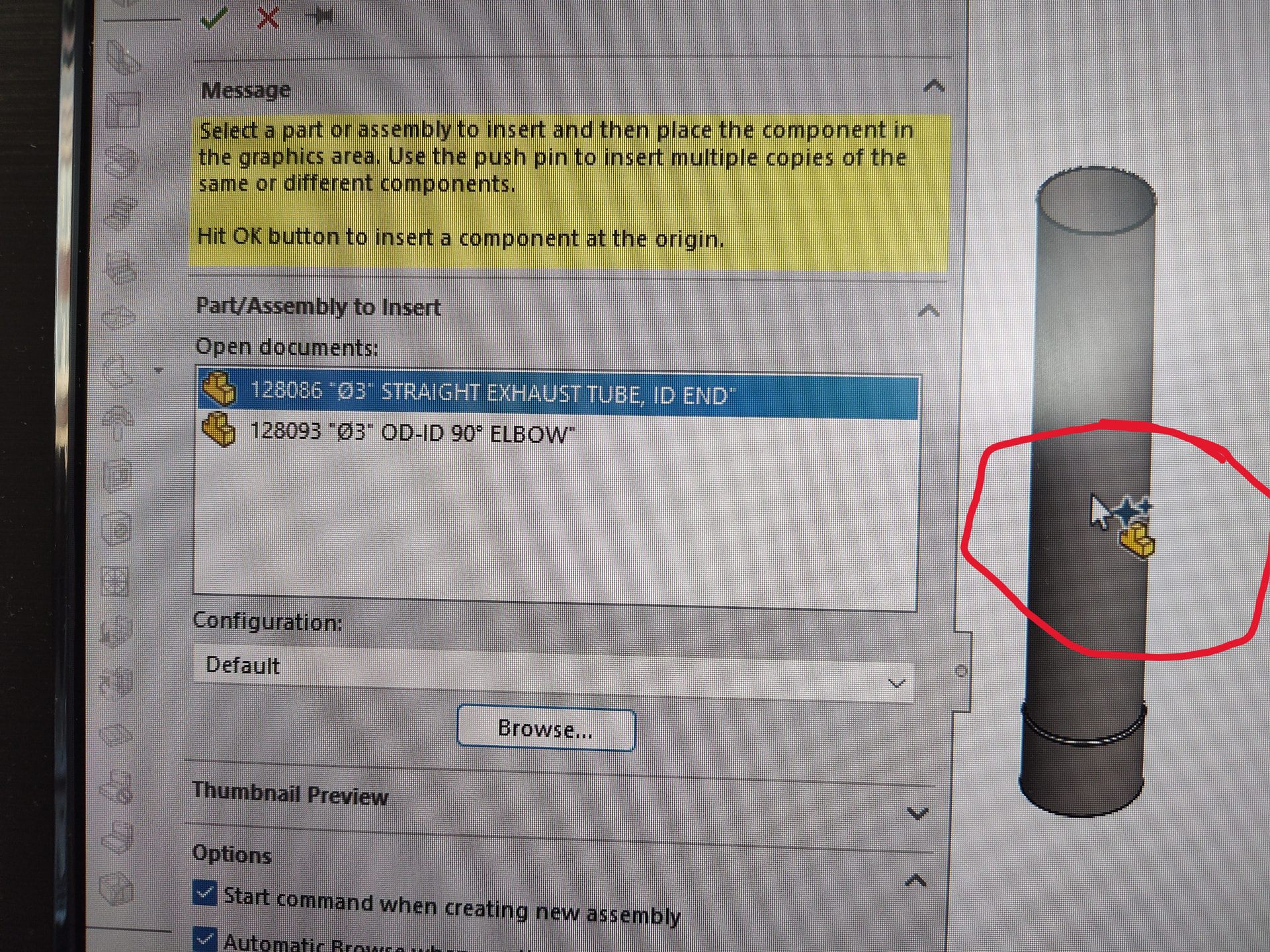
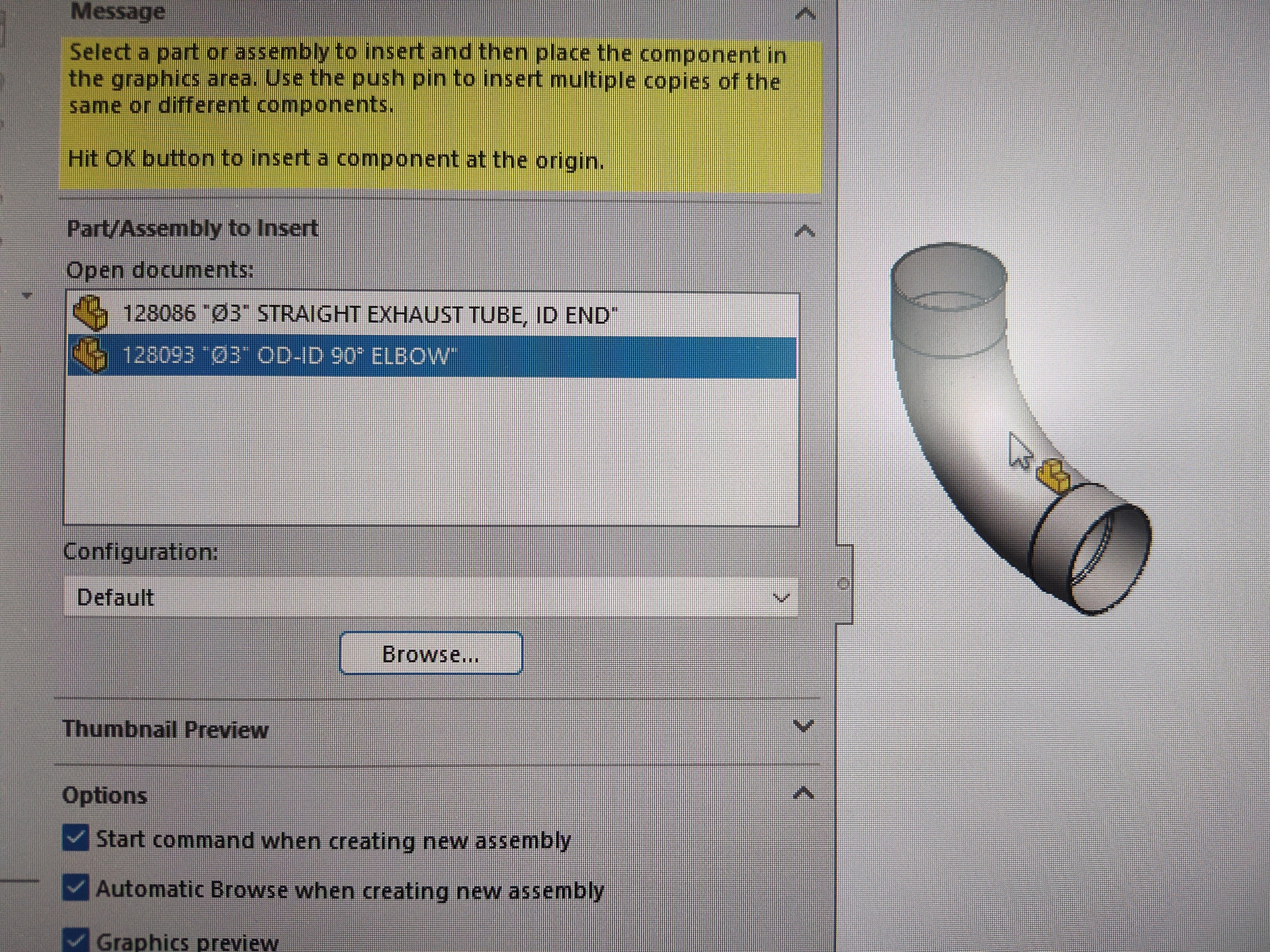
I’m running SW2025 SP5.0 and I just noticed a particular component is showing two little blue 4-pointed stars over the part icon by my cursor when I’m adding it to an assembly.
I feel like I have stumbled upon this before, but I can’t seem to find anything about it.
I’m just curious about it at this point; it doesn’t seem to impact the assembly or drawing in any way.
Sorry about the pics, I couldn’t figure out how to take a screenshot of my cursor…
Just to be clear, this is inserting a part into an assembly.
These are both native SolidWorks parts, created within minutes of each other from the same new part template.
This icon shows on this part consistently across assemblies, new and existing, while other parts do not.
That cursor indicates the new AI Fastener Recognition for SmartMates (introduced in SOLIDWORKS 2025 SP3). When inserting a component, SOLIDWORKS tries to recognize it and automatically find/create suitable mates.
Personally, I think there is no AI there.