zwei
1
Is there a way to “hide” the unit in solidworks measure tool?
Or more precisely, is there a way to NOT include the unit when copy the measured value?
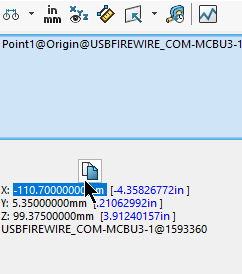
For example, by default copying the X coordinate value in the measure tool will give
-110.70000000mm
Is there a way to copy only the value without the unit? (-110.70000000)
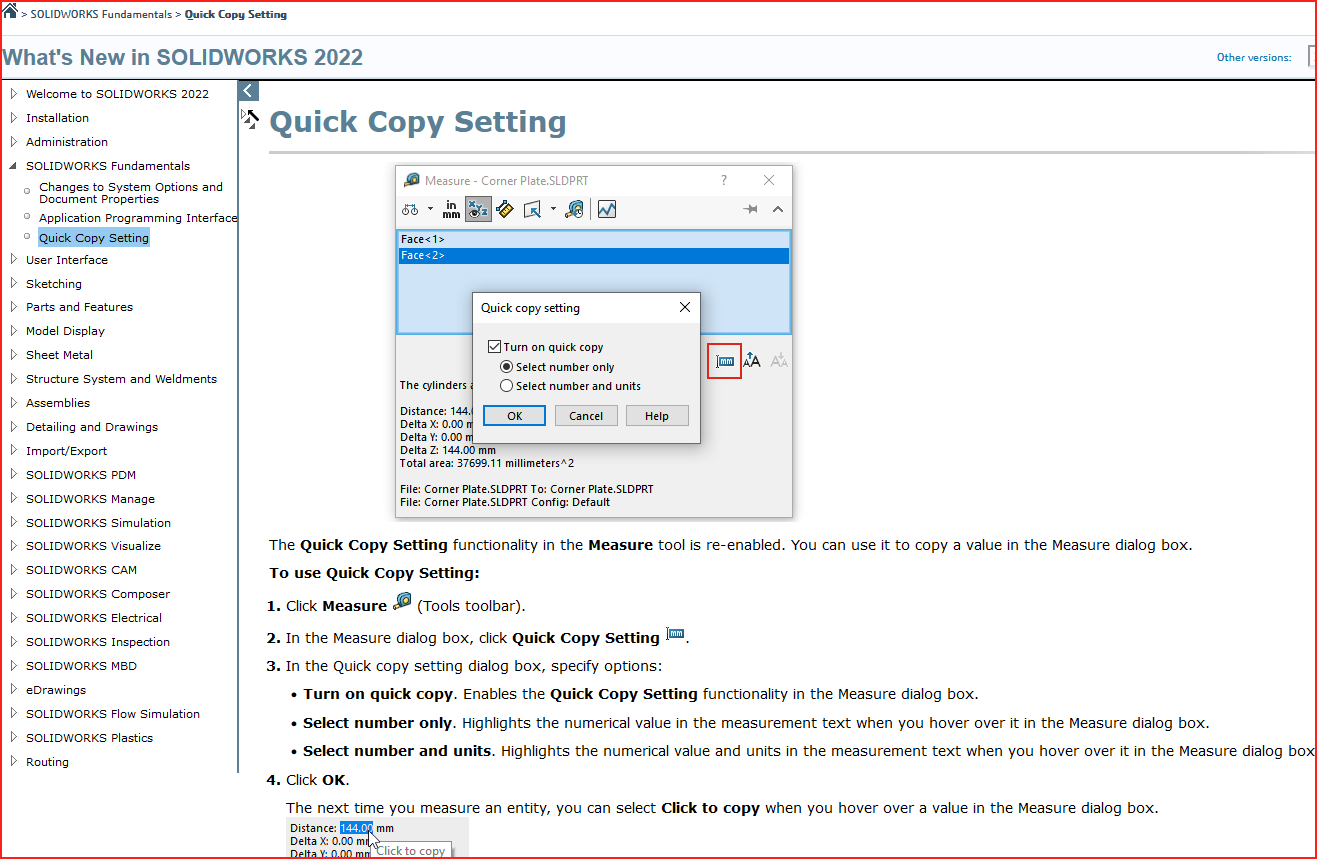
If you aren’t using SW 2022, then no.
I’m not getting that.
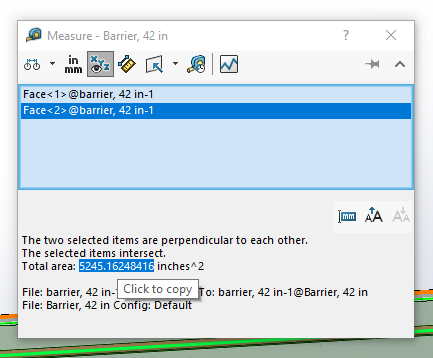
I thought maybe it was because my units was set to inches, but when I switched to millimeters I’m seeing the same thing.
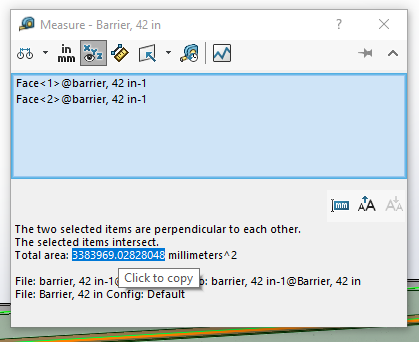
I see in your screenshot there isn’t a space between the value and units. There is on mine. I suspect that’s why.
I’m using SW2022 sp 4.0, by the way.
You are also using SW 2022. That’s also why. If you click here, you will see why (this is new as of SW 2022):
image.png
dang, now I will have to request we go to 2022 from our current 2021 version 
jhodges
6
Try just highlighting the numbers and use ctl-copy