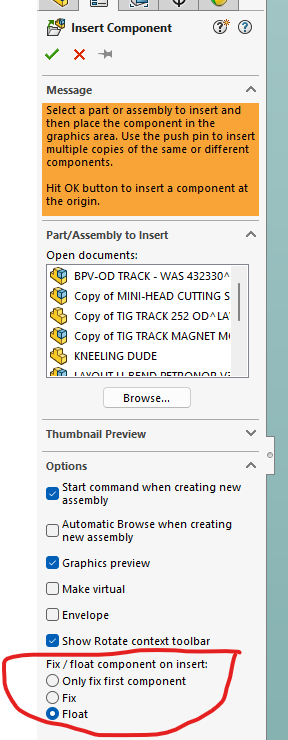
So, I have 2025 sp5 loaded on my computer and when I pull items out of my design libraries, I have set up, they are now coming in fixed to the assemblies.
Previous versions I would drag the item in from the right side menu and they would be floating ready to assign mates. Every time I do this now I need to right click and float the item.
Had a look around in settings and I can’t find anything to set for design library items to coming fixed or floating by default.
These are design libraries I have created but I doubt that has a impact.