Hi
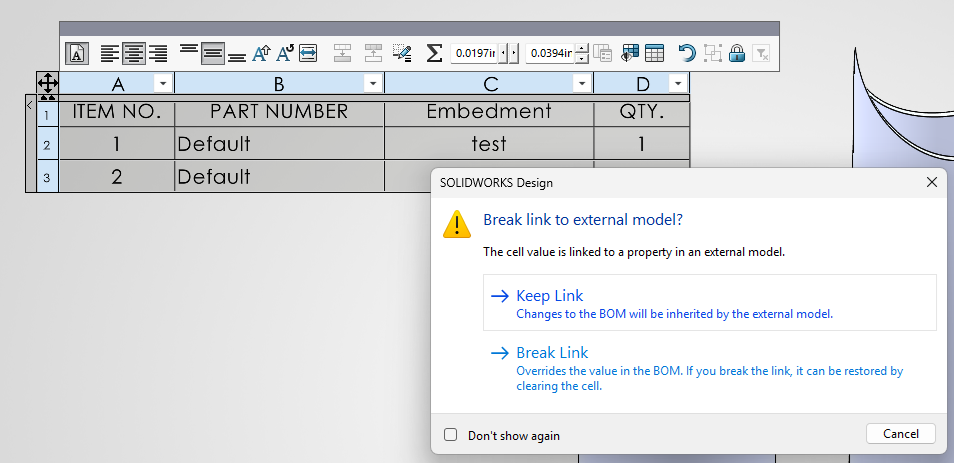
My part and assembly files have around 16 custom properties to help with purchasing and loading into the ERP system they would like to add another 2 properties which are category code and Category Description.
The issue I am having it my final assemblies contains minimum of 2000 Components( this broken down into subassemblies ) and the parts and assemblies are on the shared drive.
This cause the indented BOM causes Solid Works to run slow.
There are also Legacy parts that don’t have the properties and need them adding in and the properties have being loaded into configurations and not the default properties.
This would be easy to sort out if Solid Works had Solid Edge Design Manager which would open the Bom with all the categories and you could add new properties to old arts in bulk and update the properties with out have to open each part and edit the properties.
I am wondering if adding more properties will make the BOM slower to update and edit.
And has Anyone written a tool that works like Solid edge Design Manager. But for Solid works.
thanks