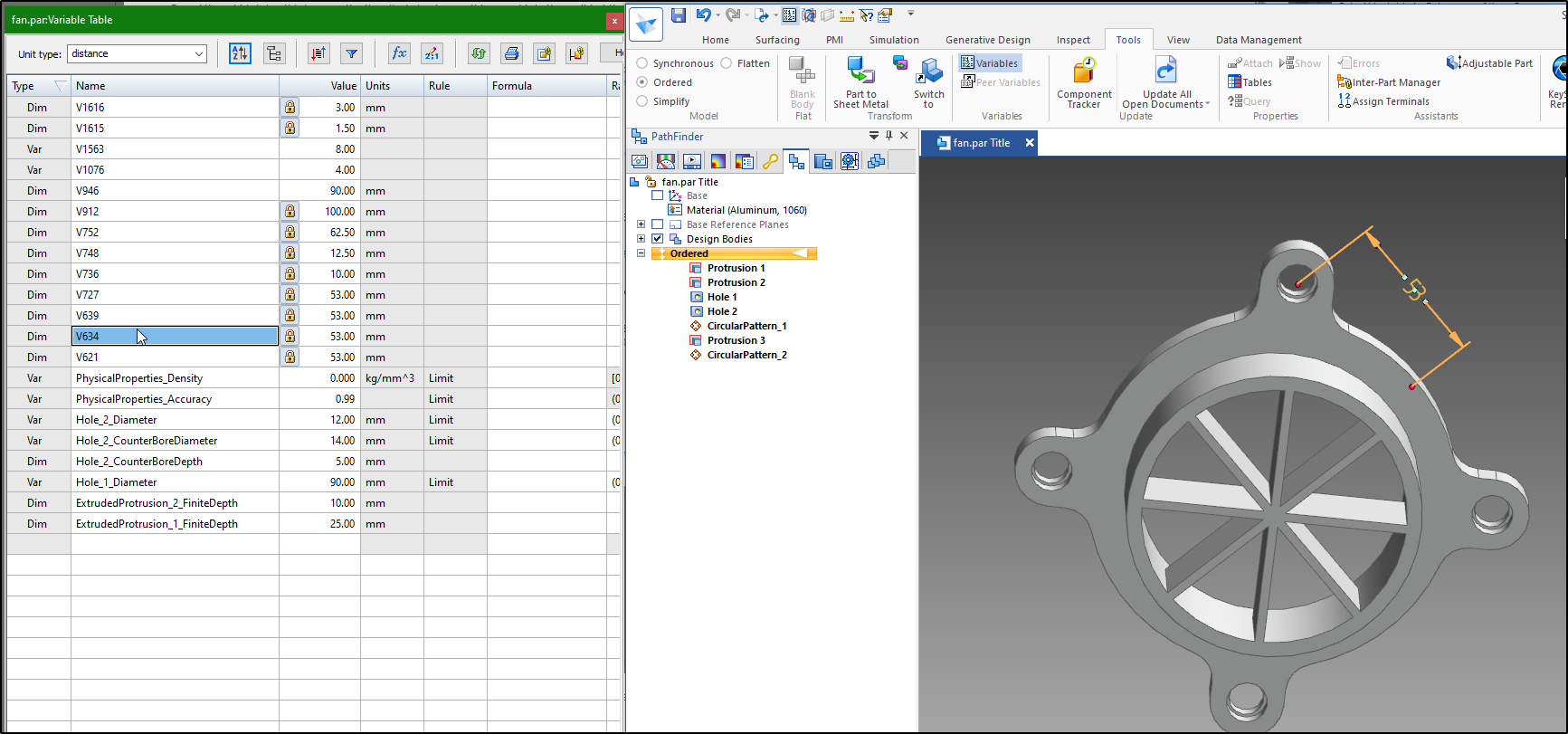
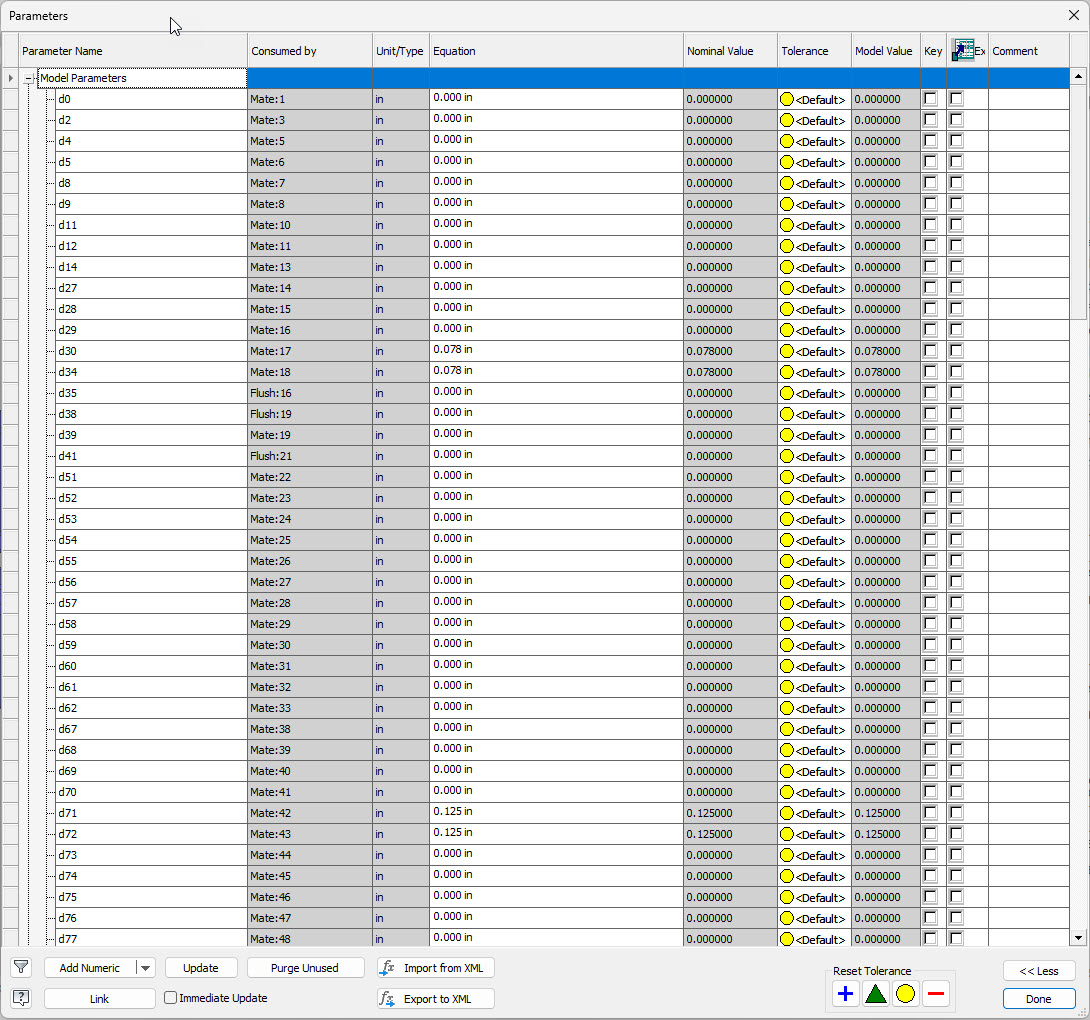
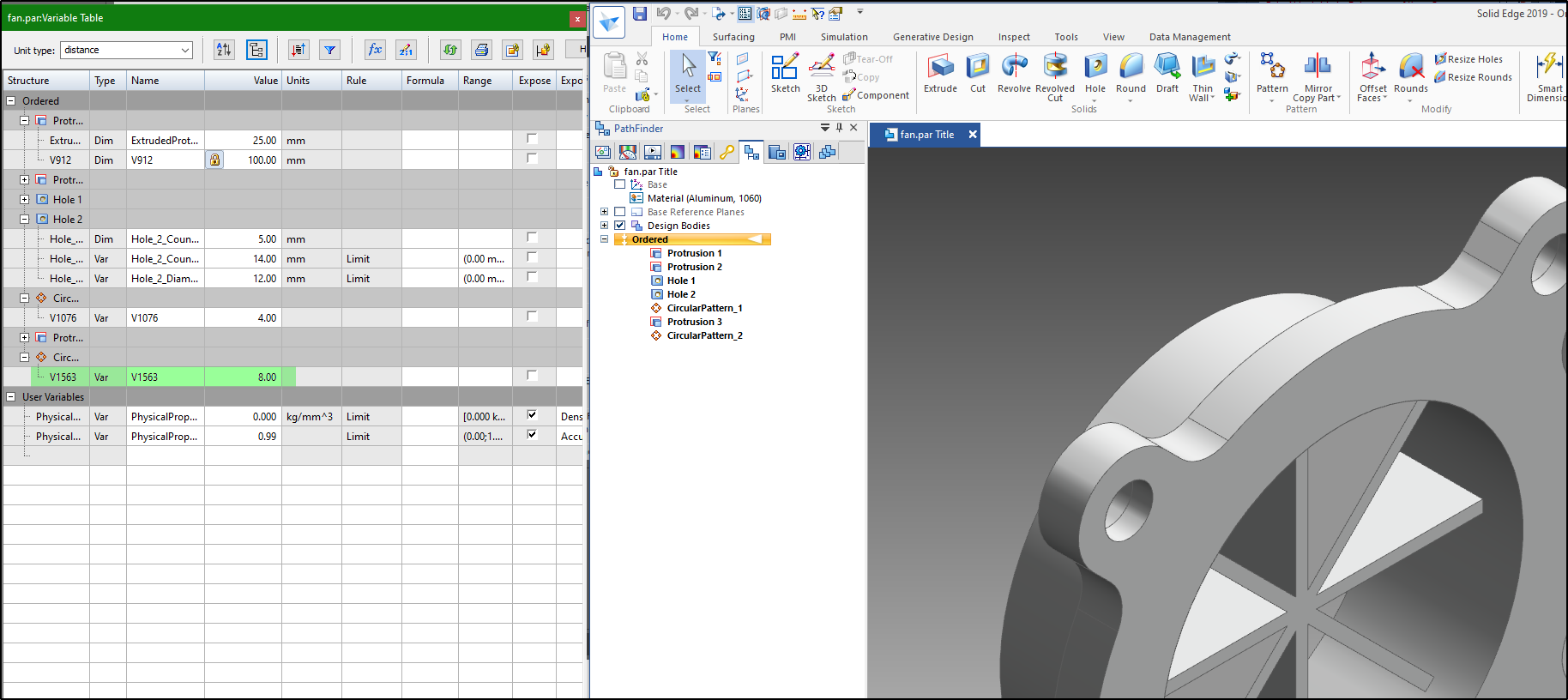
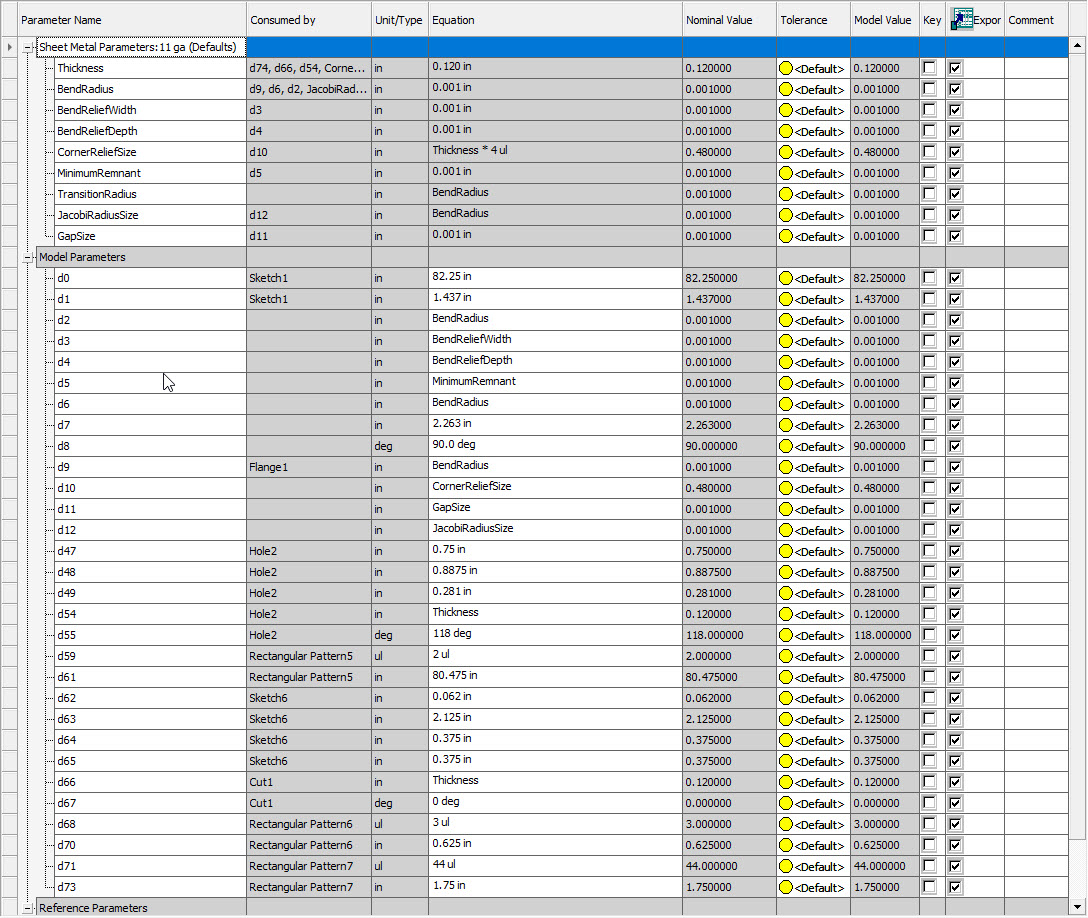
Probably nobody cares, and I am seldom prompted to proclaim something from the rooftop but man I miss having the Solid Edge Variable table. Solidworks has something similar but it doesn’t update and it cannot be open along side the model. Solid Edge nailed this IMO, I can have Variables Table open along side Solid Edge, make edits to equations and constants and watch the model update live. Then leave the Variable Table open and go do work in the graphic area and see Variable Table rows update. And if it’s a big model with lots of dimensions and feature variables I can click on a row in the Variable Table and it’s highlighted in the graphic area! Dimensions or Feature properties!
Wow, I wouldn’t know where to start with trying to keep things synchronized with Solidworks. That’s cool. SW should have picked that up and implemented it.
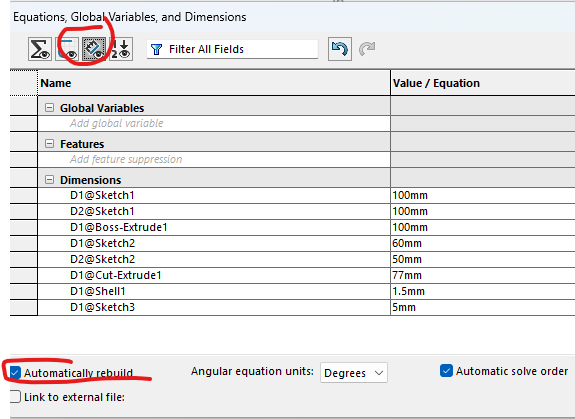
with these options selected, you can at least view and change all the dimensions in the Equations dialog, and have the model rebuild when you change one. However, you can’t do much with the model while the dialog is visible.
Number of occurrences is a dimension. Almost every numerical input to any feature is accessible as a dimension. Things that are not are things like “up to next”, direction selection, etc.
I don’t disagree with that. I just cannot figure out how to display unitless dimensions like these in Solidworks’ “Equations, Global Variables, and Dimensions” window.
Edit: My mistake on that. They show up, when I do it right.
Ah yeah, It was ID10t error. Earlier in day I was working on a part that’s mostly modeled and I wanted to drive it from the table while adding a few more things. I got to thinking how much I like the SE Variables table. Then I opened a random part from SE training folders so I could add an image to post. I went back to the SW task, after a while the pattern count topic camp up in discussion and just so happens another SW model I had looked at has a set of holes (rectangularish) that are attached to a sketch, not a pattern. Well, this idiot glanced at the model and said, “Yep, there’s a pattern in the model, should see unitless dims in the table.” I was in haste and too lazy to properly assemble a response.