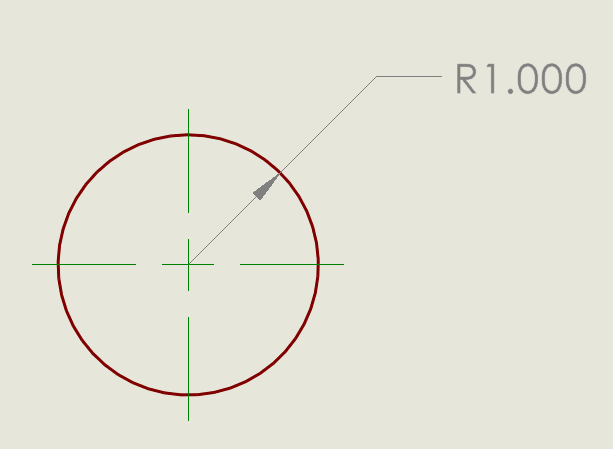
All of a sudden, out of the blue, SW is adding dimensions to every circle I sketch. I never asked for this and usually end up deleting the dimension, so I’d rather not have it. How can I turn this off?
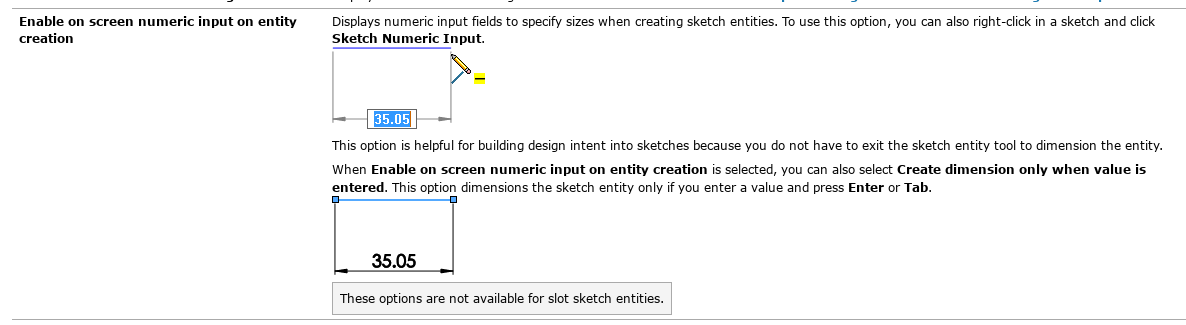
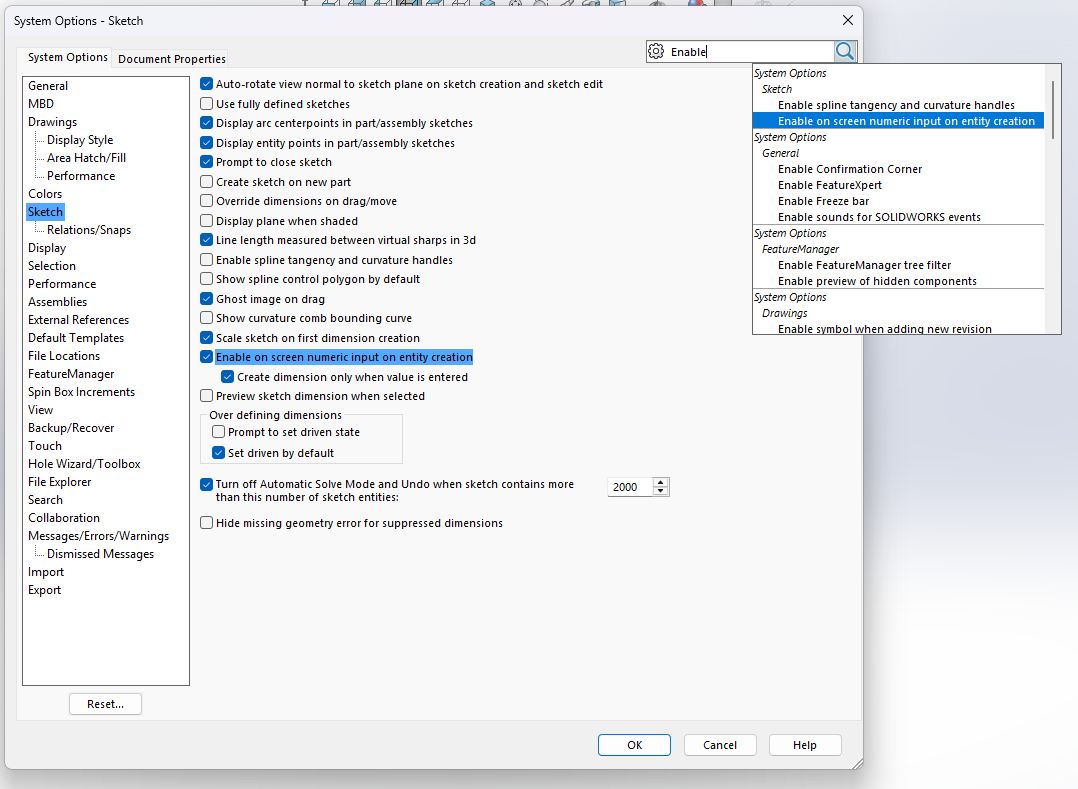
As @JimSculley said, it sounds like “Enable on screen numeric input on entity creation is turned on, and the option “Create dimension only when value is entered” (directly below it) it is turned off.
I would suggest you leave the first one turned on and turn the other one on also. That’s how I have worked for many years. With the second option turned on a dimension is only created when you do it intentionally, so when sketching you can enter a dimension value if you want, or not if you don’t.
Is it only circles, or is it creating dimensions for everything?
BTW, I like your post title… Of course circles have diameter. I’d be pretty interested to see a circle without one. 
I couldn’t find a general rule in ASME Y14.5, but it does say any hole, counterbored hole, or countersunk hole must be specified with a diameter.
As a machinist it’s the only way to measure a OD or ID…… 
You mean you aren’t using a radius gage to measure your holes?
no I use the FILLET tool 
I didn’t say diameter dimension, I said diameter.
I think you’re right. I don’t know how that got turned on because I don’t recall having seen it before. Will test and see if that solves it.
Thanks Jim!
Any time I make a change to a setting, I save those settings. That way I always have a current backup when SW decides to randomly reset the UI.
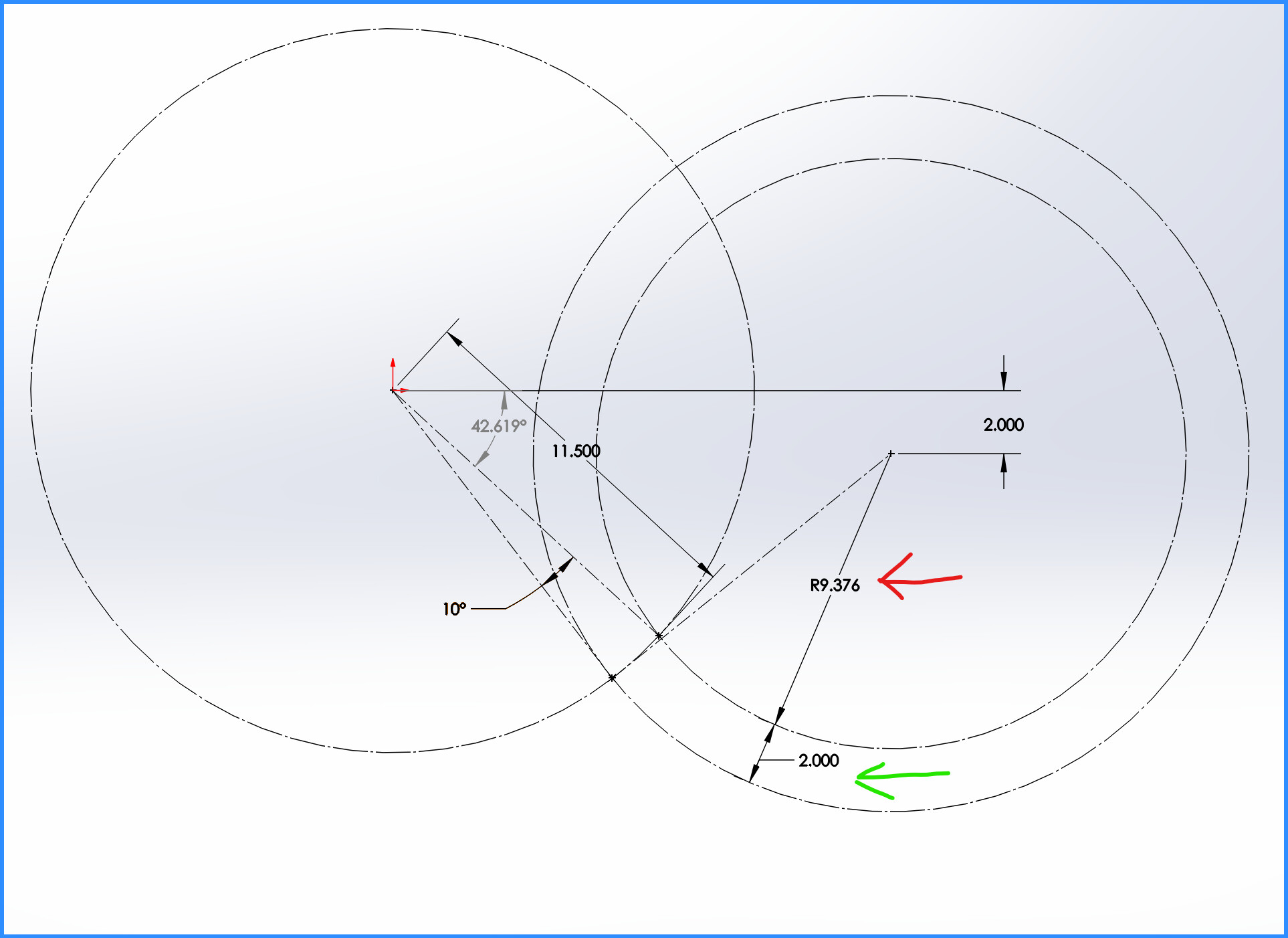
So I do use the radius of a full circle when dealing with hydraulic cylinder placement. (Yeah I could probably use lines & accomplish the same but since I first started using circles it’s what I go to.) In the snapshot below is a snapshot of one I was working on yesterday. Red arrow is the retracted length & the green arrow is the stroke length. The 3 circles will also help me depict when the measurements will allow the cylinder to go over center.