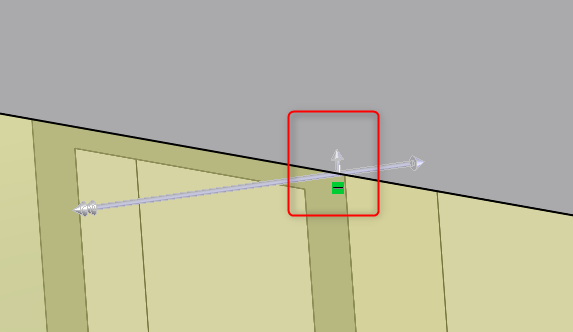
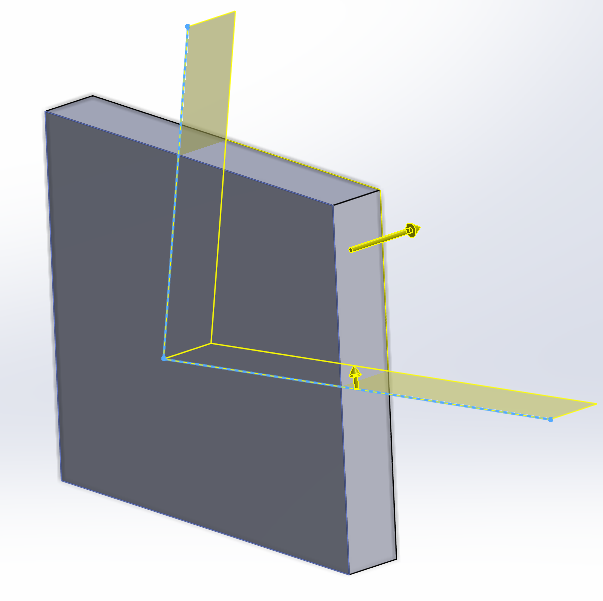
When doing a cut with surface or open contour, the arrow for side to cut is gray. Is there a setting to change the color or size to make it more visible?
Awesome, Thank-you.
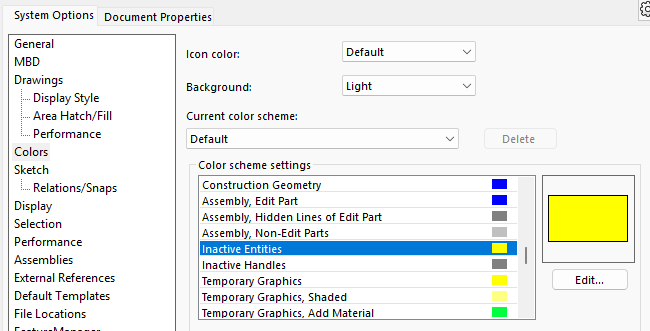
Be aware that ‘Inactive Entities’ affects a bunch of other stuff, such as entities on drawing sheet formats, so unless you want hot pink drawing borders, choose your Inactive Entities color carefully.