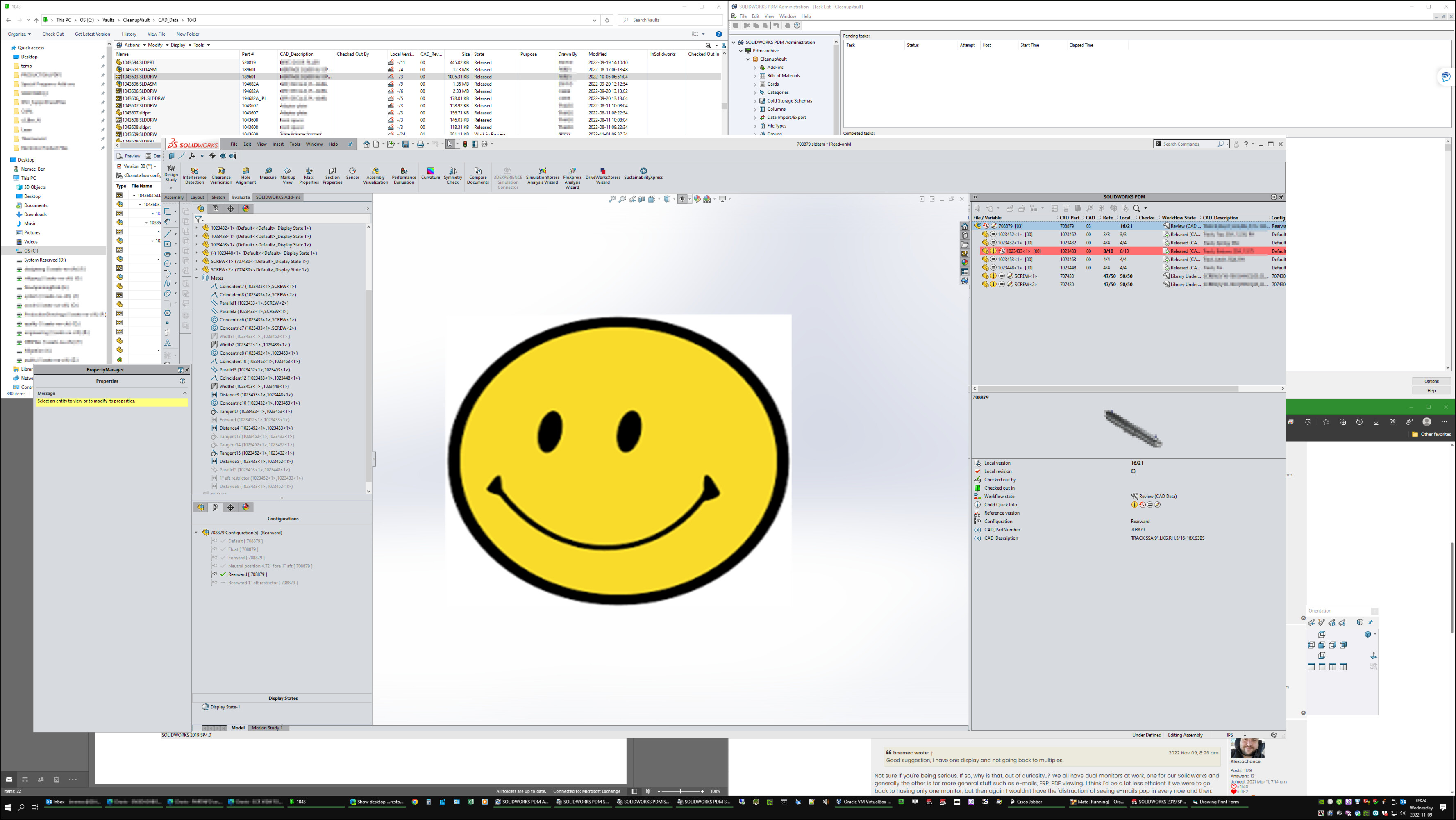
I think I’ve breeched this topic here before but I just learned a new trick so I thought I’d ask again.
I was on the phone with our ERP company and he clicked on the circled area and it minimum all the screens like “Show Desktop”. However he clicked it again and all the windows came back AND on the right screens…well all applications went the correct screens except one…yep Solidworks.
There is a trick I learned with SW that if you close it/restart it or something like that it stays on the screen you do that on. If you move it however it stays on the original screen or something like that. I quite attempting it because it is largely worthless.
So the question remains, is there anyway to make SW maximize on the right screen, same screen it was on when it was minimized, if you “Show Desktop” or similar?
Not sure if you’re being serious. If so, why is that, out of curiosity..? We all have dual monitors at work, one for our SolidWorks and generally the other is for more general stuff such as e-mails, ERP, PDF viewing. I think I’d be a lot less efficient if we were to go back to having only one monitor, but then again I wouldn’t have the ‘distraction’ of seeing e-mails pop in every now and then.
For those using nVidia.
Take a look at RTX Desktop Manager.
You can set up grid for apps and save window size and where they’re in profiles.
I just load the profile in the morning and everything open at the same location.
RXTDesktop-01.jpg
Single 43" 3480 x 2160 display. The math works out to nearly same pixel pitch (x and y) as a very standard 19" 1920 x 1080 display. Except there’s four of them and no splits. So I have this web browser snapped to a quadrant and it’s nearly identical in physical size as a 19" monitor. Outlook is on left half of the screen with the top half showing emails, bottom half is reading pane. Again, each of them are about the same physical size as a 19" 1920 x 1080.
Users that still have two or three displays are always fighting with SW as they don’t have enough contiguous space. There’s only a couple with three displays and they have SW in center with things over on the adjacent edge of both side monitors. We need to have the PDM addin open and shown all the time to see versions, and part numbers (stupid serial numbered files) Then if any glitch happens it’s setting everything back up again, and usually for every environment (part, asm, dwg…) The Surface or laptop users that dock/undock have given up and just use it on the default display when docked with a viewport of about 10"x10". It’s just a bunch of hassle. That’s why I kind of chuckle when I read the posts about how to trick SW into working with multiple monitors. One big one is much better for me. Everyone has their own prefs though.
From what I read it’s because people are using 4k with a tiny pitch, like 4K on a ~13 Windows Surface, then using windows scaling to be able to see stuff. But SW half implemented the scaling part so it was a mixed bag. I’m not scaling.
The only time it sucks is in meetings and I have to share my screen. I don’t, so I need to keep switching which window I’m sharing. I did change resolution a few times for presentation, but then I have the same problems as the multi-monitor people; SW doesn’t know where to show up and all the dockings are messed up so I quit doing that. Some web meeting systems have a scaling that I use or a loupe.
Problem is Windows API.
To use DPI scaling all UI need to use update Windows API.
Most programs were built on top of old code with combination of MS, third party and in house UI API.
It’ll require a complete UI recode.
To get Scaling to work, set the screen that need scaling as Primary in Windows.
SW and other usually take scaling info from Primary display only.
Lol yeah I often forget about that. (screens made the size of multiple screens).
I might switch my home display to a curved ultrawide monitor soon but I’ve always been the hesitant type when it comes to new things like this, even if it’s nothing revolutionnary. I guess it’s a paradigm I have to be reluctant of new things at first.
How does having multiple apps on a single screen work? I have four screens and quite frankly that’s not enough. At any given time I might have SW, possibly two launches, 2-3+ tables of excel that I often need to see at the same time, our ERP…which freakin’ has a bragillion different windows that I often have to see 3+ at the same time, of course a browser, often time two, Adobe, Outlook, Word…almost alway open at the same time.
I strategically place windows on different screens based on which ones I most often have to see at the same time. So a different excel on 2-3 different screens, different ERP windows on different screens and so on.
I just don’t see how one would navigate and control all those on a single screen not to mention that instead of just swivel left and right with them all on the same screen now it’s left right up and down because the views are stacked.
Again I’ve only tried it on a small basis but I never had any luck keeping them organized vs just “Maximized” to a screen.
Some others are using tools to organize, one is a Microsoft Power Toys I think. I didn’t like it an uninstalled. Another is the nVidia RTX Desktop Manager that Fred mentioned. I just snap to quadrants mostly. I have a screen shot in earlier post I think.
I’ll have two or three spread sheets open, all side by side too, just on one screen instead of two or three. What I have is almost exactly a 2 x 2 grid of 19 inch monitors. So what you put on one screen, I snap to a quadrant, or my coworkers use power toys to define zones or something.
I would ask the reciprocal about how to have a vault view or other apps spanning two screens. How do you get used to the gap cutting the app in half? But each their own, what one person prefers might drive someone else crazy.
Endless variations have been tested. Inside SolidWorks scaling of Windows has multiple effects, and of course inconsistent. We gave up, and settled for sharp vision of parts of the text.
Start the macro editor, drag the editor window to the screen where you want Solidworks to appear. Now simply close the editor again.
This happens to me regularly when I program macros and move the editor to the second screen to observe what happens in SWX. When I close the editor on the second screen, all macro windows open on the second screen.