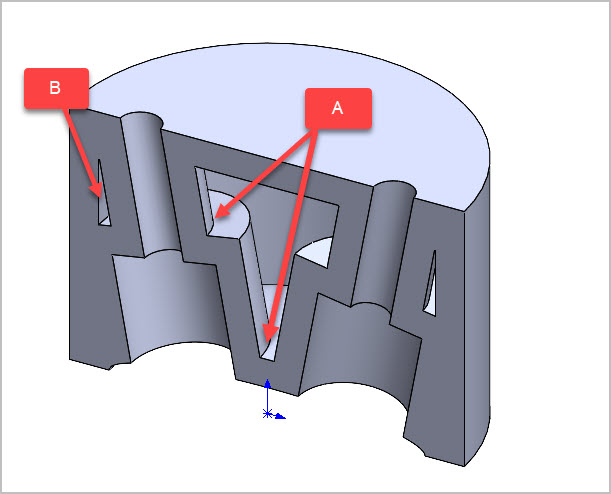
I dont use this function often so I suspect missing some nuances. I’ve got a basic shell going on by selecting the top surface & wall thickness. Still need to play with thickness amount, but anyway A) how would I now fillet select internal corners? Split the body, fillet, then knit the body together again? B) depending on defined shell thickness I get some slivers that maybe I want to just eliminate. I think thats maybe what the second panel is about in the shell command but not quite understanding what its asking for in terms of surfaces. Ive attached the (v2024) file if you want to muck about & show me a better workflow.
test head shell.SLDPRT (164.8 KB)
For fillets to internal edges, you can select them while sectioned. Or you could switch the model to wireframe, or make it transparent.
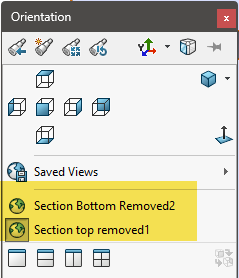
I attached your model, I added two save section views, one from the top and one from the bottom.
The second box in the shell command allows you to select faces to override the thickness and give them a different value. I selected both of the holes so you can see the effect. For the fillet you can select edges, faces, or features…in this case I selected the shell feature which is most stable against changes. Faces would be next with edges as the last choice.
test head shell - jc.SLDPRT (319.7 KB)
Excellent! Thanks for this!