I am trying to add an alignment tab to a bent corner. I want the tab to be parallel to the flat face (baby blue), not the bent face (brownish), but I can’t find a way to get SW to bend the wall without bending the tab. Any suggestions?
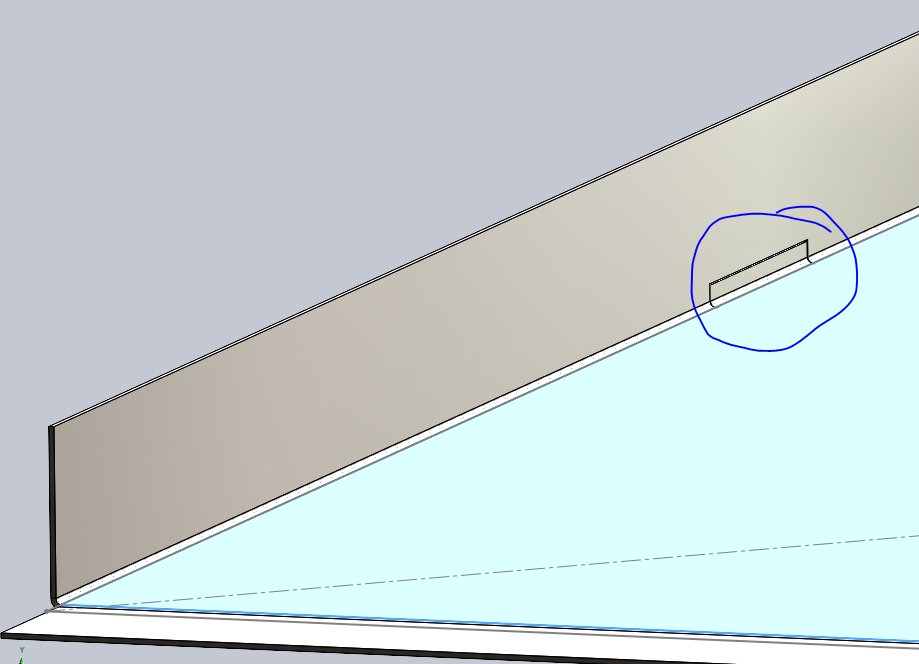
Cut it out then add it back.
Similar to this? But now I can’t find the Tab command in SW2025, this part was designed in SW2013. But you know the work around to use the command.
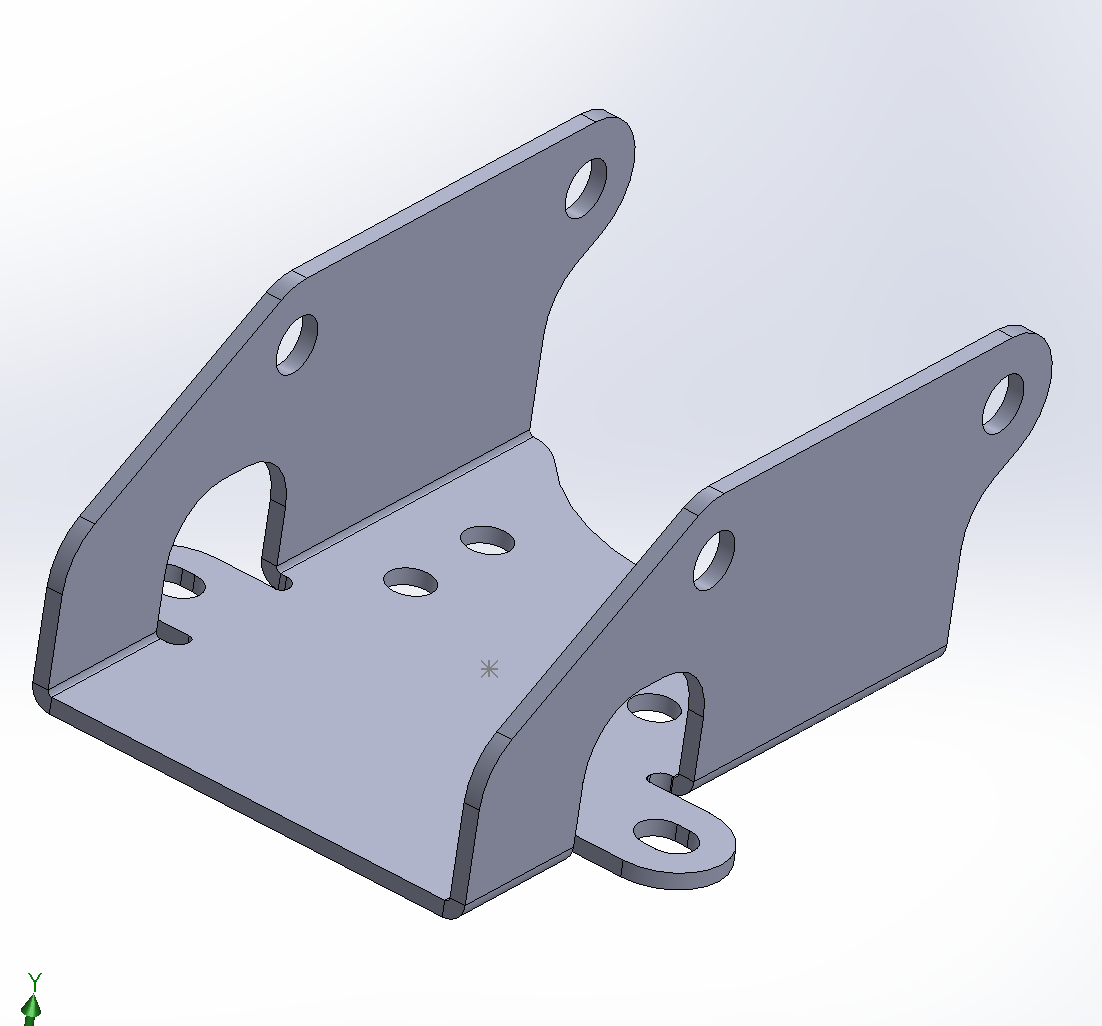
20260924_Example Part2.SLDPRT (271.8 KB)
Memory came back, you can use the Base Flange/Tab feature for this. 
20260924_Example Part3_001.SLDPRT (178.5 KB)
Yeah, resort to brute force. I would expect the sheetmetal functions to be able to do this, but maybe they can’t.
Exactly.
Thanks for the examples, Frank. Unfortunately I can’t read them because I’m on SW 2024.
It’s never “SheetMetal” in CAD.
It’s only “Brakepress bend”.
SW2013_Part1.SLDPRT (378 KB) from home with SW2013 Windows 11.
Many thanks, Frank. Very helpful and much appreciated. I had expected to use the Tab and Slot tool, but I guess that’s not what SW had in mind for it.