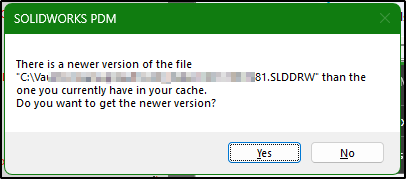
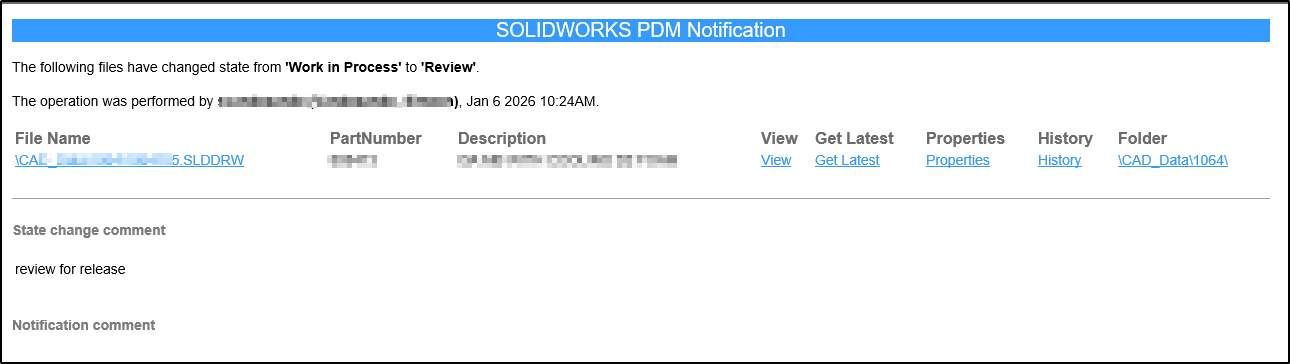
I review a lot of drawings and models. I have notification when drawings are sent to Review state. When I open drawing from the notification I get a dialog about new version available, I click yes, get latest.
Is there a setting to get latest of the entire reference tree? As it is now it only gets latest of the file to be opened and ignores the rest of the refs. So I wait for Sloworks to load the whole thing, update the drawing (usually broken stuff), then I do a get latest from the PDM Add-in and wait for Sloworks to reload the whole thing again and rebuild.
I’m slowly learning to use the link to the folder so I can get latest which brings up the full file reference dialog. But now with Win11 it usually opens two explorers and neither scroll to the file, Win 10 performed as desired. So one more regression I just don’t even bother with the links in the notification and use the search tool. I digress. Back to main question, is there a setting to say, “When getting latest on a file, get the latest of the referenced files too, including if there’s an old version cached.
From Vault View or Search Tool, yes. From the notification message, no they are connisio URLs. The Get Latest link from the notification appears to only get the one file, not the references. It would be nice if it loaded the FRD, which would also warn if any of the files are open in another process which is very likely. I was hoping there may be a setting for this.
We always work with latest, I remove the “Get latest” and “Open” options from the email hyperlink. They just have the option open the folder and go to the file…the folder hyperlink.
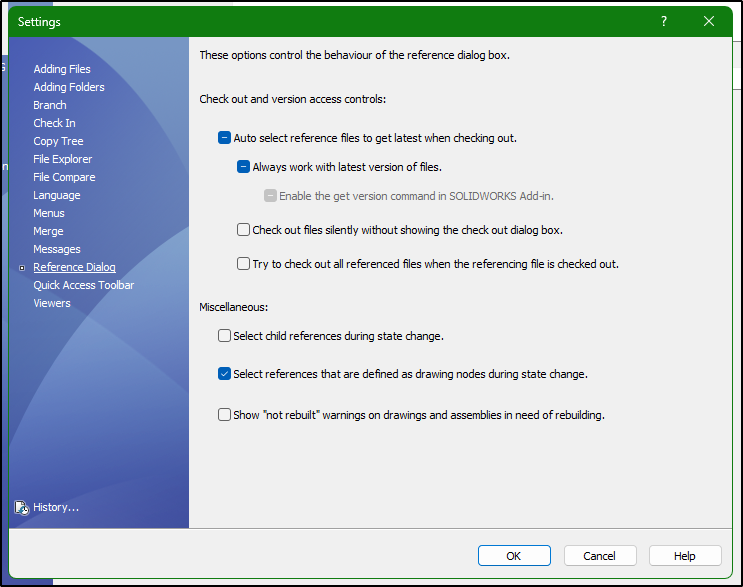
We have “Always work with latest version of files.” checked as well, but that doesn’t mean what it says it means. It only gets latest version of files not already cached.
Ok. So they must perform the Get Latest from the vault view, pretty much what I’m doing.
This is starting to feel like another half baked functionality.