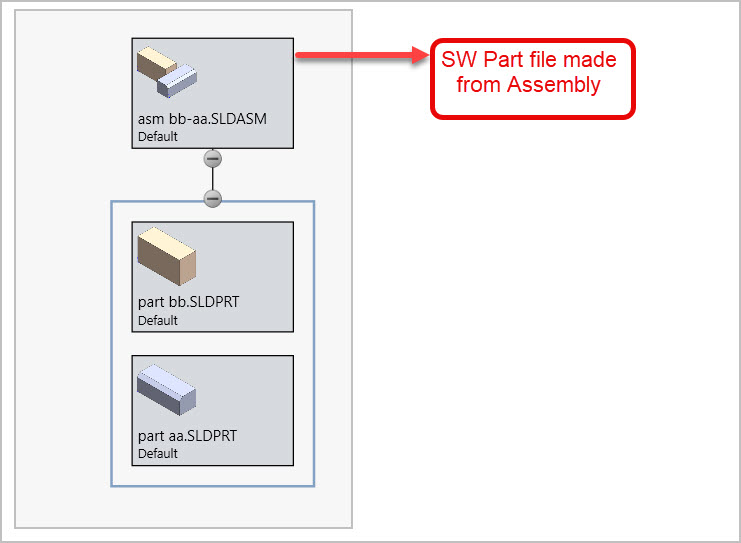
Lets say I saved a collection of parts within an Assembly & saved that Assembly as a new Part file (long story, 3DP workaround). If I open that new Part file on its own, is there any way to determine links to 1) the original Assembly it came from 2) underlying Part constituents?
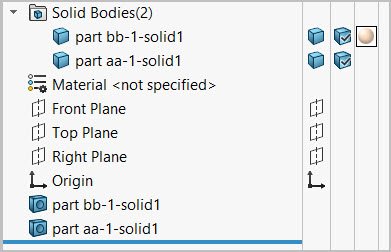
In an Assembly you can access this information using component properties or Treehouse visualization etc. But in the new Part file made from Asm, they become solid bodies. SW generates body names that provide a hint. But it looks like the new Part file is more or less a standalone entity - one would not really know where it came from?
have you checked the file find references?
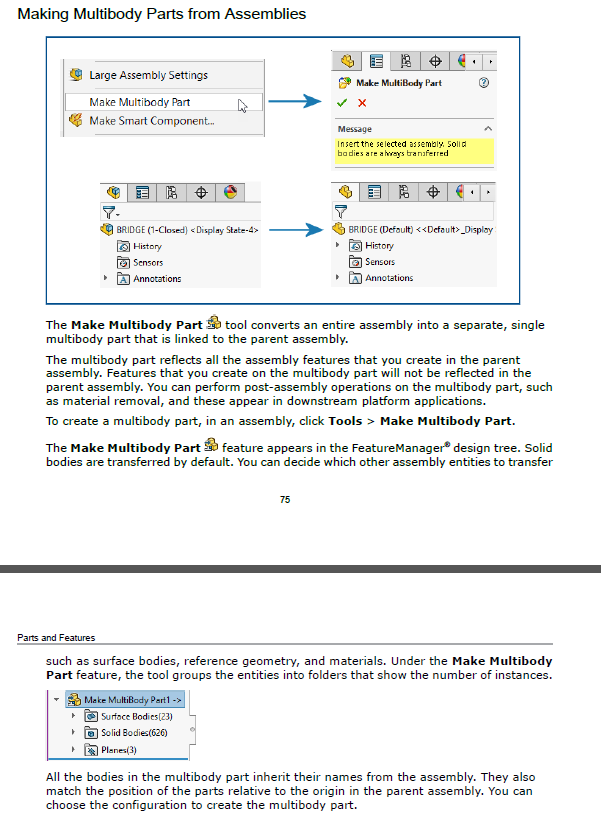
Are you on 2024? This was new for that version. Ive used it, seems to work pretty good.
7 Likes
Yes, sorry, should have mentioned SW-2024-SP5
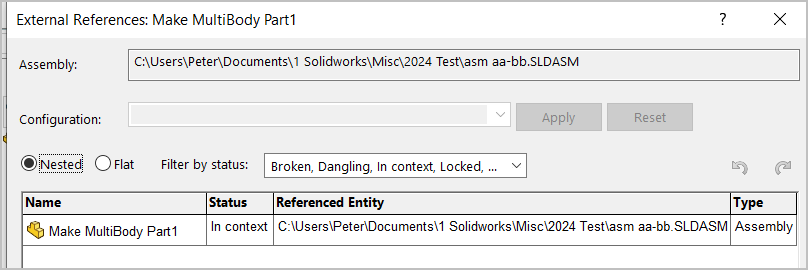
That (new) save as multi body part function looks helpful, thanks. If I view external references for the amalgamated Make Multi Body part feature in the tree, it shows me the path to the Assembly from which it came. That’s a good start.
2 Likes
Yes. Seems like a Part made from an Assembly does not show any underlying file path information like it does for an Assembly using that command. The new Part file is kind of a standalone entity as JimSculley posted
1 Like