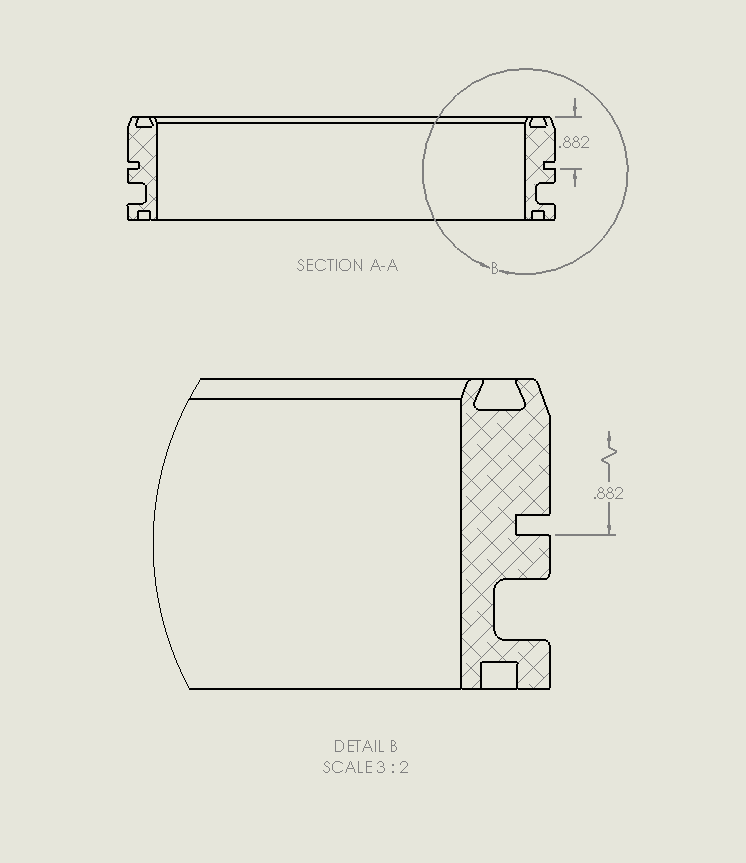
In the attached .slddrw, there is no reason for the .882” dimension to be shown as foreshortened in Detail B. What is causing this?
Thanks.
SW_FD_test.zip (998.6 KB)
In the attached .slddrw, there is no reason for the .882” dimension to be shown as foreshortened in Detail B. What is causing this?
Thanks.
SW_FD_test.zip (998.6 KB)
Because math is hard and programmers are lazy.
Just one more reason why you should NEVER rotate your drawing views. Too many bizarre things like this happen. Nine times out of ten when someone comes to me with a weird drawing issue, I spend a bunch of time troubleshooting, and then “wait a minute, is this drawing view rotated?”

Maybe the dimension is too close to the view boundary. Make circle bigger and see if it helps.
Anyway it should not include dimension. Should force user to re-dimension.
Several years ago I had a rotated view that the ordinate dimensions were backwards.
Rotated view ? Why not just update the standard views in the model?
I have been having to do that because routing assemblies seem to come in all kinds of strange orientations.
Thanks for the reason why it was was goofy.
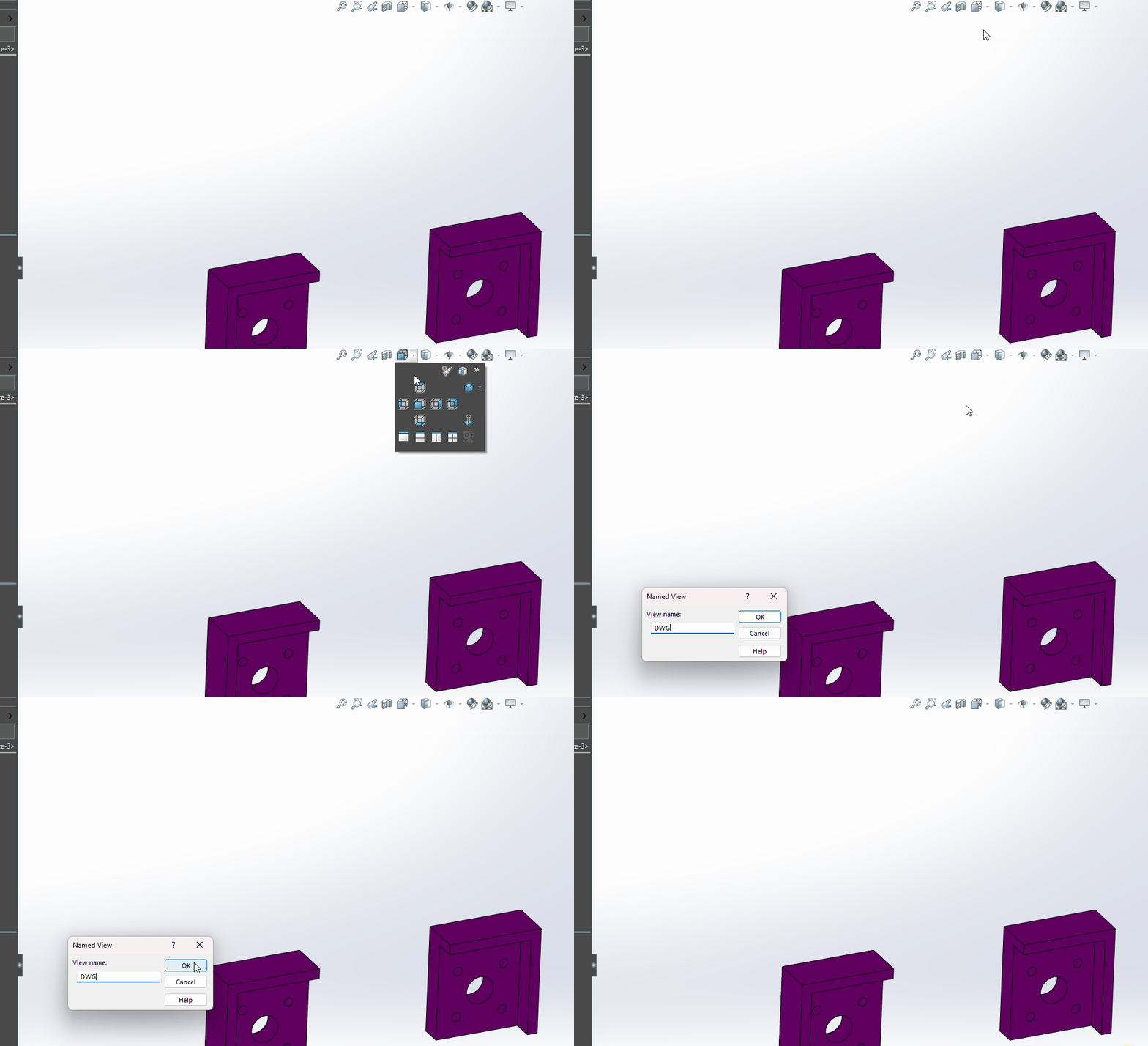
I prefer to create named views.
Truth be told, I use rotated views all of the time, but I am aware they are problematic, and avoid them for anything complicated.
That was it. Rotated view.
There must be some thin coding / weak math, gremlins in the drawing resolution part of the program.
Lesson learned. Thanks!
I didn’t play with it too much, but I think that SW is using the bounding box to determine when to clip the dimension and foreshorten it. However, when the view is rotated, the bounding box isn’t, and you get the weird results you are seeing.
I’ll rotate an auxiliary view, but I’ll include the rotation in the view label. I find that feature in Solidworks drawings works well. I was surprised.
Dwight