Very strange, I haven’t done this too much but this issue is present in 2021 SP5.1 as well.
It is just infuriating that the idea of updating to the latest software to eliminate bugs / workarounds comes with the GUARANTEE that there will be new bugs and issues, frequently worse than the problems you were hoping to eliminate by upgrading.
No SPR on it that I can find.
I submitted it to my VAR. No response yet. I’m sure it will be fixed in 2024, at which point there will be 3 other similar problems to take its place.
SPerman Ok…I found this “fix” in 2021 which, if I’m reading it correctly, someone submitted as a bug and the fix we got was something they wanted but makes no sense.
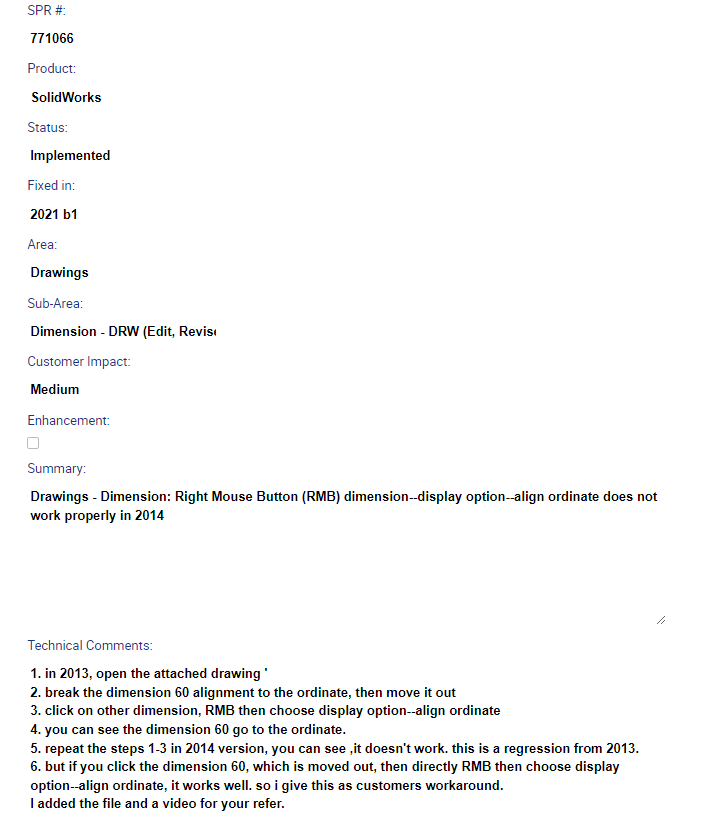
My VAR has submitted a SR. I will update when I know more. They said it displays the same behavior in 2021, so I’m surprised it hasn’t been reported before now.
The work around is just to delete the dimension(s) I want to align and recreate it.
A bug reported in 2014 was fixed in 2021. It sounds like I shouldn’t expect a quick fix on this one.
IMO, the original report wasn’t a bug. They fixed it alright, to the current behavior…which I can’t understand why anyone would want. Programmers don’t always question a change, they just do it. You need a technical architect to validate the change is needed in the first place before programming starts. That’s basically my role in Windchill since we’ve outsourced the development. In PDM I do both.
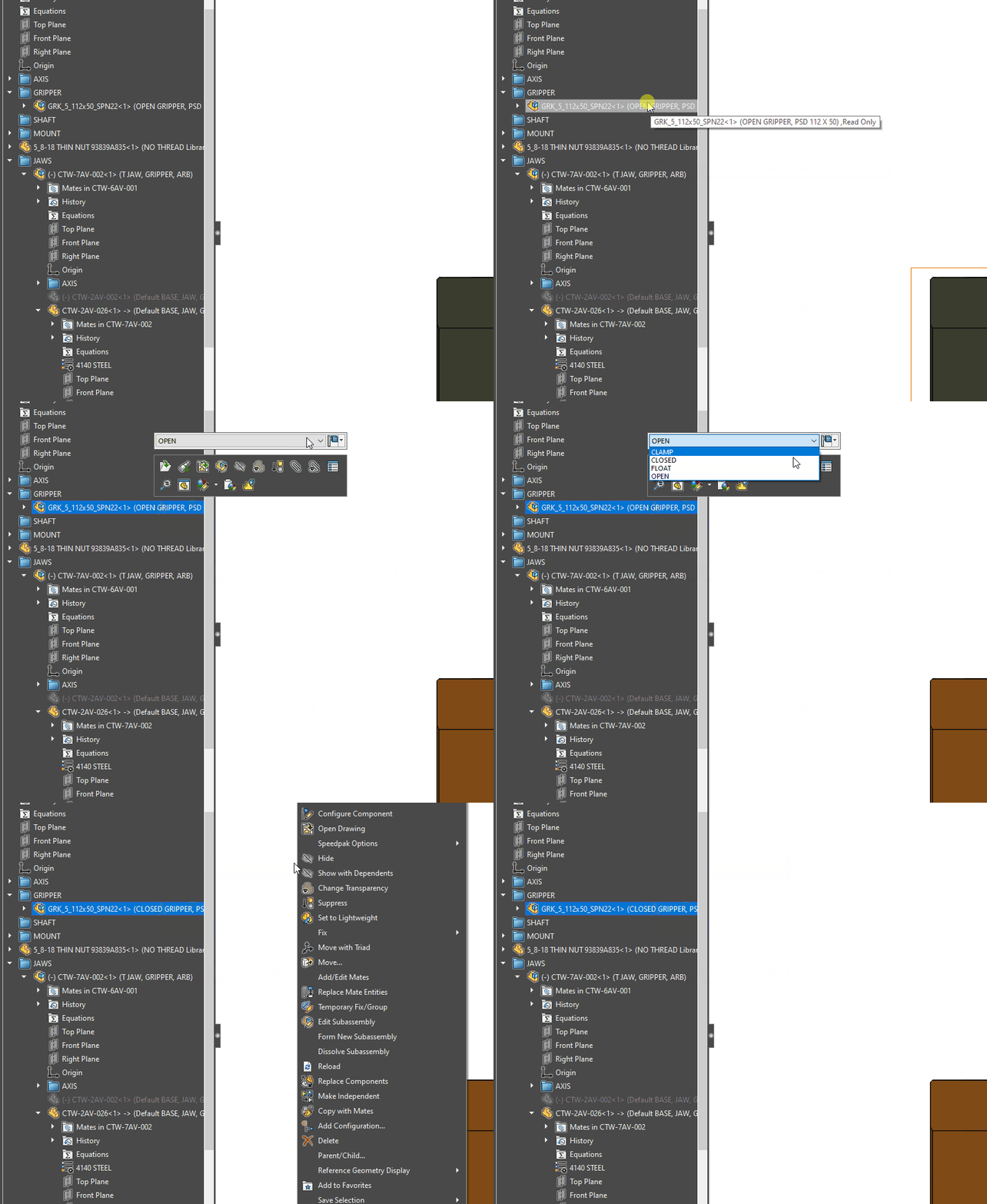
They also still haven’t solved the problem where when you right click to accept a configuration change, the right click menu appears.
I am a GIF. Click me!
They have attached me to SPR 524858.
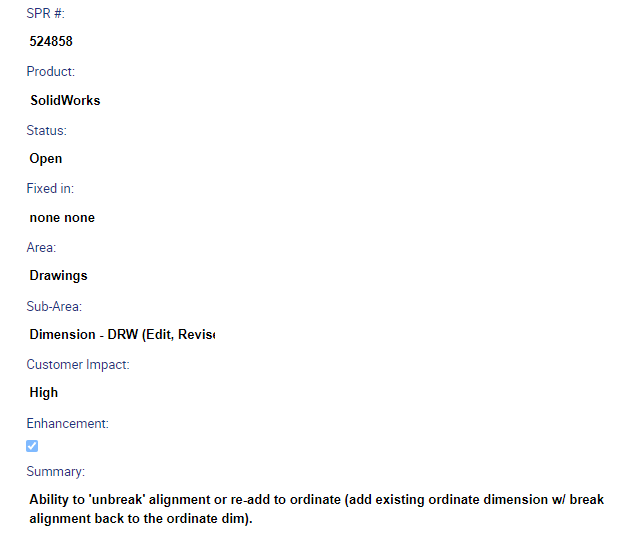
THIS !!
Has anyone else noticed how the datums work in relation to GD&T frames in SW 2022?
click on the image below (it is a GIF file)
Media1(4).gif
That never used to happen in SW 2018.
sigh
There are workarounds…like adding the datum to the surface instead of the GD&T Frame…but I don’t wanna! 

DanPihlaja, I saw your GIF and I am having issues with my GD&T frame extension line not snapping to the horizontal and vertical locations like you are showing. Mine just stays with the arrowhead. What am I doing wrong. I know it is a simple thing that I am missing.
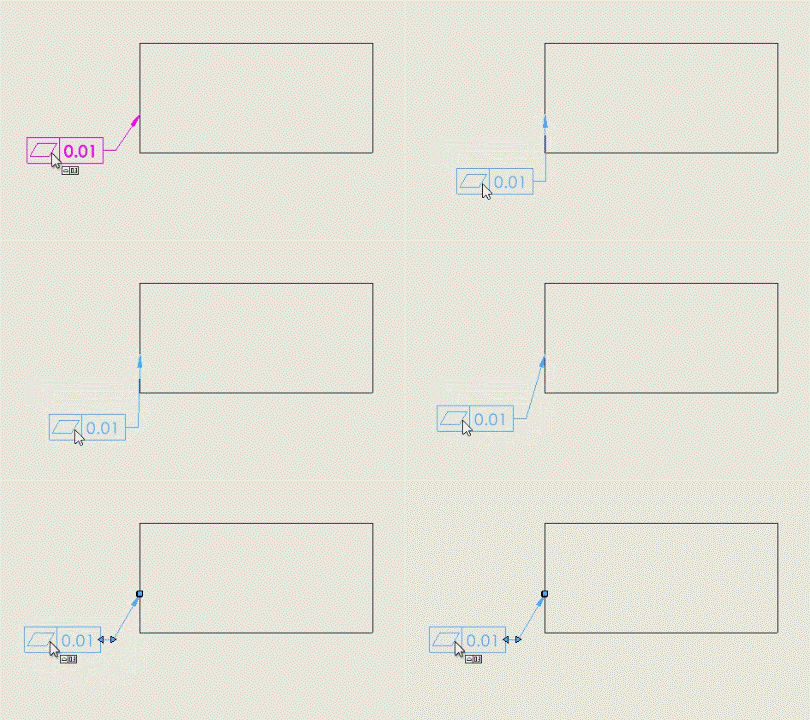
The only thing that I can think of is that it isn’t actually attached to the edge. Make sure that your arrowhead is attached to the edge.
Also, make sure that the frame is actually inside the view. (double click on the view to make it “active” and then place the frame)
Turned out to be PEBKAC (Problem Exists Between Keyboard And Chair)! The GD&T frame was attaching to sketch geometry, not a model edge. <()>
This was a junk drawing that I use periodically to just test miscellaneous stuff out. So now we know, you should not try to attach a GD&T frame to sketch geometry.
Sometimes I wonder about myself!