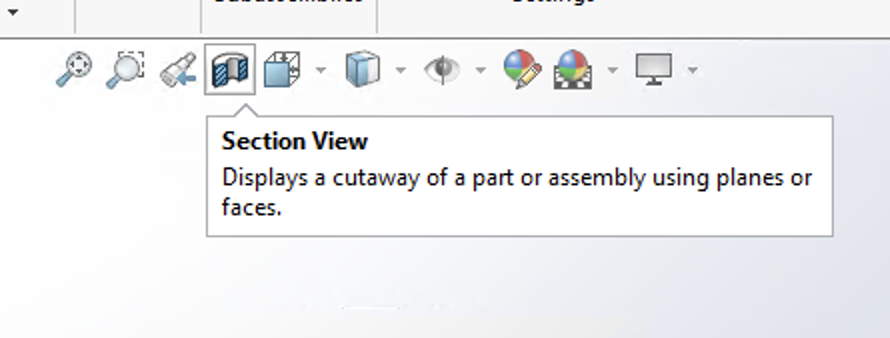
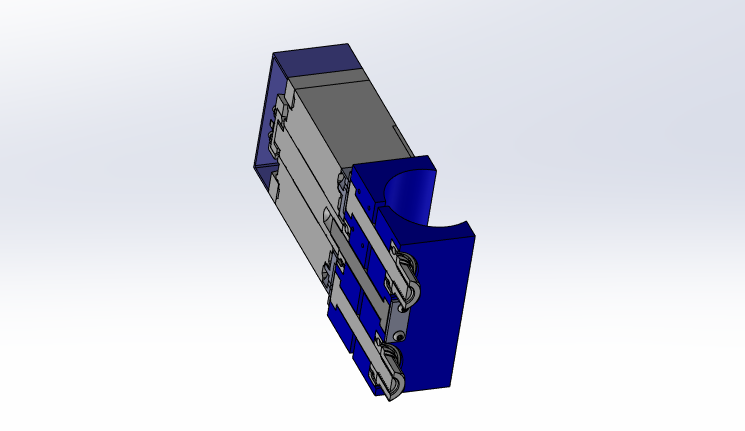
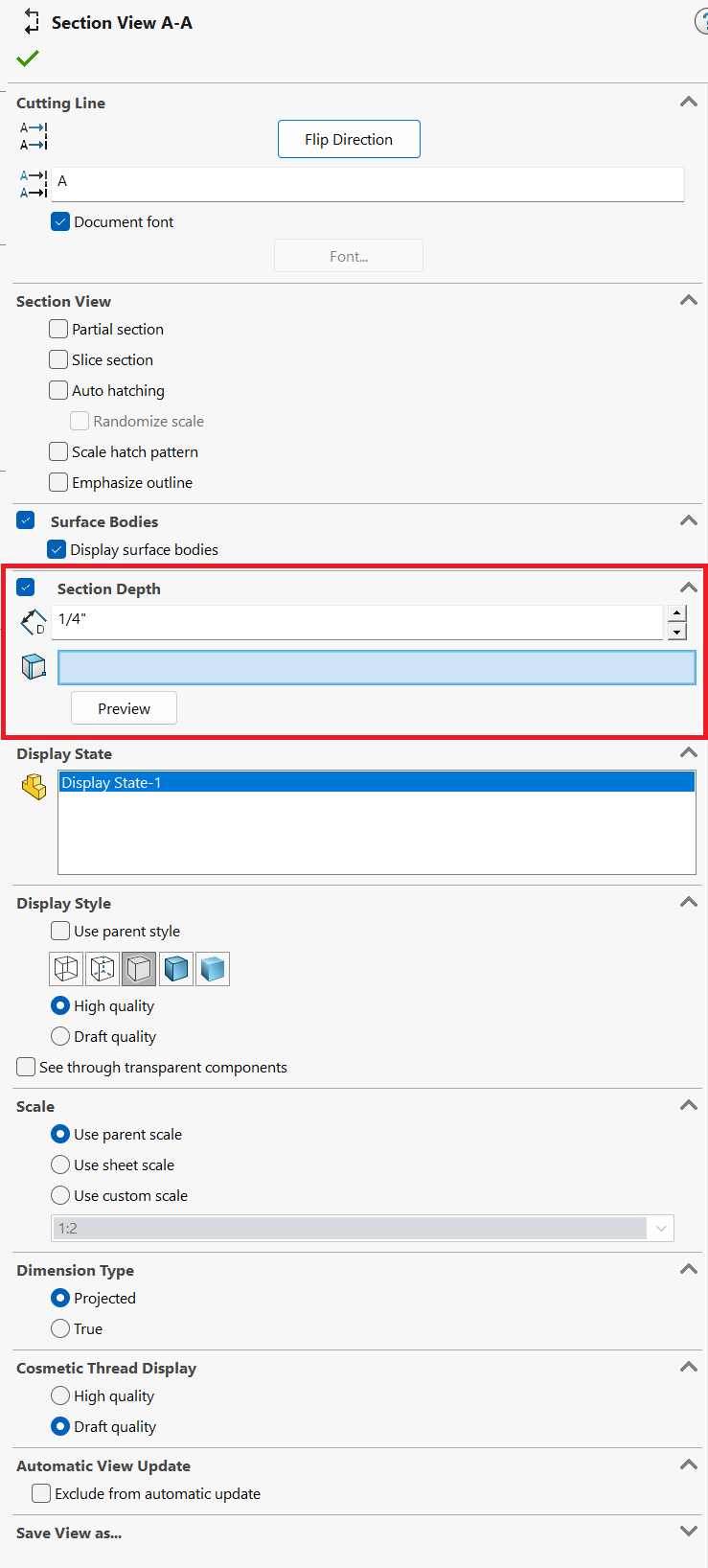
Is it possible to set the depth or a section view in a part or assembly?
Thanks.
Umm… Yes… Like, there are all sorts of ways to control the position of the section as soon as you start the tool. You can also pre-select any number of different types of entities (planes, faces, edges, axes, etc…) and it will section through them. If there’s something you can’t figure out (beyond reading the help) you’re going to have to explain a little more.
My question is about depth, not position.
There is no such thing as “depth”… Depth from where? There is only position. Again, you are going to have to explain much more deeply what you are trying to do.
Depth in the context of a drawing view makes sense. It’s the distance “below” the nearest point of the model in the context of the projected view. You’re asking about parts/assemblies. How would you define the depth in the context of a 3D model? Depth from where?
I would expect it to work the same way. Depth would be referenced from the section plane.
With no depth set, I would see from the section plane to infinity, as I do now. With a 1/4” section depth set, for example, I would see from the section plane to 1/4” away from it.
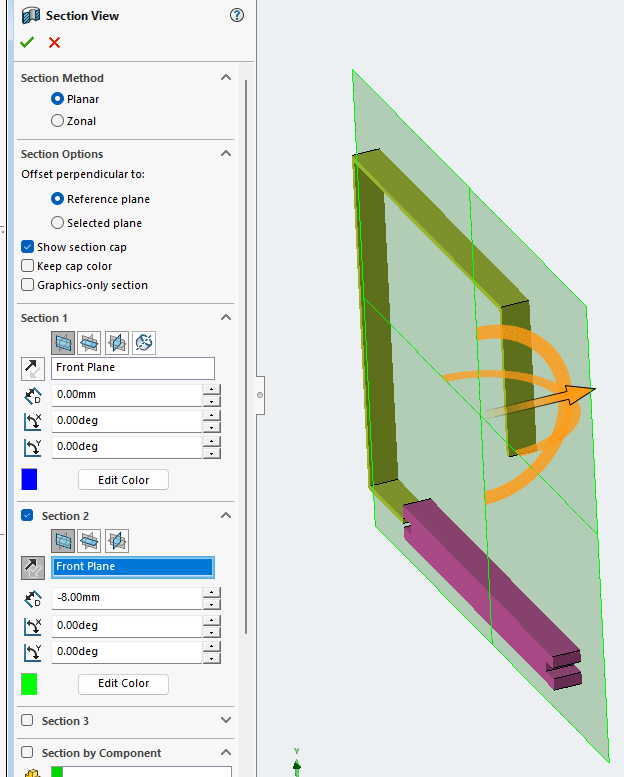
That works. Thanks.
Interesting that a negative distance is required. I wasn’t able to make it work with a positive distance regardless of the direction settings.
I see the use case and it makes sense. Offset from a face/plane to selected geometry (up to face/plane/vertex) would be consistent to other areas of the software.
Thanks for the help with this one, guys.
Perhaps in the future, a proper “depth” setting can be implemented. For now, if push comes to shove, I can use the workaround.
Added to the 3dx site:
Thank you.