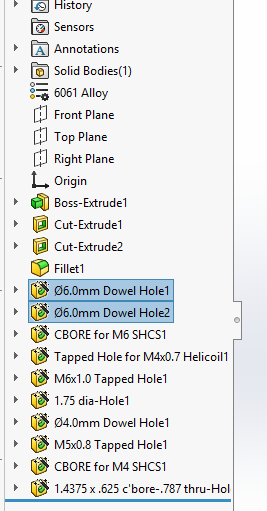
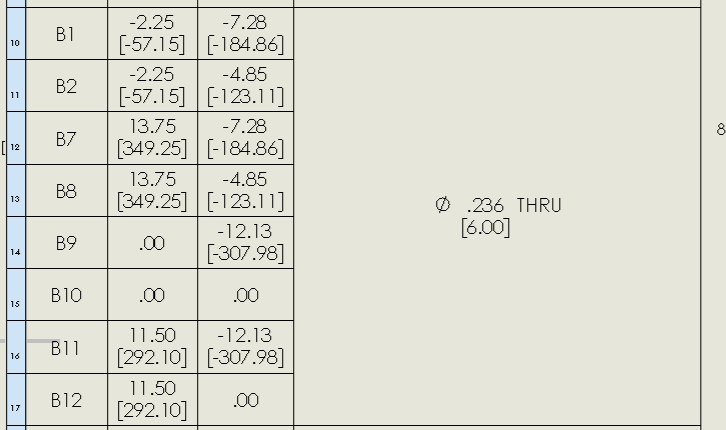
Ok, I have a plate with 2 sets of 6.0mm Dowel holes, 4 are PF (Hole-1) and 4 are SF (Hole-2) they were done with 2 hole features yet the hole table keeps combining them so how do I separate them, I tried the Google hold shift and select the 4 I wanted in their own group, and it didn’t work.
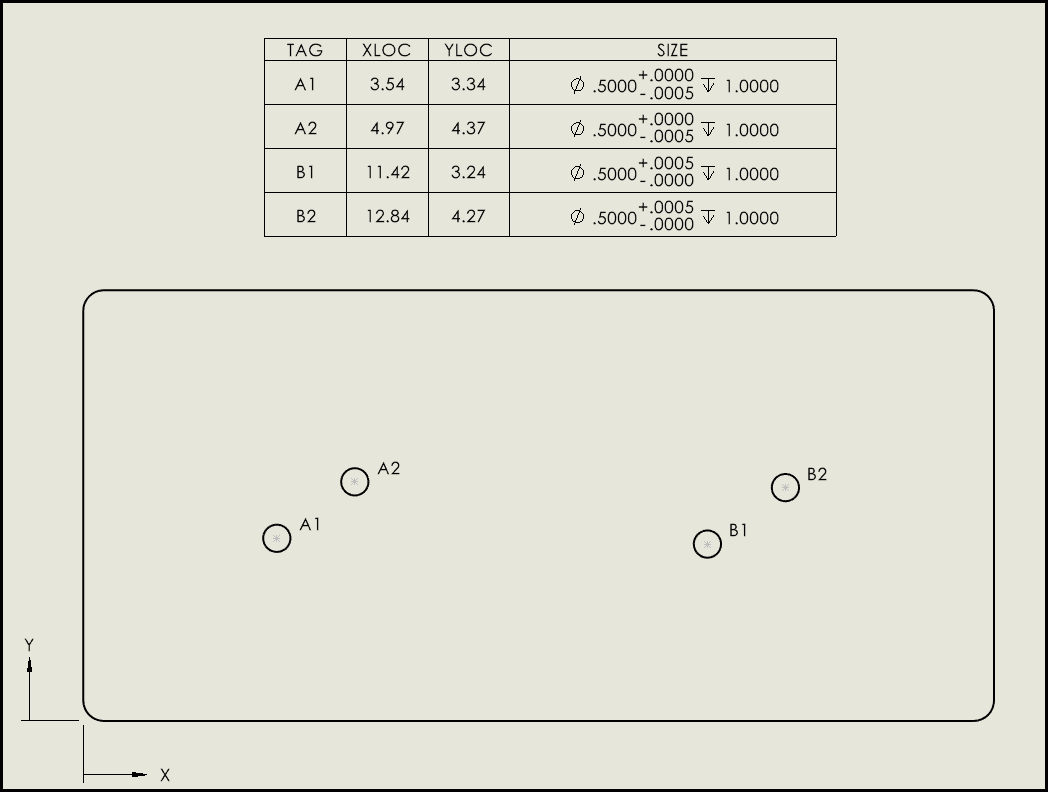
Were the holes all the same size/tolerance at one point and then you changed the tolerancing after the hole table was created? If so, have you tried deleting the hole table and re-adding?
They were 2 separate series of holes always 6.0mm dowels, I ended up changing one set to thru all while the other set is up to next and that worked although solidworks keeps messing up the table due to tolerances of features.
I last worked on 2022 and don’t remember having this many issues, this is 2024-SP3.1 and the company controls our service pack level.
If there is a better way would be nice to know instead of tricking the system to get the end result.
I tried to break it in a few ways on 2025 SP 4.1, but it always did the right thing. Can you Save As a stripped down model/drawing with just the problematic holes and upload the files here?
If you set the tolerance in the hole wizard for press fit tolerance and slip fit, the hole table will separate them. I wish you could force separate them at the drawing level but it seems that “size” is the only way.