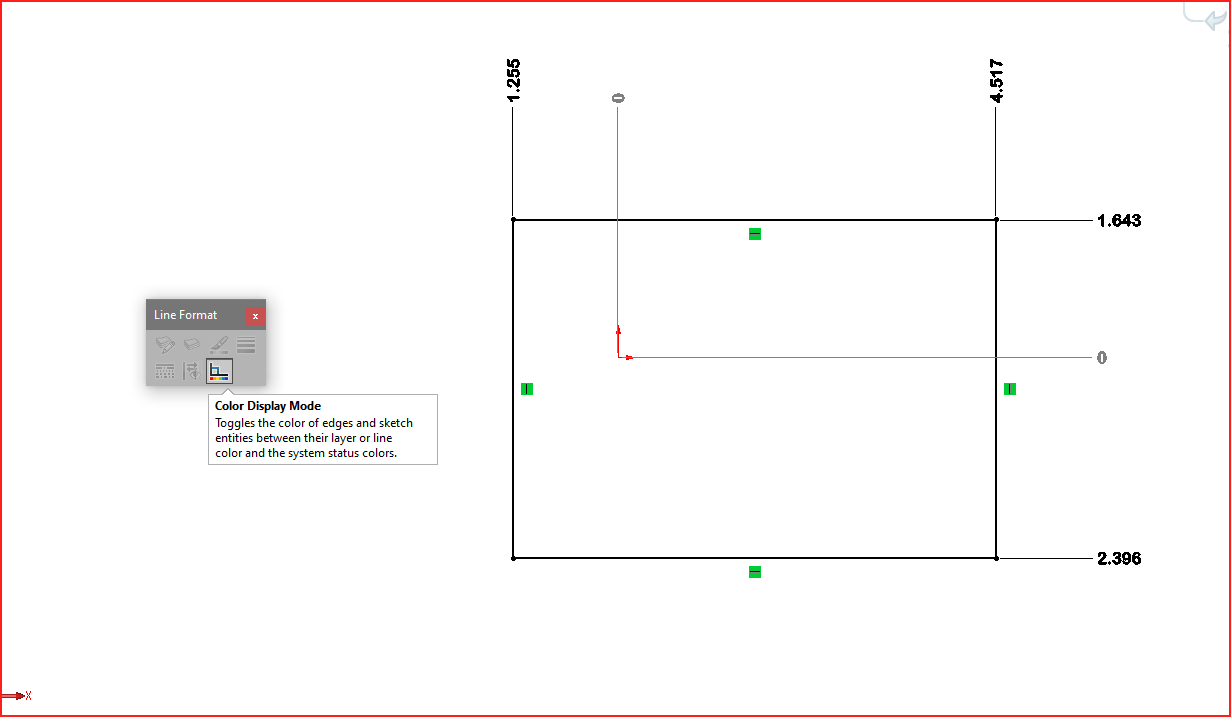
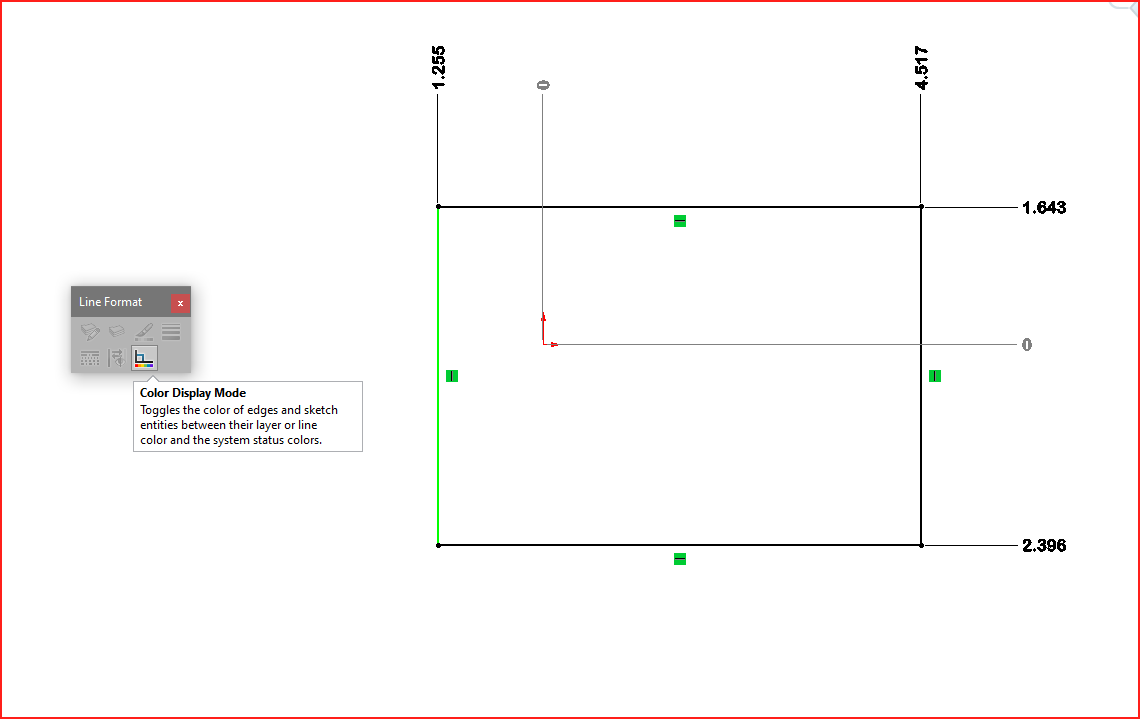
I’m trying to change the color of a single line in a sketch to red.
I select the line and then use Line Color button from Line Format toolbar and change its color. As soon as I fully define the line, it turns back to black.
If I first fully define the line and then change its color, it stays in red. But if I exit sketch and turn back to edit something, OR exit Solidworks and re-open the file, it’s black again.
Is there any way to keep the color of a single entity?
Hello Tera!
The only thing I can think of is to make a block that only contains the “single entity” you want to be a different color. I am pretty sure you can color blocks individually and they can exist in the same sketch as other entities / blocks. You can also fully define the block so it would behave as if it were “just a line.” Hopefully someone else comes up with an easier solution. Please let us know if this works or if you find something better!
-Nate
In my versions 2019 and 2022, the line keeps the assigned color, even after fully defining it, or closing, re-opening and modifying the sketch. Might need a re-start?