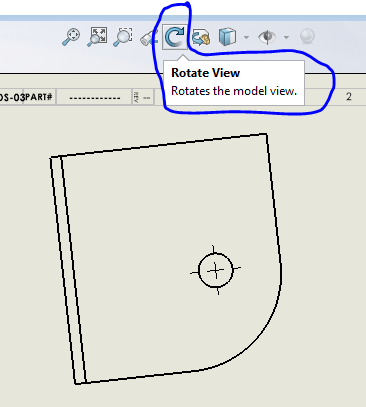
Say I want to tilt a view back about the X axis by 7.5 degrees but do not want to change the above setting. How would I “dial in” that exact 7.5 degrees?
For clarity, I am talking about a view, not mating.
to roll a set amount of degree i think you will need to rely on api
(this is actually on my bucket list for some time now)
basically my 2cents is the macro will change your view rotate increment based on your input, then rotate the view using the increment, then revert the increment
Are you talking about a drawing view? If so just insert a regular view and then use the rotate command
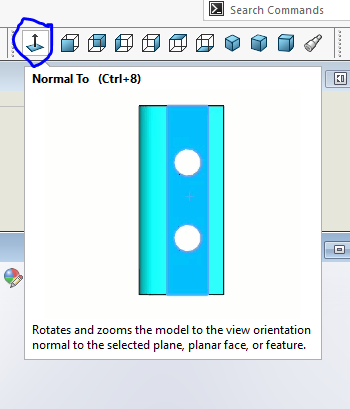
If your talking a model view use the normal to (either clik on a part face or make a plane like Dan said)