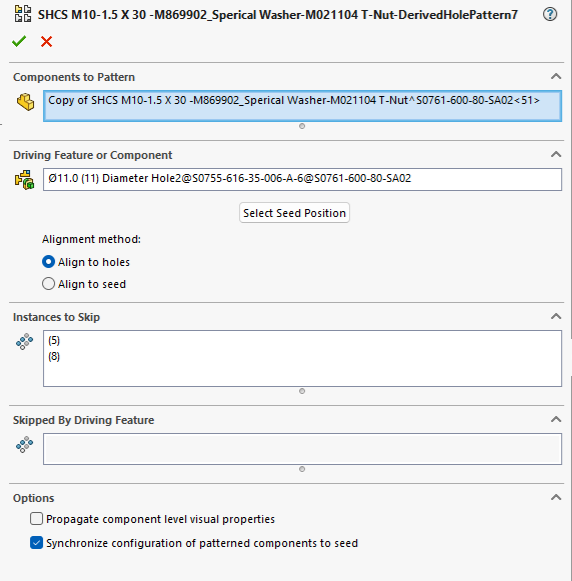
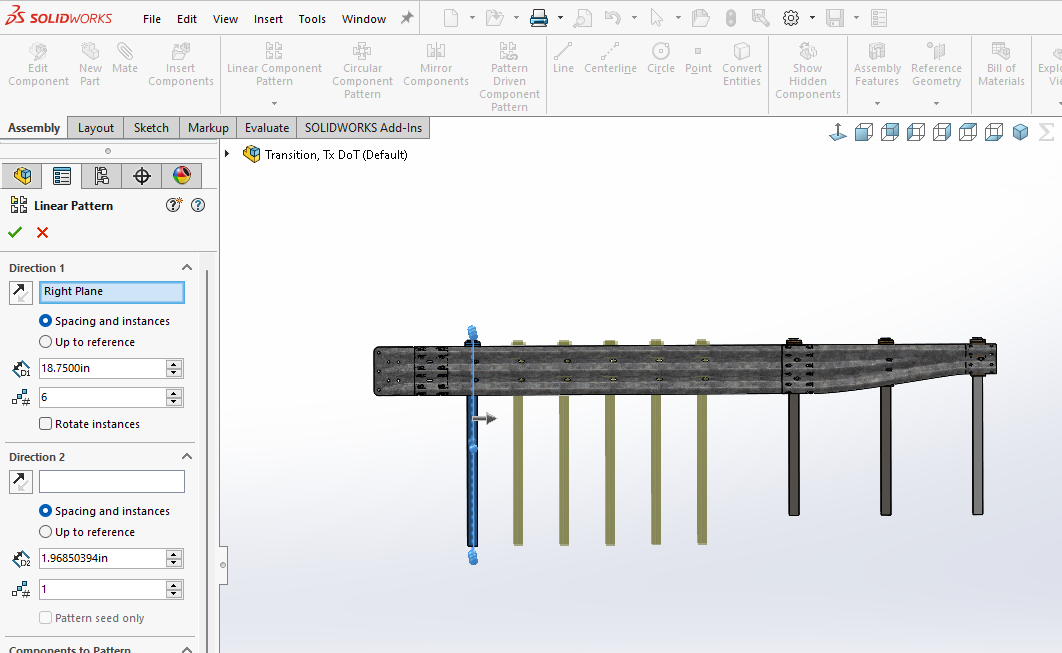
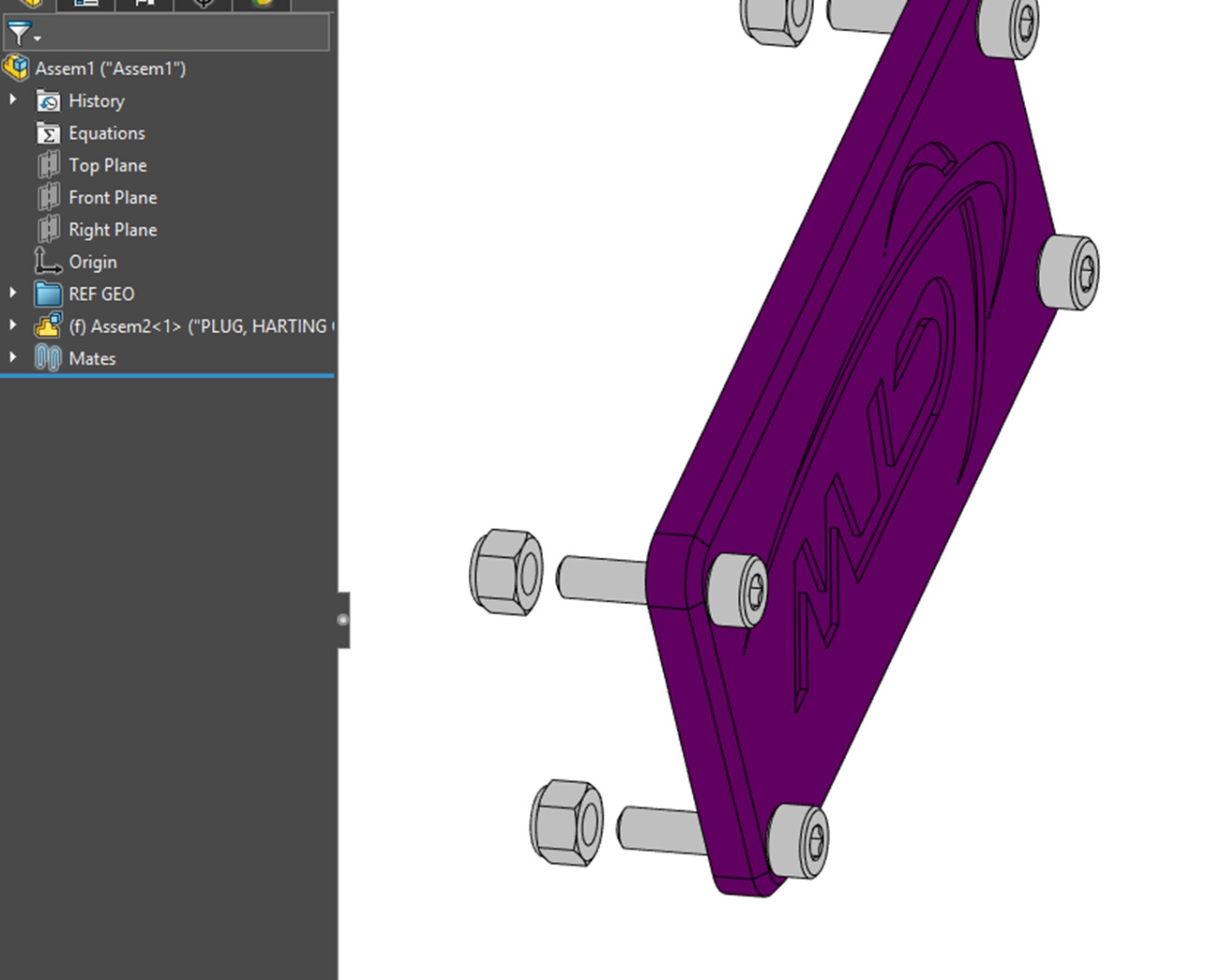
ok got a few bolt/washer and t-nut sub assemblies in my assembly. one day all is good mate the initial assembly turn to flexible mate the t-nut and do a pattern driven pattern. next thing I know I go back to the assembly and all my patterned instances the t-nut is free I never remembered this happening in the past so is this something new or a new glitch?
I tried all the toggles in the pattern to no avail.
I have noticed lately that patterned components often show as their location being undefined. I haven’t noticed any problems with it so I try to ignore it.
Patterns showing as undefined are generally patterns that have lost their definition of ‘direction’. They don’t give errors and generally keep the original orientation but they do not know what is defining the direction.
I have done patterns for years not sure if it’s a setting here or 2022 as last place was still on 2020. Usually you mate the base parts in your flexible assembly and then pattern it and it is suppose to set all of its children to be the same as the base.
Currently that is not the case so I have to add mates to the pattern components which is a pain and defeats the purpose to a extent. Didn’t know if there was a new trick or procedure thing that made it work properly as both toggles in the pattern feature have no effect on the outcome, in my case I can still drag my t-nuts in 1 axis.
I have just about given up on pattern features in assemblies since the copy with mates works so much better for me. Then again I am not doing 16 or more bolts at a time more like 3 or 4.
This is how it should work. There’s a checkbox in the feature that says something along the line of “Move with flexible sub-assemblies”, maybe that could be what you’re looking for..?
This happens with SW2015 with patterns that have not lost their direction reference. Maybe this is one of the little tricks SW saves for me, but it happens to me frequently.
Do you have mates on one of the instances of the pattern? I’ve seen SolidWorks do that when mates are made on a pattern’s instance. Generally a CTRL+Q solves it if the original component is mated.
The first instance is mated with the everything in place as I would like, the patterned parts do not stay in the same place as the first instance and CTRL Q doesn’t do a thing. in my case this is a pattern drive pattern from a hole created by the hole wizard.
Not sure what you mean. I have a sub-assembly shcs, washer and t-nut. No configuration other than default. Shcs and washer are fully matted, t-nut is constrained by a plane and concentric to the shcs.
I placed it in my assembly like I have done for years. Make flexible mate to hole and 2 faces and then pattern. Other instances the t-nut is several inches away from where it is, only work around is to make the pattern instances flexible and mate each t- nut which almost defeats the purpose.
Having site access issues so until that gets resolved I might not get back quickly.
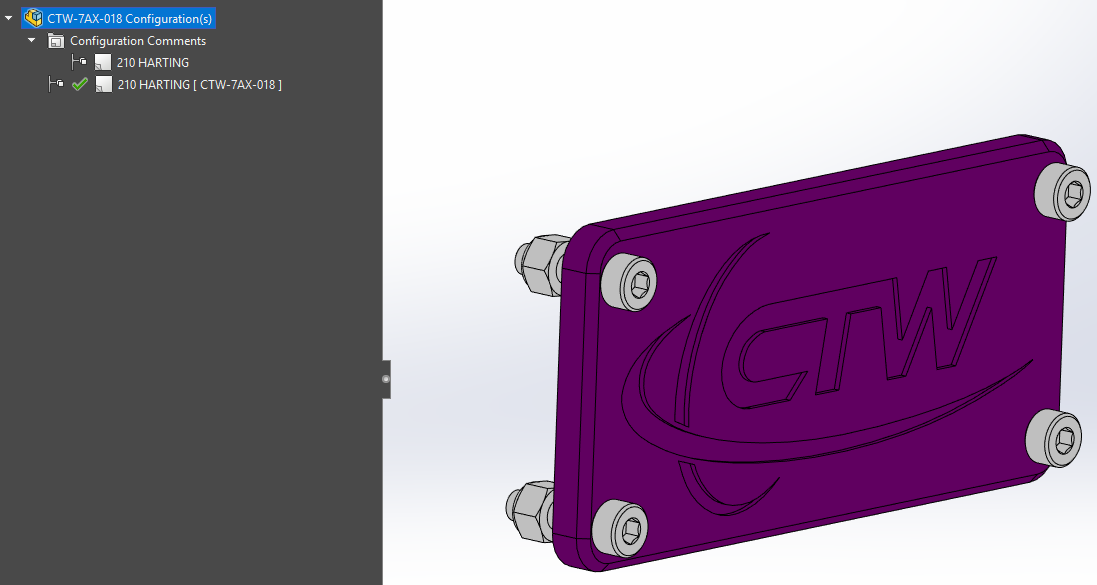
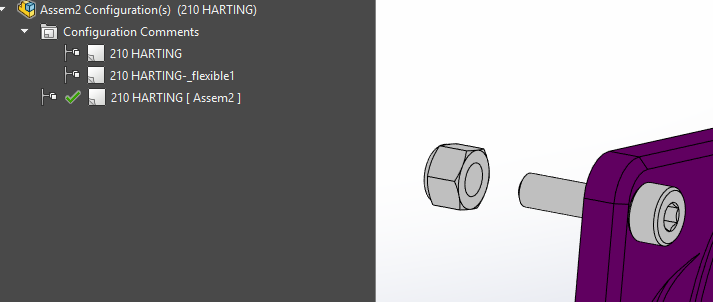
After a closer look, this is just a comment, not a configuration. I know in the past it has generated a unique configuration for a flexible assembly, but I’m not seeing that behavior in 2024.
I believe they removed the configuration requirement. In older versions if you needed a flexible assy in more than one position in the same assembly, you needed a config for each. Now you don’t.
The only reason for a configuration is to have the non flexible sub assembly that you would show on a mfg or purchased drawing. That way the drawing view is locked down.
Then I would sometimes have a min and max config to show that measurement. Then the Flex asm that would have the mates suppressed for the min and max movement.
Then once inserted into the top level assembly it was right click and pick make flexible so then it would be able to move. Think I used the flexible config for that too.
The assembly is just a functioning sub for fastener combination that we use in several places and don’t want to mate everything a thousand times over. I use the promote option to force the bom up to the assembly level I am working on.