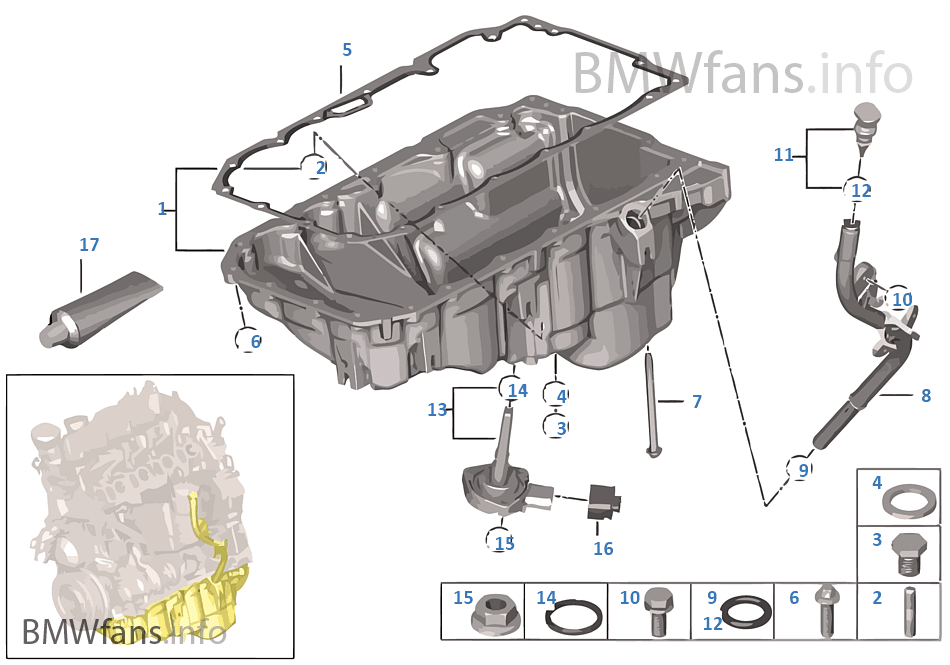
I have two parts linked with bolts, containing oil (it is a gear reducer)
so the seal will have the shape of the common area between these two parts
like this seal for example http://ills.bmwfans.info/ar66.png
how to get it automatically? if possible with update if I change the parts
The “GASKET” could be made inside the assembly aka TOP DOWN style of of modeling.
You would start a new part inside the assembly then pick the face of either the top part or bottom part face that the gasket sits on.
then select the face while sketch is op and convert entities, it clones the outer edges, aka clones them, you can then control select any other edges needed and then convert entities again. then close the edit part, and then if you change the top or bottom which you used to create the gasket the gasket will update automatically.
“TOP DOWN ASSEMBLY” modeling is you friend for stuff like this.
In Catia v5
I would select then copy and paste the relevant surfaces from the assembly into a new part it will paste the surfaces in the same cartesian position as it was in the assembly( i like to call it Catia Magic), and use them to create the seal shape usually by joining the relevant surfaces together to form a watertight solid.
Smokes,
SW can do the same, I do it all the time, all depends on design intent, the face will not have the 2D sketch geom automaticly there you still have to convert entities to a sketch if needing modify dims.