The digitizer was magnetic based, unlike a mouse just tracking relative movement with rollers or a laser. Once calibrated, you could select the icons on the template like toolbar buttons. Like @SPerman, I tended to use the keyboard as my left hand was always on the keyboard and it was faster due to muscle memory. Selecting the toolbar icons on the digizer required me to “look” over at the template to find and get the puck positioned. Yes, the mouse thing was called a puck.
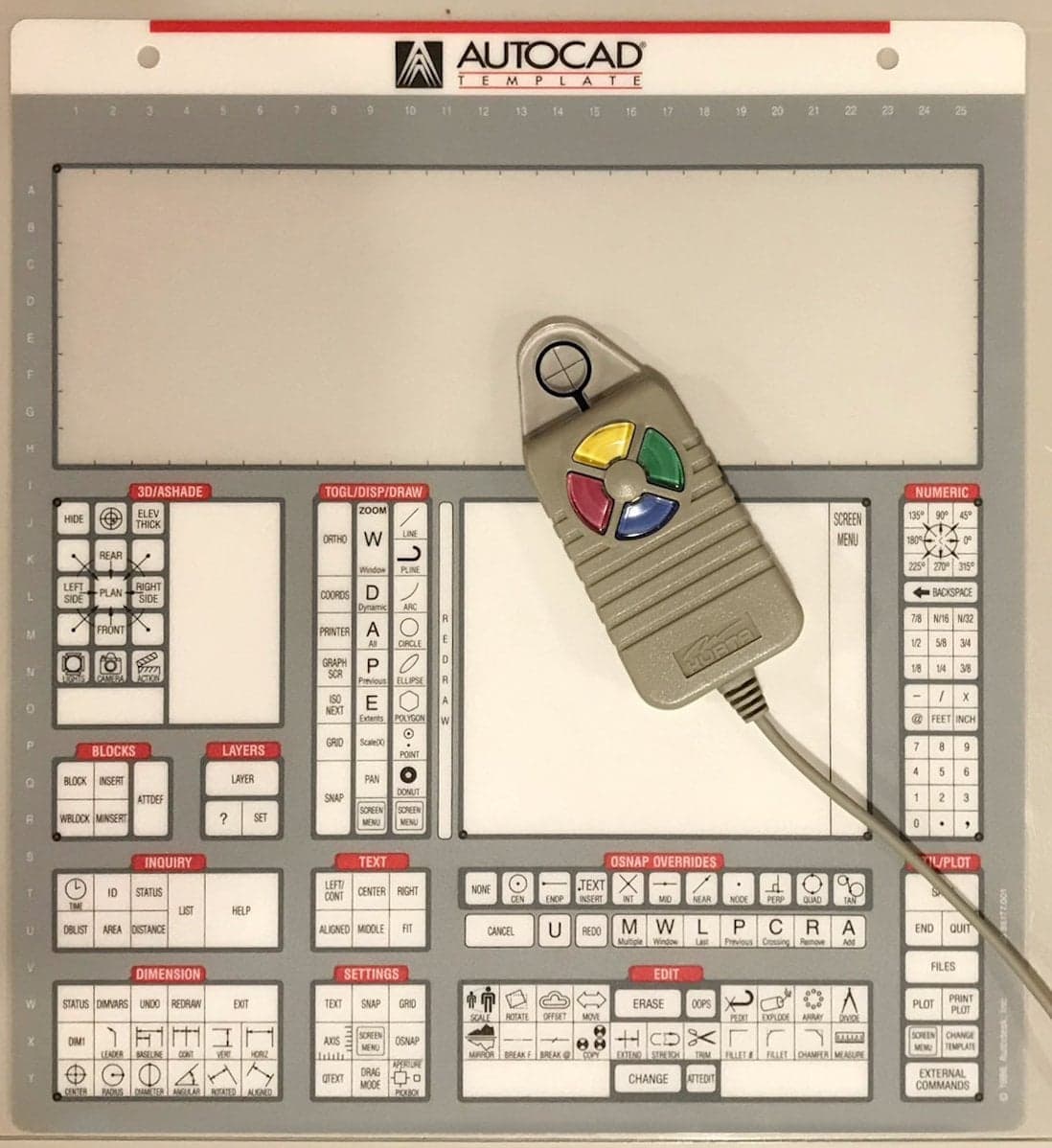
I got so good with it after a year or so that I didn’t need to look. Then CADkey for Windows came out and the tablet/puck was gone forever.
I never would have thought to type characters on the keyboard with no intentional mouse focus.
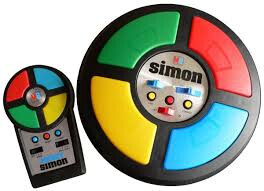
Too bad the puck didn’t make the same sounds as good ole Simon, that would’ve annoyed my coworkers with the constant Close Encounters of the 3td Kind chiming going on in rapid succession.
I like the infinite scroll and other features here.
to get the bar on the phone you have to click on the post counter in the lower right corner.
like you are seeing post nr.4 out of 24 there is a square with “4/24”, once clicked it shows the timeline scroll bar.
very useful on phones.