Probably I am just trying to reinvent the wheel, but worth a shot asking.
I am looking for a way to send a dimension link into a custom property for a cutlist.
I am trying to make a custom interface tailored for our needs, that covers library parts and sheetmetal properties in a semi automatic way, with drop menus with prewritten nomenclature instead of typing everytime the same things over and over.
Pic below is from the web just to give a general idea. The drop down menu has a lot of entries we do not use and we have ours that we would like to pick up from, but It does not seems possible to customize that list. Correct if I am wrong, but the available documentation is so confusing with too many layers of properties in a SW file that is a nightmare to navigate.
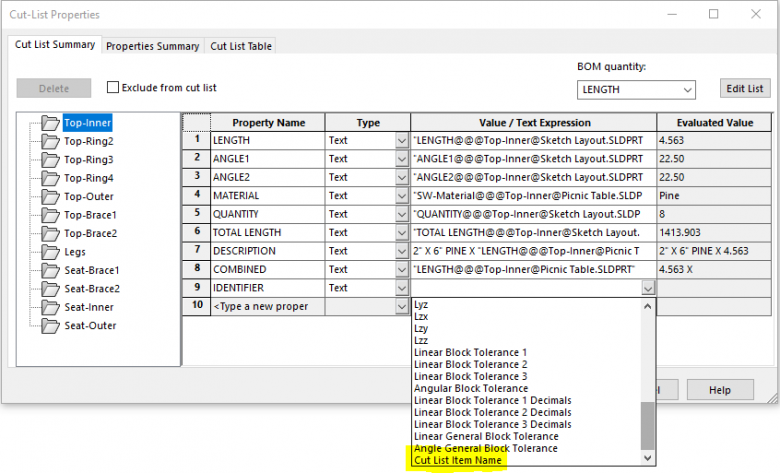
From the above native interface (cutlist folder MRB → properties) , it is possible (when showing the dimensions in the model), to just click on a dimension on screen and its dimension ID is used to parametrically drive the text. inside the value cell.
Like: “PIPE DIMENSION-ID1 x L= DIMENSION-ID2”
DIMENSION-ID1 and 2 are picked up from the screen clicking on feature dimension.
I would like to replicate something similar with API otherwise my macro will be able to fill only the static text and we need to use that property screen for the rest.
Honestly I would prefer to have only one interface for everything, but the native one is quite poor, difficult to read and navigate. On top of that the Japanese font inside SW is poor… is absolute garbage for the eyes to look at it the whole day. Too small and too jagged with ideographs. And I am getting old.