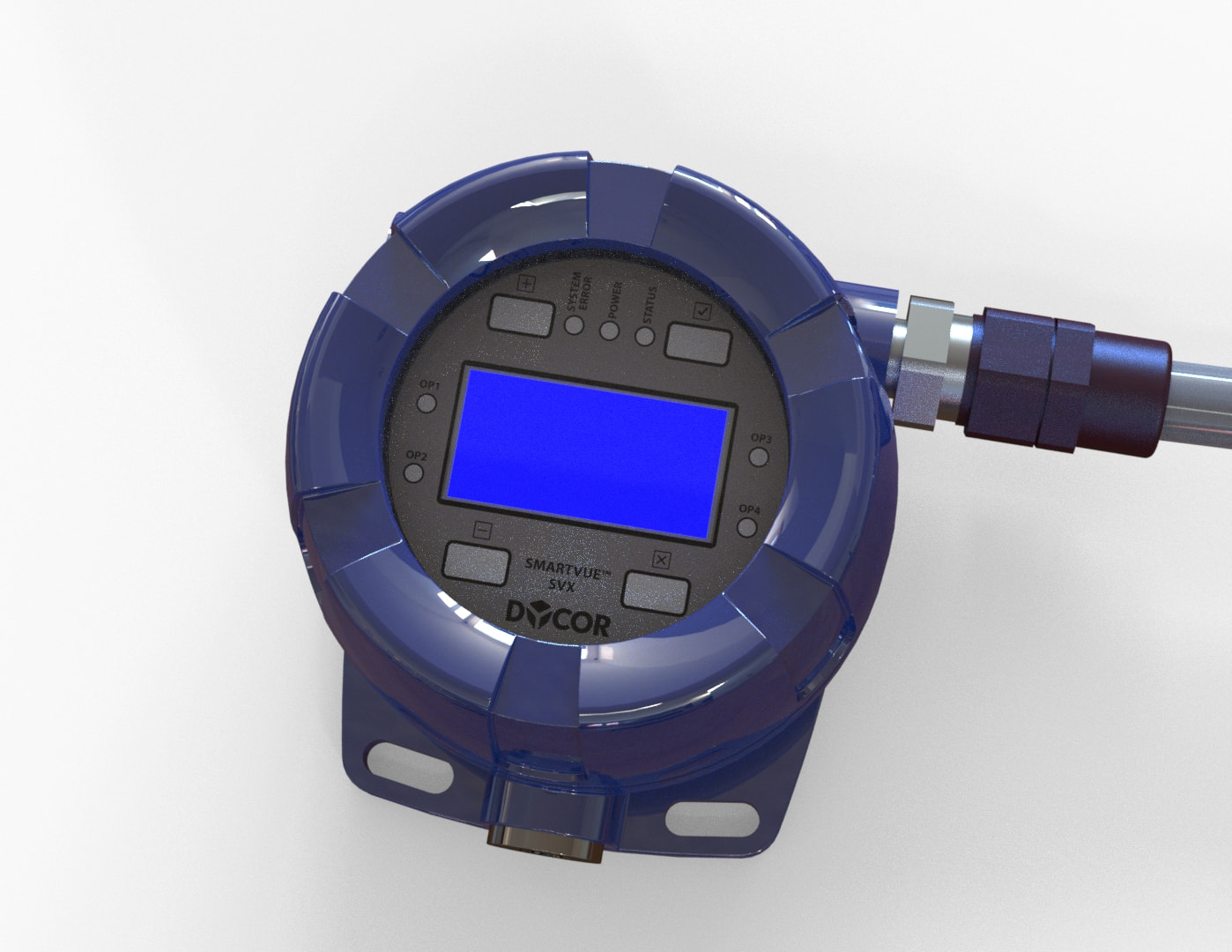
I have a titanium component. The material chosen is material is Ti-6Al-4VSolution treated and aged (SS) I want the component to have similar image properties as a highly reflective chrome bumper as found on cars. I am not getting reflective surfaces when I change the advanced settings in the chromium plate appearance. the image graphics on the select appearance window shows the surface I would like, but when attached to my part is returns a dull gray looking appearance. I have a Alienwar3 m15 R7 compouter with NVIDIA GeForce RTX 3080 Laptop GPU/PCle/SSE2 graphics card. It appears my graphic card may not support RealView graphics. Can anyone confirm if this is the case or can anybody suggest a work around? I would want to save those appearance settings, so I can apply to the next part component.