Don’t know if this it the appropriate forum to ask… but. Is it possible to create a working copy of SW on a USB memory stick? Kind of a permanent sandbox that one could take to a client’s computer and show them what you have developed for them.
What kind of “development” are you talking about? Are you developing add-ins or something? Any reason you don’t want to carry around a laptop? Or, absolute worst case, use Teams or TeamViewer or something to operate your PC remotely from theirs. If they have information security policy such that they’re not allowed to do that, they almost certainly wouldn’t be allowed to plug in a USB stick either.
If it is models and you have e-drawings Pro, you can create an e-drawings executable which lets you show the model, hide/show parts, explode assemblies, etc.
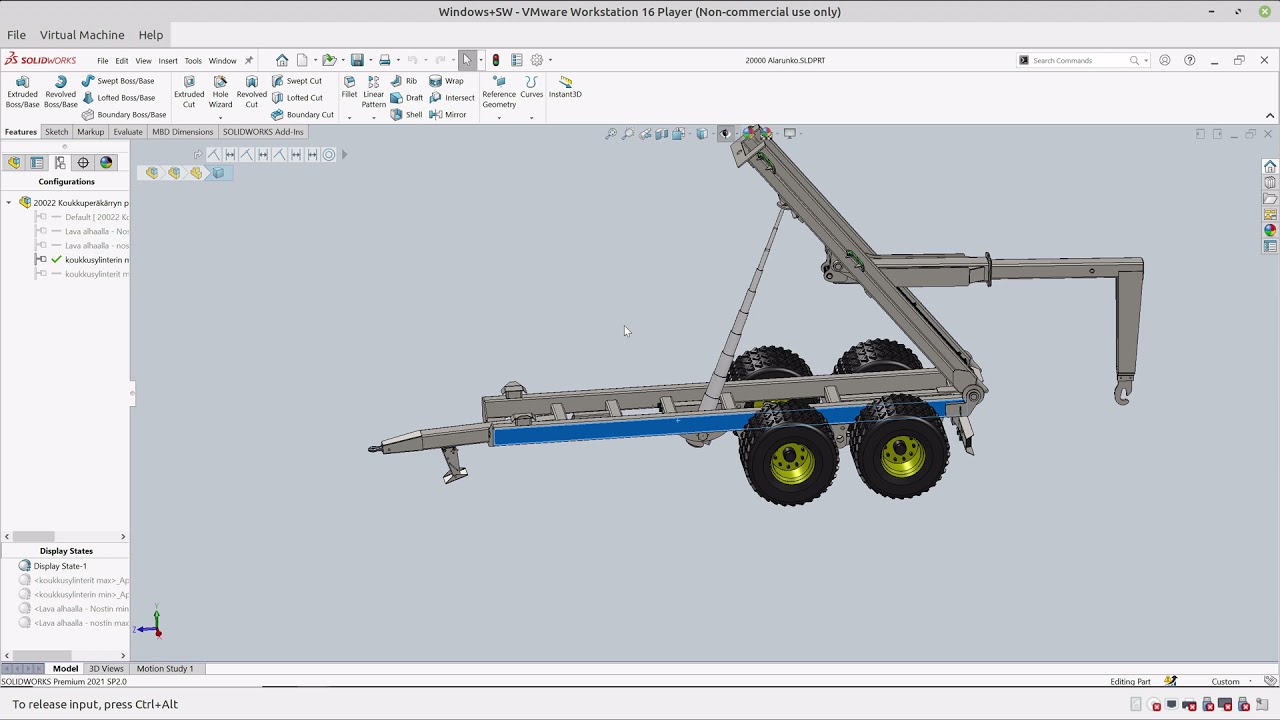
Newer versions may be more locked down in terms of the licensing, but back in 2016 or 2017 I recall running Solidworks from a virtual machine. I don’t remember if it was via VMware or VirtualBox. Graphics acceleration is always a little dicey with this sort of approach, so I wouldn’t recommend it. But for an “is it possible?”, I’d say yes. You’d put an entire windows install+solidworks on your USB stick. Then you’d need to install software on your client’s computer that can boot the VM from your USB stick. You’d want the fastest USB stick you could get to max out the bandwidth of that interface. SanDisk Extreme Pro, or similar. A thunderbolt-based solution would be better.
If you just need to access Solidworks off-site, and can’t use a laptop for whatever reason, I get decent performance using Splashtop for remote access to a workstation. It is similar to Windows remote desktop but requires a lot less setup and infrastructure to get good security and performances with graphics acceleration on both ends. You’d need an internet connection at the client’s computer and that computer would need to install the splashtop client, but I’d certainly go that route before messing around with booting a virtual machine.
I’m talking about Hyper-V, VirtualBox, VMWare. Azure is a slightly different animal. I used to run VMs locally so that my testing didn’t pollute my ‘real’ work. At some point SW no long allowed the install to take place with a standalone license.