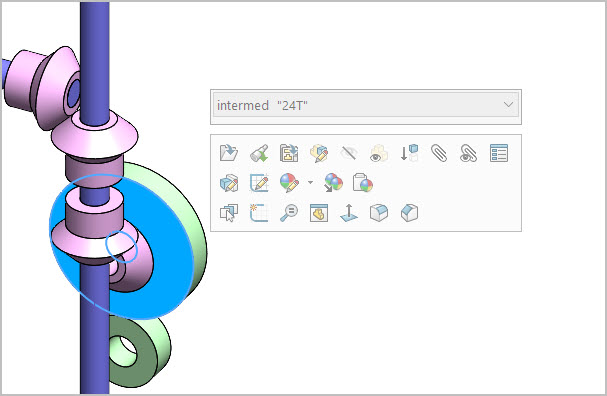
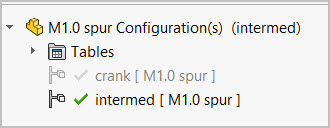
(SW-2024 SP5) I’m seeing a weird thing. SW is hanging on to a prior name in quotations. Example, original name ‘24T’, new name ‘intermed’ but it displays it like this when I hover on the part itself or within another subassembly where its used. I have changed the name multiple times just to check. It always shows the new name with the original “24T” as shown. Yet the configuration name in the tree shows only the new correct name. Not a biggy, just irritating. I’ve tried refreshing, saving & closing all assemblies that reference these parts, same behavior. Where is “24T” actually hiding?
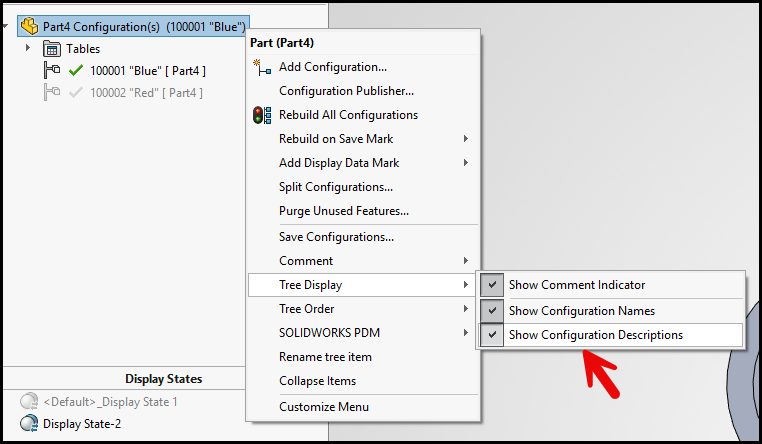
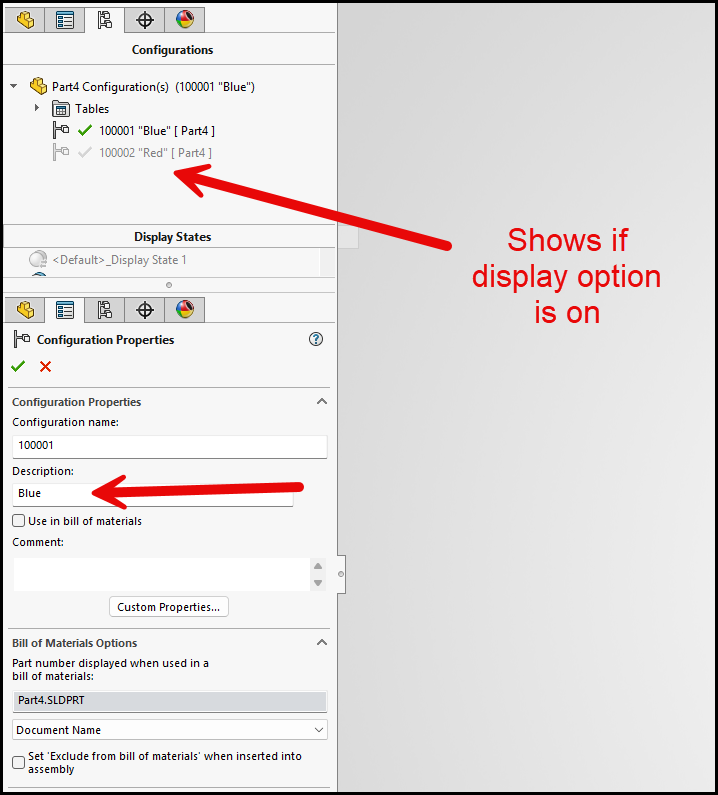
You nailed it, thanks. Didn’t even know that existed.