In the past some times trying to add a dimension it would give me an over constrained warning and when I removed the dimension it would show as constrained.
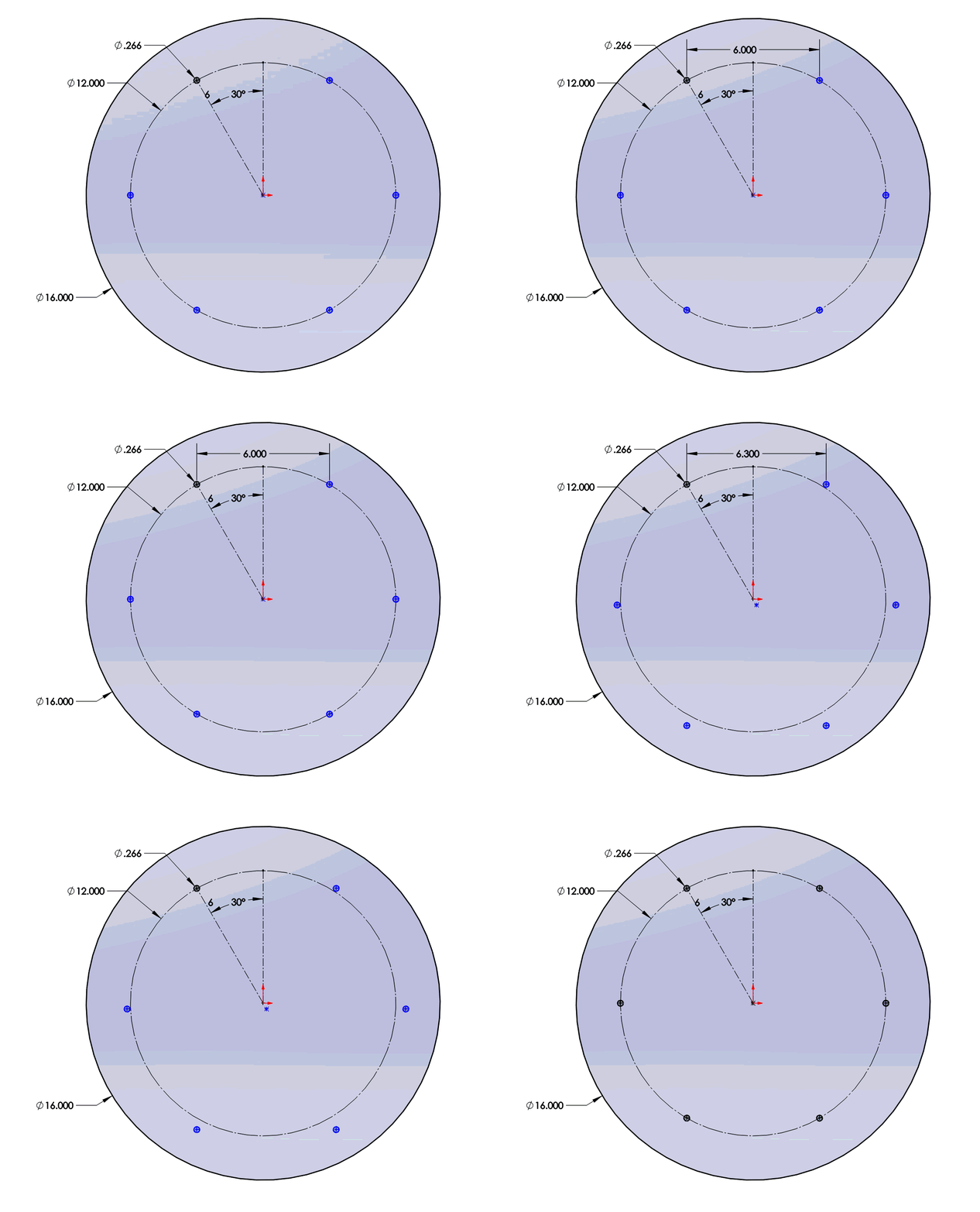
Did you get it constrained? Here is a clip of what I did to your file.
Added a dimension between 2 of the circles. Increased the dimension so the the center of the circular sketch was offset from the center of the main circle. Deleted the added dimension & then constrained the center of the circular sketch to the center of the main circle.
Sketch patterns are just a different way of thinking, and they are intentionally more flexible than feature patterns. All a pattern does is dictate qty and even spacing. You’re free to set the actual pitch, direction, center, etc. after you create the pattern. Circular patterns don’t actually have any defined “center” that is constrainable. You just have to think of ways to fully constrain a circle.
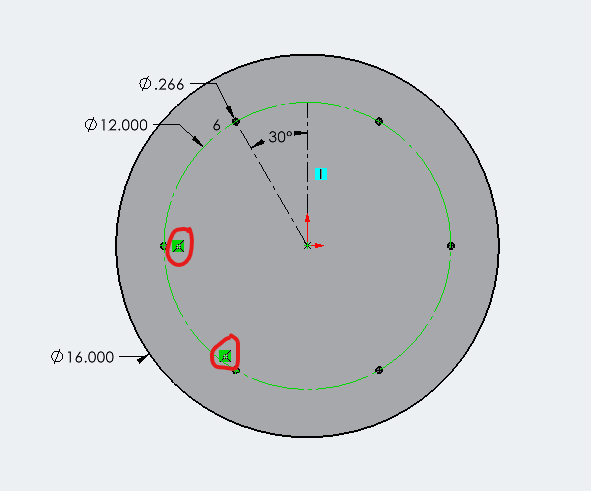
In the case of your file, all I had to do was add two “coincident” relations on two of the circle centerpoints to your construction line.
I’m with DLZ on this, I almost never use sketch patterns, I just drop in a circle and then add center lines from the center of the circle with angles to constrain them, since you have to do it anyways with the circular sketch pattern if you want them constrained.
Doing the feature pattern is generally better though.
Solidworks sketch patterns (circular/rectangular) are not fully constrain. Don’t need to fully constrain them and they works. I think SW remove those constrain when the pattern is edited.
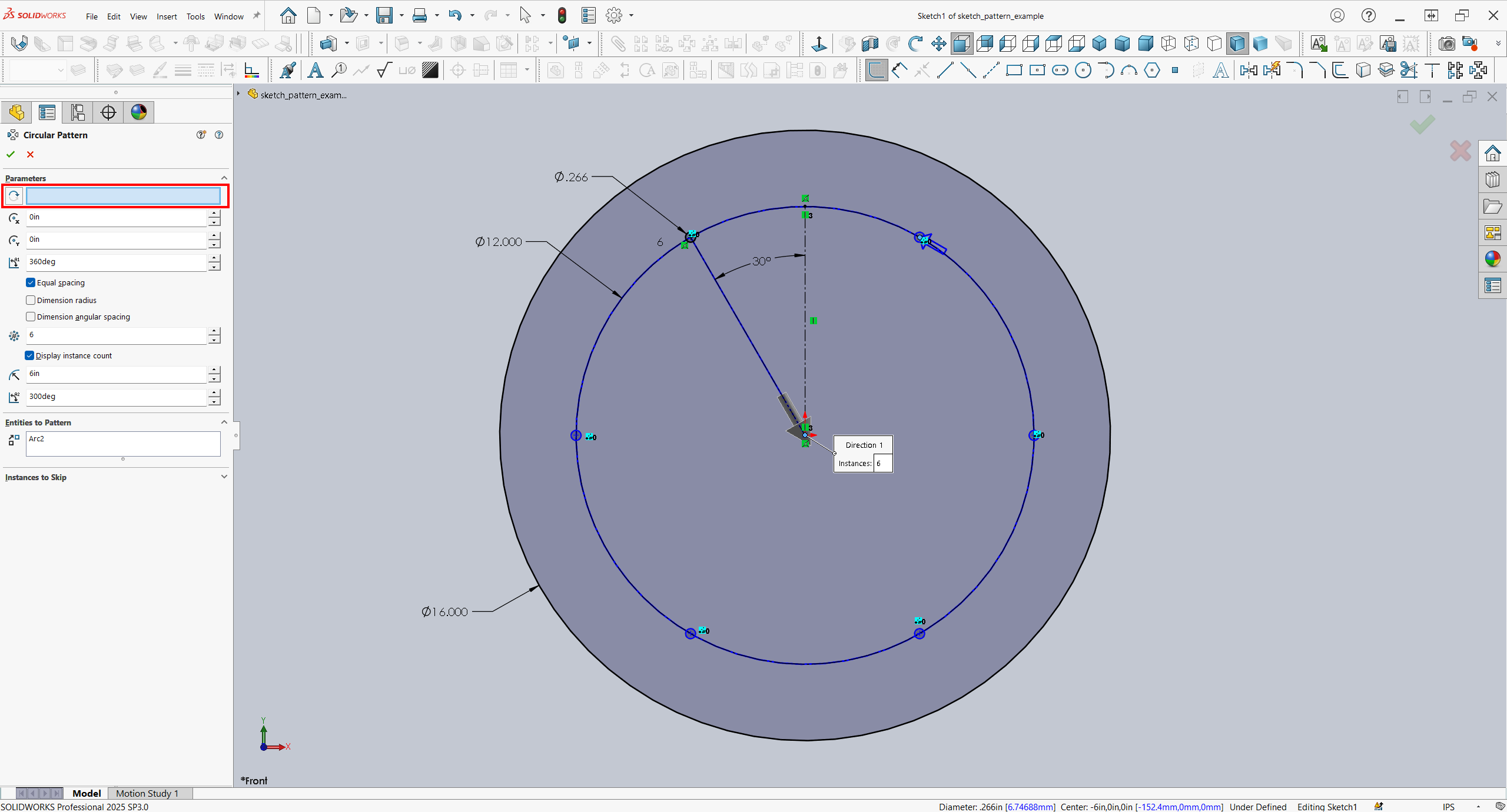
when you create a new circular pattern you can choose the center of your pattern. if you choose it, the pattern is fully defined. at least, for me it works like that.
in your example it isn’t. it seems that once the pattern is created, you cannot ad this center point. just drag/constrain it in sketch.