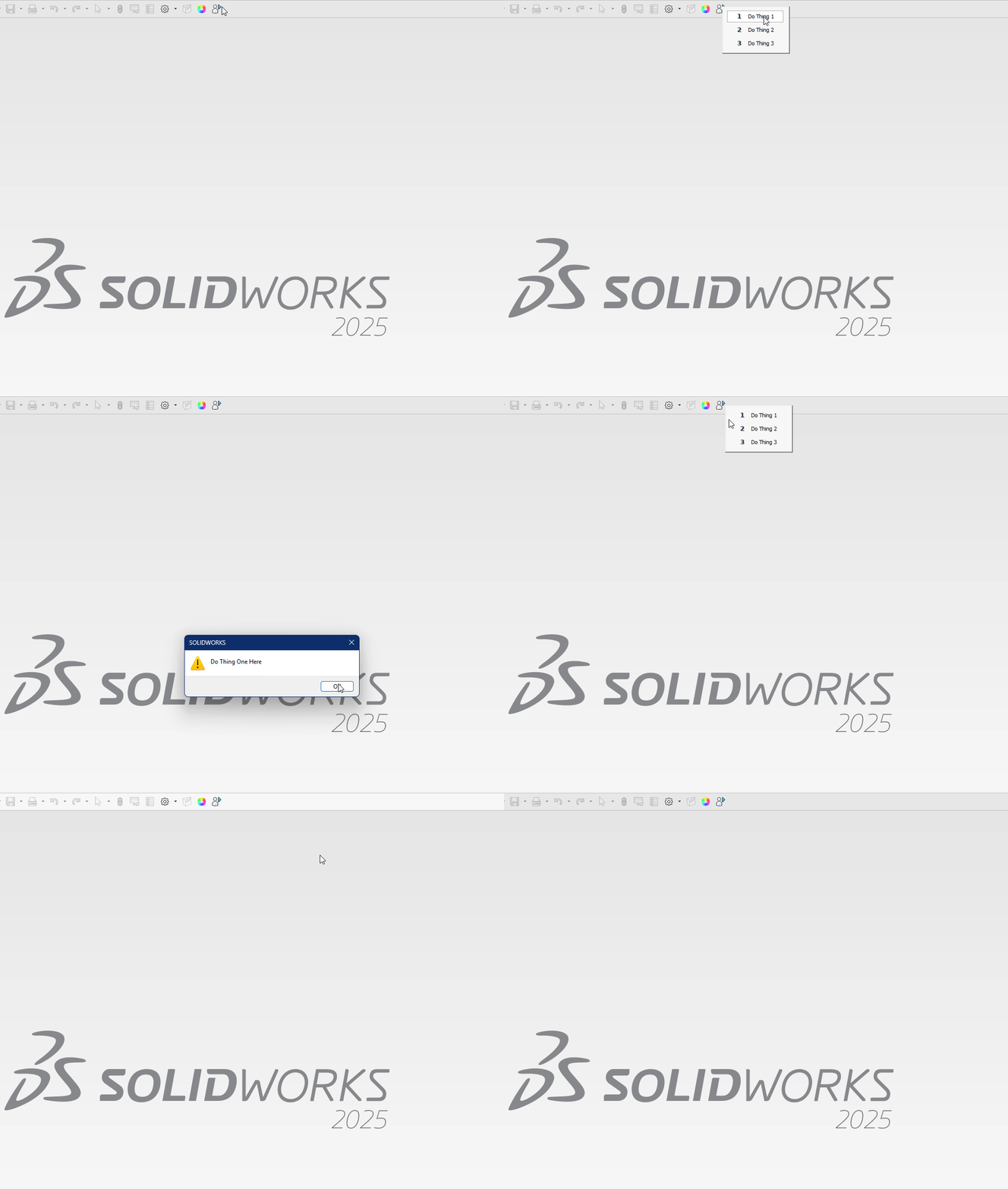
As the title says, is it possible to assign a macro to a button, in a way that when the user clicks the button, the macro creates a context menu and then user can select an item from popup menu and run a macro?
A simple example : Clicking “Delete Page 2” button, opens a popup to choose from.
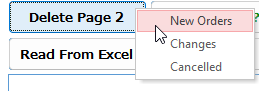
It’s done with pure vba. But by using several APIs, the popup context menu can be a circulare shape just like mouse gesture in Solidworks.
If you need some more descriptions:
I create commercial ERP systems consisting of millions of lines of code and hundreds of forms, tables, and objects—mostly using Microsoft Access as the front end and Microsoft SQL Server or MySQL as the back end. I’m very comfortable in that environment. However, when it comes to SolidWorks VBA, my skill level is basically zero.
In my applications, there are cases where a single function can be executed in different ways. Instead of creating multiple buttons for each variation, or show a msgbox and ask the user to choose from, I usually write several line of code so that clicking a button opens a context menu, allowing the user to choose what action to run. I want to replicate this in SolidWorks if possible.
Need an example in SolidWorks? There was a recent question about adding an inspection dimension circle. The suggested solution was to apply it to the previously created dimension. But ideally, I’d like to click a button and have a menu appear with options such as:
-
Apply to the previous dimension
-
Apply to the next dimension
Then, based on the user’s selection, the corresponding action would run.
Is something like this possible in SolidWorks VBA?
Thanks for any kind of advice.