The previous screenshots that I shared were with Firefox.
This one is from Edge. No spot to edit software.
image.png
The previous screenshots that I shared were with Firefox.
This one is from Edge. No spot to edit software.
image.png
ok, I found a couple of switches for those custom fields. Try it again, and see if they show up now.
Great!!
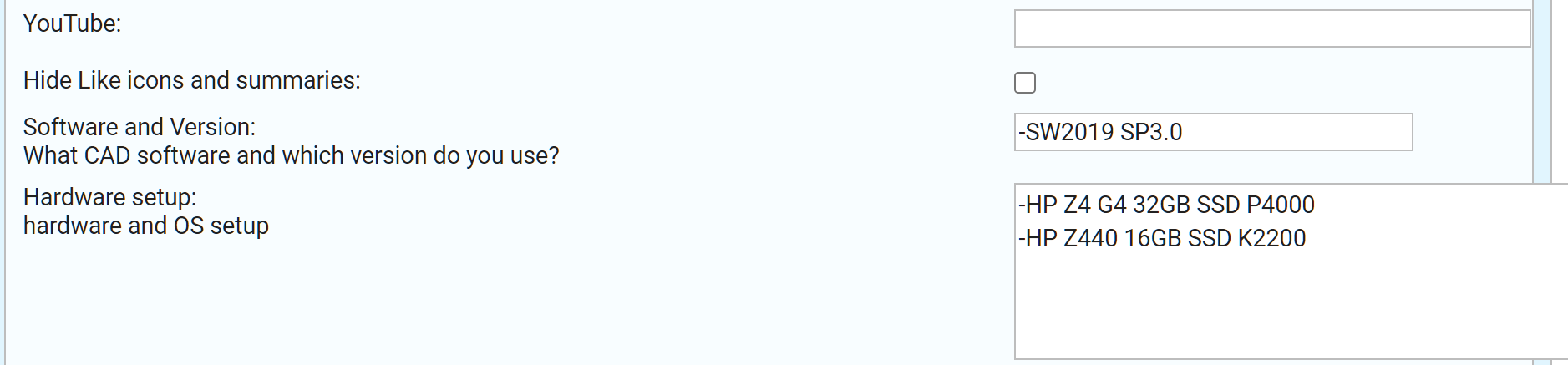
There ya go buddy! Workin’ for me!
image.png
sweet!!
Thank you matt !!!
image.png
Now I am curious why some people could see it and some people couldn’t…
phpbb is not a professional board software. If something like SW has paid developers and still full of bugs, how much more for unpaid developers. Sometimes you really do get what you paid for (we paid nothing). ><
Ringing in on this thread as I cannot locate the elusive “Edit Profile” option, even after sifting through the plethora of comments here.
Perhaps it’s an age thing or not enough coffee.
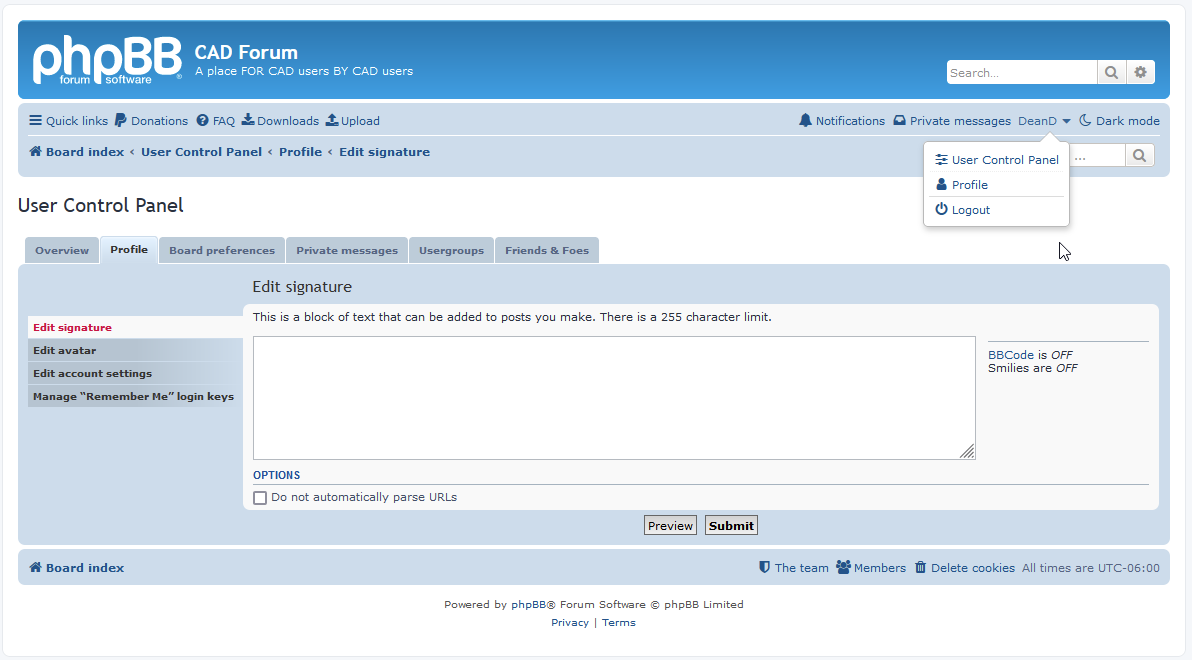
In the upper right hand corner of your screenshot, click on “profile.” On that page you should see “edit profile” next to your username.
Uh, yeah. Not there either. Limitation in Firefox?
Here is what I see. Maybe you can’t edit your profile as a newbie.
image.png
Click on User Control Panel and you should be able to select it from there
image.png
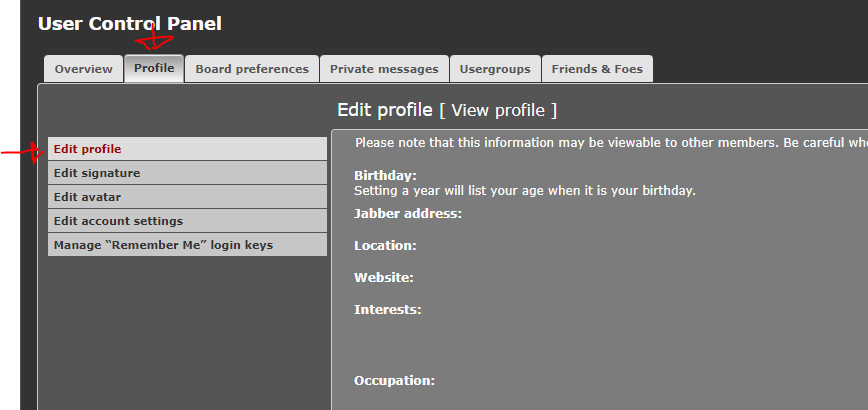
I bet this is something controlled by which theme you are using. I am using Elegance.