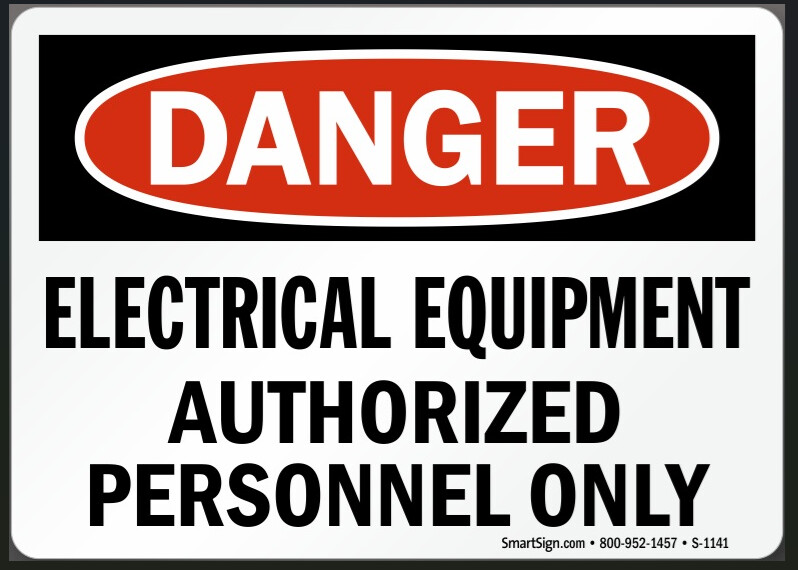
I have a group of labels and I want to get a 2d geometry from the image, I looked at the autotrace which seems only to do the outline of the image and not the lettering and or different colored areas.
so is there a way to automatically do this or do I need to actually trace everything as I have a sheet with like 30 labels of various colors and shapes to do.
Clip art is one of the only images that Know of that auto trace works ok with. The rest of the time I go with tracing images to trying to match the fonts and use text sketch.
There are some online alternatives that may be able to convert your sheet of signs into a dxf file that you could bring into a part file.
Tring to create drawings so we can have something to go back and forth with the supplier/quote from other suppliers.
I was putting them on a solid as a decal and thinking it would be nice to have them as a engrave version as well so if the company wants to dictate width of lines/placement of information they could as well.