(v2024 SP5). I’m not sure how I managed to mess this up, but I thought I had things set up reliably. When I open File, New Part, select one of my part templates (say my Imperial favorite) it look slike my part specific preferences are there. But when I then invoke Make Drawing from Part it automatically appears to defaulted to my Imperial Drawing template, but recently I started to notice differences to my drawing as though it was no longer using my drawing preferences, number of sig figs & other settings. Leading me to believe I either corrupted the template or the intermediary file association. Also SW is not popping up the option to confirm which drawing template I prefer it just immediately goes to the drawing with part loaded (but maybe I am confused by this step, maybe selecting a template only comes up using the default SW Parts like Novice). Here are some screen grabs of my templates. Can you suggest anything for me to check? I dnt recall ever opening & modifying the drawing template itself, so my hunch is how the part template is associated to the drawing template. Ugh I hate this part of SW, so unnecessarily complicated.
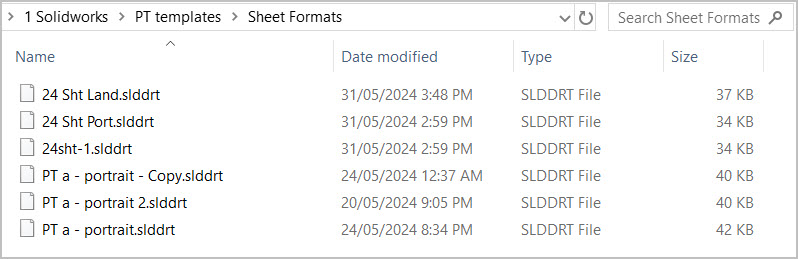
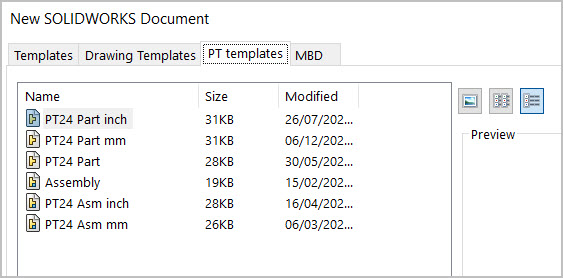
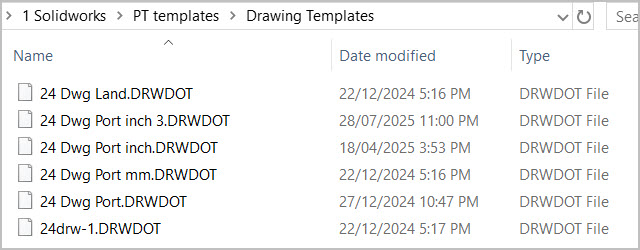
I’ll add one more point that might point to the problem. I noticed that when I opened my saved sheet formats, the default is MMGS. Could it be that I switched it from IPS to MMGS & this somehow got saved & thus reflected into Drawings leading me to believe dimensions etc were messed up? How do I confirm which sheet format is associated to a particular Part template again?

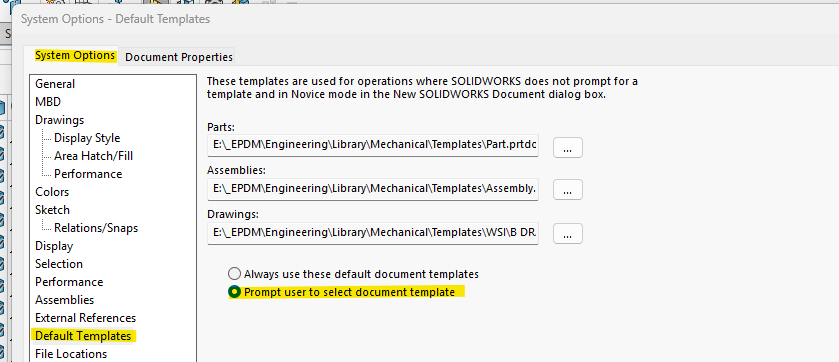
Thanks so much Jim. My selection was somehow set to always use default vs prompt. That was the root of the issue. It was pointing to some other part file behind the scenes & that must have had a knock on effect as to which Sheet format file & Drawing file it was associated to. Hopefully all good now
Just FYI. I noticed on the version you are using that changing this option seemed to affect the behavior of the split command. It wasn’t an issue prior to 2024, but I ended up choosing to stay with the “default” template setting because of it.
If the split command is something you use alot, you may want to test it and see if you notice it as well. I never submitted it to SW or anything, nor did I look for an open SR.
Thanks for suggestion on v2024 & Split. I was kind of baffled how my Settings may have become altered to turn on/off the templates prompt popup checkbox. Coincidentaly I was using Split quite a bit recently & SW does ask what part template to use when Split invoked. I did a test just now & it seems to be behaving itself. Both in terms of splitting into bodies & conveying them on Drawing template. Fingers crossed. Thanks for posting.
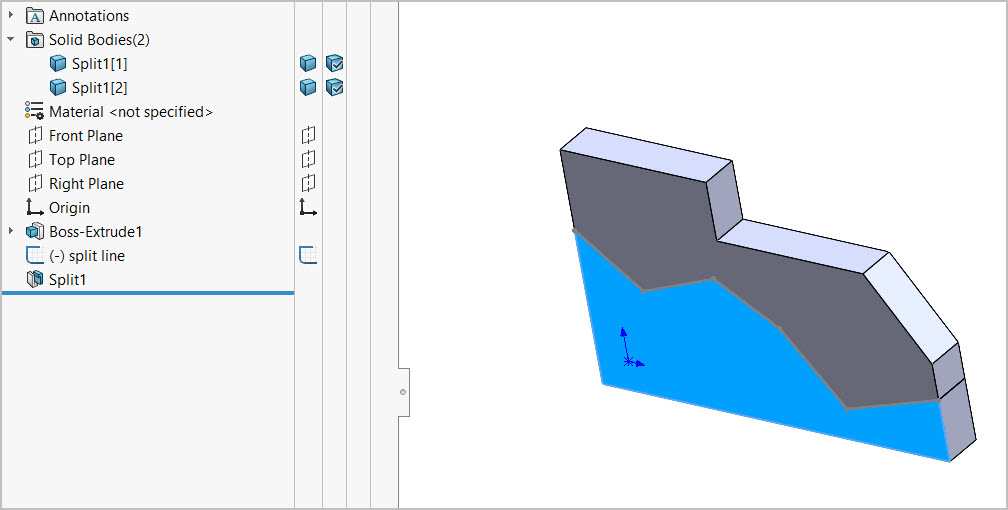
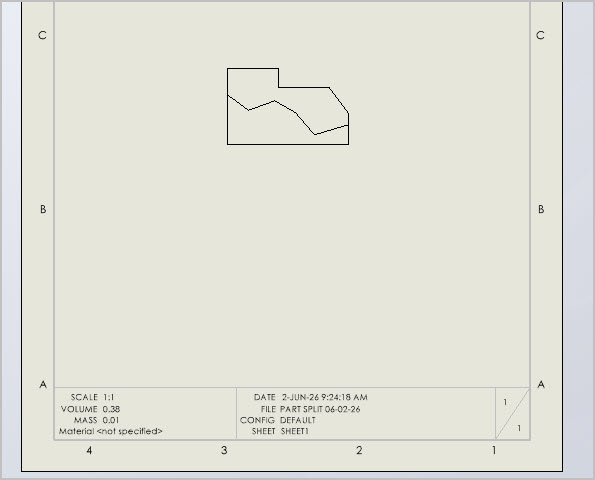
Yes, something they messed up recently. Started in 2024 or 2025.
“Always use default template.” != “Sometimes use the default template, except when I want to pick another one.”