I know I can do angled dimensions from a vertice but I’m unable to achieve it. Could somone please enlighten me..? The toggle switch just doesn’t show up upon selection.
From memory, I’m supposed to select the line and the vertice but I can’t seem to get it to work.
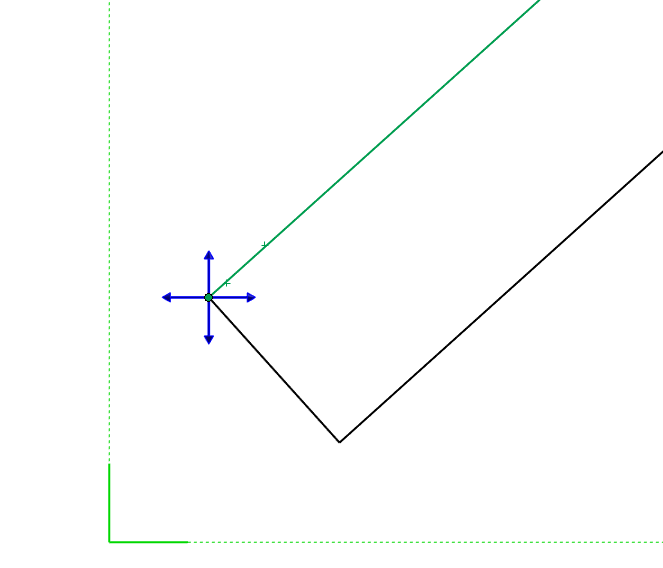
There was a new thing added which allowed to select a point and then a round blue thing would would appear split in quarters next to the mouse. That’s the thing I’m refering to, I just can’t find it
As far as I know, it only works if the point AND the line are from the same entity. (i.e., the point is the end point of the line you already selected)
I hope this isn’t grave digging, but I ended up at this topic because I was having trouble with this feature in SW25 sp 4. Just for posterity, it turns out that you can’t do this in a broken view—You have to un-break the view, apply the dimension and then break the view again.
@David_Matula shouldn’t be that big of a surprise. Most features in Solidworks have an anti-feature. You know, another feature or function that renders some other function broken at best.
Tell you what, I don’t know how I failed to read it. You said two years ago that it didn’t work if the view was trimmed. I only saw discussion of the detail view bug.
I feel like I’m messing up the system here but thanks!

 but thanks!