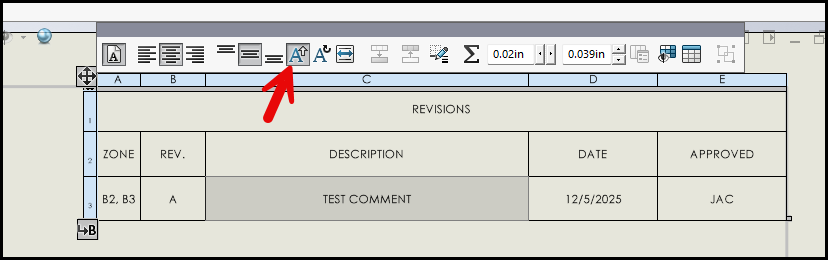
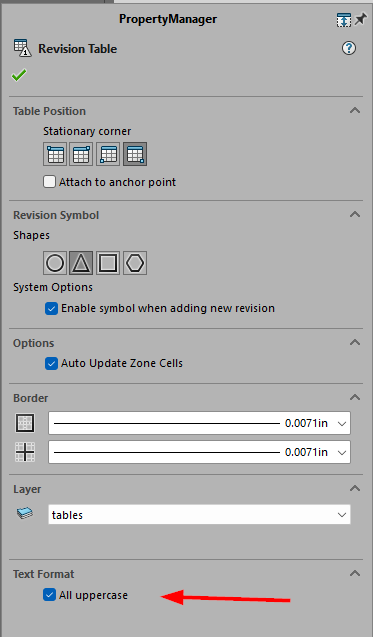
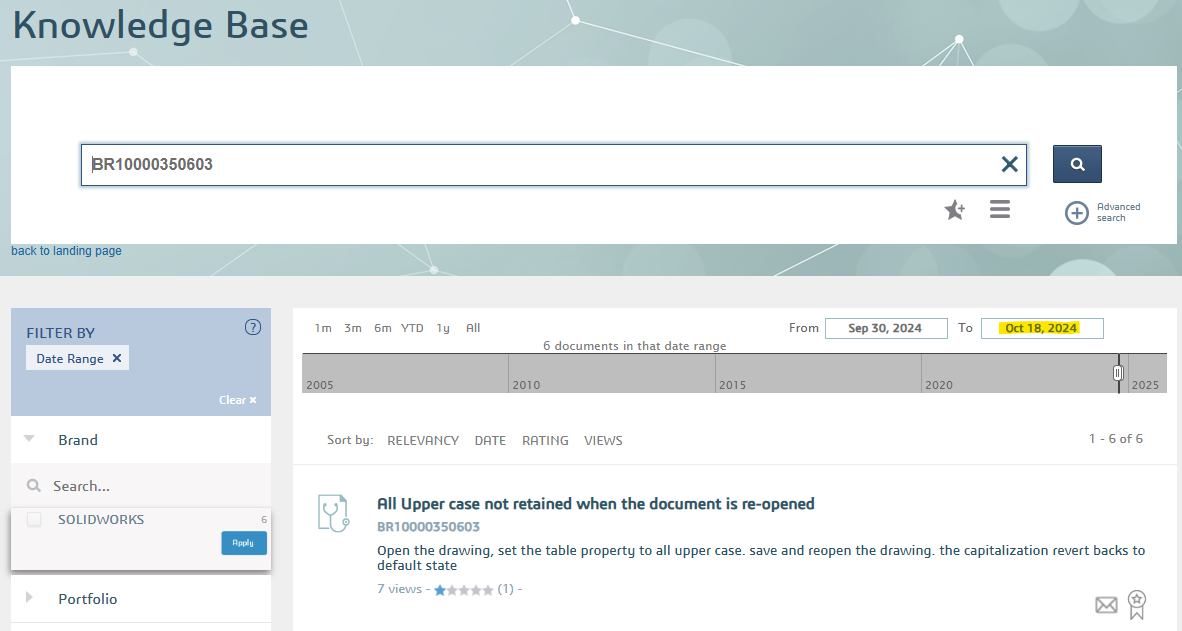
As I review drawings I have started noticing mixed case in the rev notes. The table columns are set to always use upper case. If I edit the cell or uncheck then check the upper case checkbox then it will update. Neither Ctrl+B or Ctrl+Q will make them switch to upper case.
Has anyone else noticed this? I’m not sure what started it. Here are some trouble shooting thoughts I’m considering.
We’ve been on SW 2023SP5 for over a year now.
The files I’m noticing it on have been recently revised and checked in. We are using the automatic rev table functionality with PDM.
I have not yet noticed other areas not being all upper case, but that doesn’t mean much either way.
Started updating CAD workstations to Win11 recently. Task host machine is still on Win10 and appears to behave the same. So if it’s due to OS update then it seems like something saved in the file vs how it’s being updated.
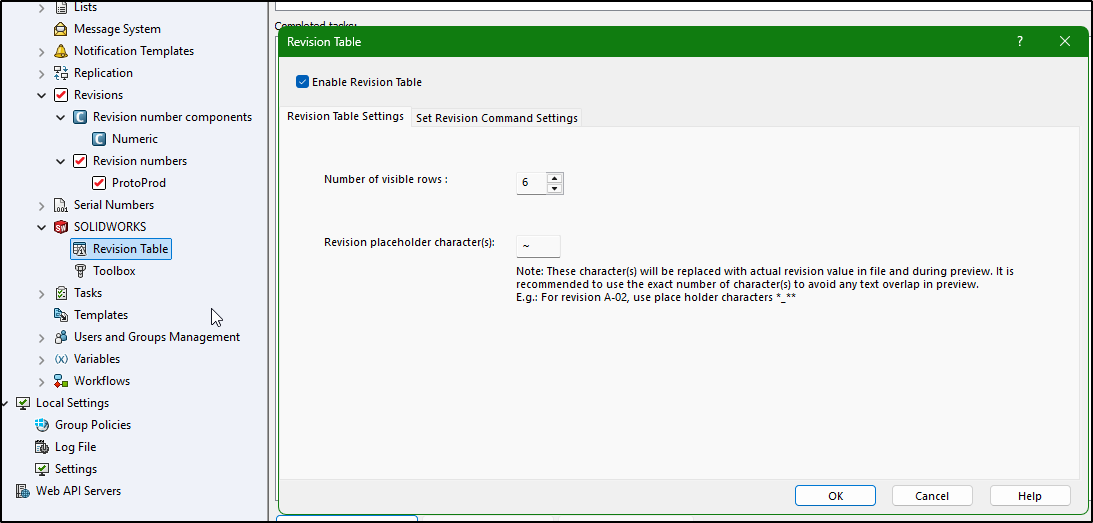
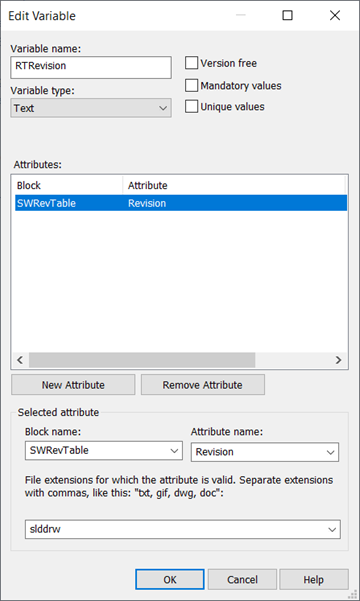
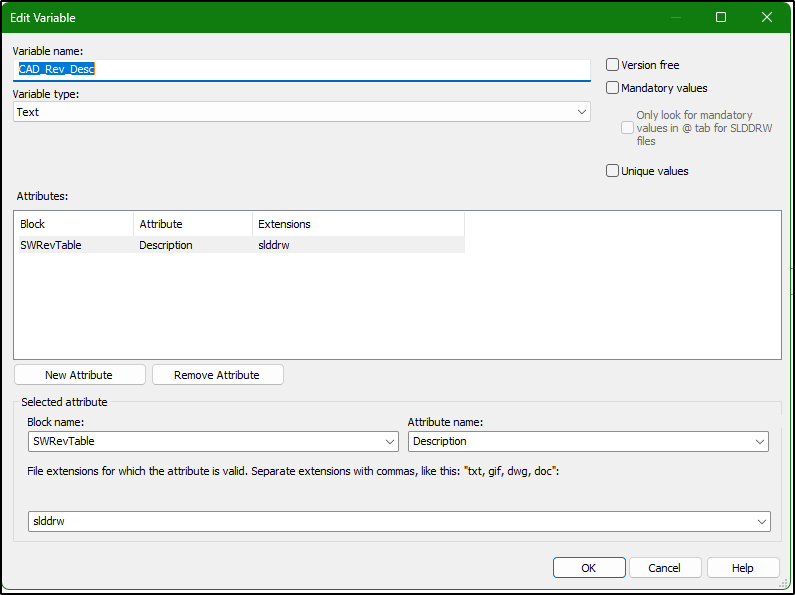
The automated rev table is set through the Solidworks → Revision Table nodes in Admin Tool. I don’t know that I would say it’s linked to PDM Data Card Variables, although I haven’t gained an understanding of how this function actually works.
Likely. The revision note (data card variable) is set to transition comment in an action from Released to WIP. Often times there’s not enough info at that time so it’s not uncommon for rev description in the rev table to be modified. If I look in history there’s plenty of transition comments that are mixed case yet the rev description in rev table are upper case. We’ve always had the “All uppercase for tables” set in the document settings in templates.
Sounds like when it gets passed via api (PDM connection) that its not honoring the All Caps setting. Reminds of the PDM Input Formula not working unless you type directly in the data card.
Some rev rows are honoring the All uppercase, some do not. I have one drawing now that has four revs, 00 and 02 come in all caps while 01 and 04 come in mixed case. Rev 01 was done by a different user about a year ago. Rev 02 goes to mixed case (matches data card variable) when toggle off All uppercase for the rev table. Checking the box puts them all to upper case.
If I make a single character edit to rev 01 or 03, save and check in the next time I load the drawing they show as all uppercase. I’m going to try replicating this on test drawings. I haven’t been able to get mixed case yet though.