Hi All,
ok may be a simple one but I turn a section view line/arrows/letter onto a new layer and hide it and for some reason I keep selecting it so what gives?
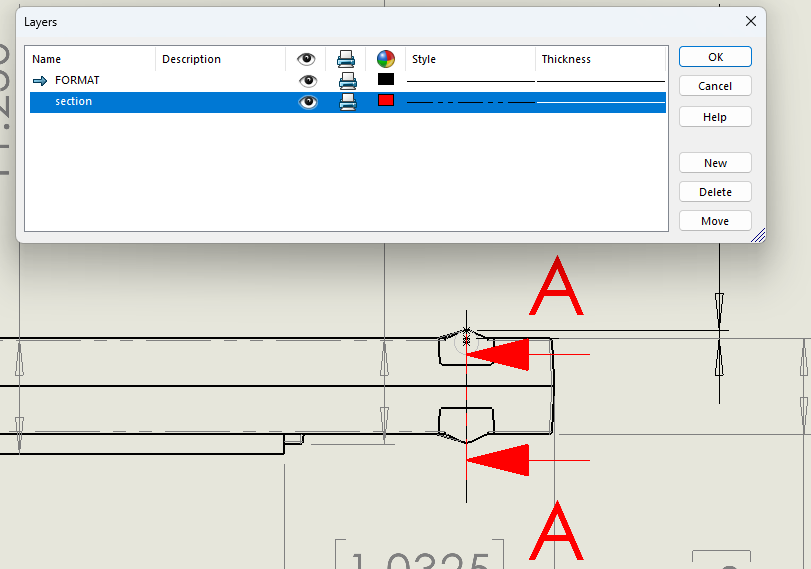
turned off
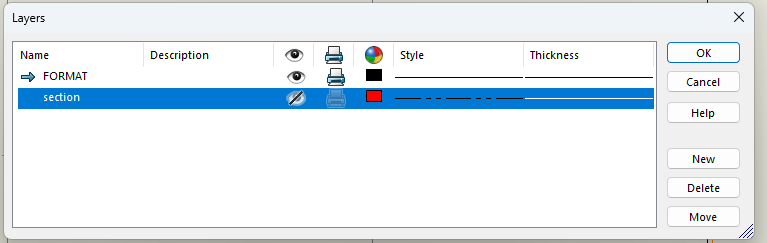
Regards,
Jim
You can hide the arrow by right clicking on it and selecting “Hide section line”. I’ve never really ventured into using layers for the purpose you are trying to achieve so I can’t say if that is expected behavior or not.
Edit: If you need it shown again, right click on the section view and select “Show section line”
Layers were never meant to be used with SolidWorks. Back in the day before they came about we got along just fine with out them. There is always another way to hide or show things on the drawing that you do not want to show with out having layers.
Hi again,
I know back on the older versions, I did just that hid the layer and selected what I wanted to especially helpful with centerlines as they seem to detach easily in the past.
Last place used 2022 and it worked, but didn’t know if it was a setting or not.
Regards,
Jim