Solidworks just figured out there’s value in a real coordinate system. I’m sure in a decade or so the will flush out the functionality.
Anybody else experiences this:
tabs show up in a wrong colour in dark mode - making any font on it unreadable:
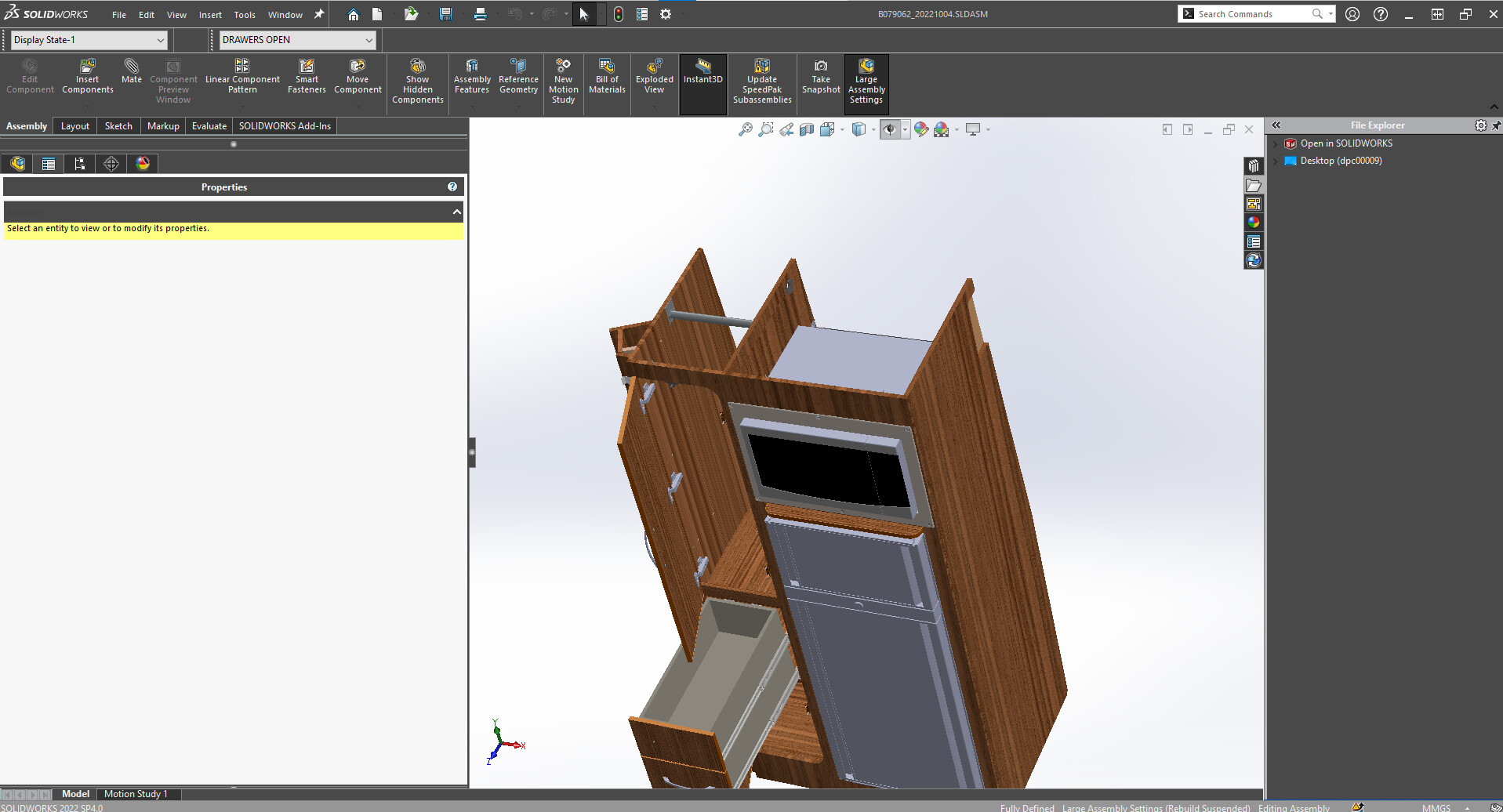
Raised an SPR for this. Incredible that the dark mode is broken!
The Dark theme is applied for the UI of SolidWorks and not the toolbars at the moment, which remain white. SolidWorks has therefore issued SPR #1241703 “Ability to display toolbar dropdown list with dark theme” and will notify you once the status of the SPR changes.
I did some testing on SP4.0 this afternoon. I cloned my database and upgraded all of the parts to 2022.
So far, I haven’t come across any weirdness to put me off upgrading. I assume the problems I saw on an earlier release have either been fixed or were created by my files still being 2020.
OpenGL is a no go for my video card even with the 2022Q3 driver. (Radeon Pro WX 7100) Rotating even a small assembly is choppy compared to that being turned off.
I didn’t see any weirdness with Enhanced Graphics, so I’m going to leave that on until it causes an issue.
All of the issues that were affecting us seem to have been resolved with SP4. Thats not to say that SP4 doesn’t have bugs … there may be many that are there that we just haven’t experienced yet, or that are within features that we might not be using or haven’t used yet.
Hopefully, that’s the same for the majority of people.
I decided to give OpenGL another go now that I’m in my production environment. I guess my card just doesn’t have enough horsepower. The highlighting below is realtime.
I am a GIF. Click me!
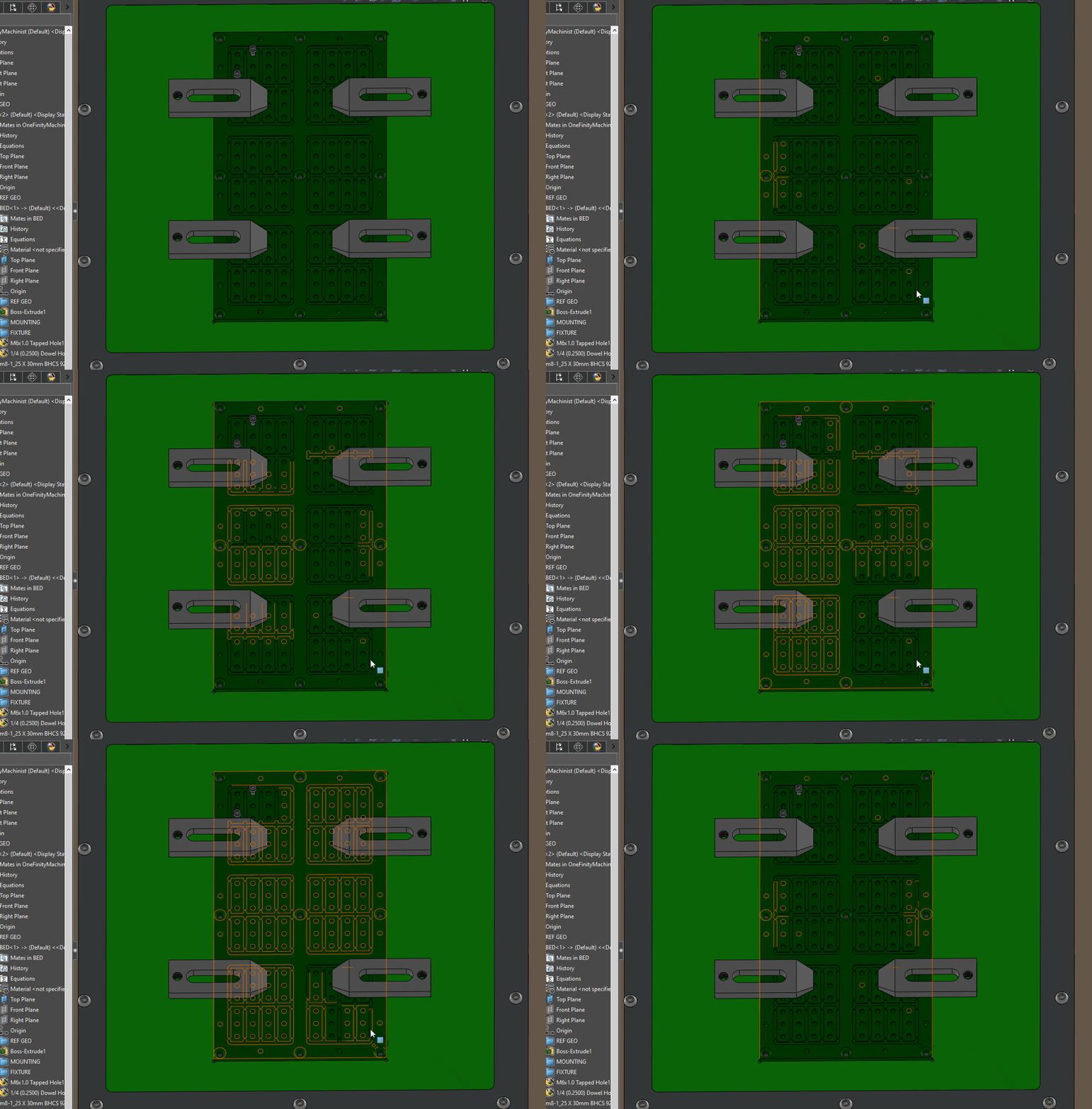
I don’t think what you are seeing is normal, I have the older W7100 graphics card and it is not having the issue that you are showing.
Which setting are you turning on/off?
There is only one OpenGL setting that I am aware of.
image.png
It could be related to the fact that I don’t like circles to look like stop signs, so this is turned way up.
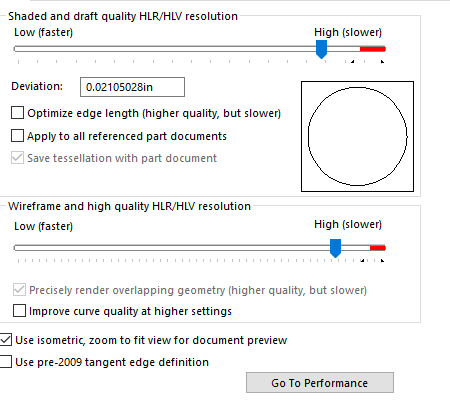
I think I’ve seen that when my OS updated the graphics driver without me noticing. I installed driver after driver starting with newest and going back until it seemed fast and stable. (This was for an old card that is no longer supported)
Maybe try a few different drivers to see if it improves things?
Is there some magic to OpenGL that justifies jumping through these hoops? I’m fine working with it turned off.
Some good reading here:
https://gamedev.stackexchange.com/questions/73495/why-would-you-use-software-rendering-over-hardware-rendering-today
Which are you referring to, the “Use software opengl” setting in SolidWorks?
My guess, SW isn’t using your graphic card.
Have an old computer ( i7-3770 old) that would only run SW in software openGL mode because it only had cpu graphics. It did the same thing as shown in your example. Was given a GTX980 (don’t ask) and problem solved after getting a big enough PSU to power the 980.
Let’s clear up a few things.
SW use OpenGL ALL THE TIME. You CANNOT turn it off.
So if your video don’t support OpenGL, SW can’t use it.
The ONLY OpenGL setting in SW is: Use Software OpenGL.
It means: use software emulation to bypass hardware (graphic card).
Which means VERY slow graphic.
It is used to test if graphic card is the problem for graphic issue.
So you’ve turned on the wrong thing.
Of the ~25 CAD work stations we have I’d guess about half of them had the display(s) connected to the mother board instead of graphics card. <()> Mostly when users were moving to home or back to office over the past couple years.
I actually lost some sleep worrying about how we have designers/engineers/drafts people that don’t know how to plug a display into a workstation with a graphics card.
I have a driver version I trust for our workstation/card/SW version, after that I check which display port the cable is connected to. Just throwing that out.
Well explained.
As stated, using “Use Software OpenGL” is pretty much asking the program to emulate the OpenGL process to see if your graphic card is the one causing issues(by not being able to do OpenGL for instance). It’s not supposed to enhance anything as far as I’m aware either, even though I’ve heard plenty of people claiming such things.
If SoftWare OpenGL is better then Graphic card OpenGL, it means that the computer has more “processing speed” remaining for OpenGL treatment then the graphic card could provide, which would resume itself as having a shitty graphic card as you stated.
Same “first thoughts” I have with EVERY SolidWorks release…
Why, oh, WHY must they have annual releases?
Oh, yeah… Profit!
That is the only one I am aware of.
This machine has a 4 port card with three monitors plugged in. None of them are plugged into the onboard graphics port.
So the “Use OpenGL” setting in solidworks is for diagnostic use only, and not intended for daily use?
This is the post that started me down this rabbit hole. (I know Fred only comes here to bash SW, but I’m stuck with an AMD and SW, so I expected to see a performance improvement.) Clearly I don’t understand what this setting does in SW.
SPerman That setting is for use when you’re having trouble with a card…it disables the OpenGL and instead uses “Software Opengl emulation”. Its ways slower. If you had no card that support Opengl, it would be greyed and checked.
Thanks to all for educating me. matt there might be value in pulling the OpenGL conversation into its own thread. I’ve kind of stomped all over the 2022SP4 conversation.
On that front, it seems to be doing great, other than PEBCAK errors.