“You cannot force the Caps Lock light on a Dell wireless keyboard to stay on permanently. This is a built-in firmware deign to conserve battery life. The light will only illuminate for about 5 seconds after pressing the key, even though the Caps Lock function remains active.”
Combine that with the fact that by default, you have to press the function button for the function keys to work and I don’t know why anyone would want this terrible keyboard.
If I had more than 1 day left, I would bring my keyboard back in from home.
This is one reason I don’t have a wireless keyboard. I don’t need to carry around my keyboard, it stays at my desk. Plugged into the docking station. When I carry around my laptop, it conveniently comes with a built-in non-wireless keyboard…
I do, however, carry around my (wireless) mouse along with my laptop. Never could use the trackpad or the nipple adeptly enough especially when presenting in a meeting.
Several years ago I bought a wireless keyboard / trackball combo from Logitech. Not only is the keyboard capable of leaving the caps lock light on, it is also backlit. It stays charged for weeks at a time, and charges overnight.
I don’t disagree with your opinion that a wireless keyboard is un-necessary for a desktop, but there are solutions that work a heck of a lot better than Dell.
The Dell keyboard continues to be close to unusable. It frequently ignores the CTRL key, so it is difficult to select multiple objects.
25 years ago I had an IBM with the little nipple and I loved it. I would take almost any solution over the touchpad. Especially one that lies underneath my hands while I am typing.
I used to get frustrated with new employees at my last job. We dealt mostly in data entry so at least 9ne hand was needed on the keyboard. Specifically the numeric keypad, which for most people was the same hand as the mouse driving hand. So they would go from the mouse to the keyboard, then keyboard to the mouse to click in the next field, then back again to do the next entry. After a few lines I would say, OK, did you know that you can run everything in this program without using the mouse? Learn the key commands, your job will be easier on your hand.
I really struggled when I started using parametric solid modelling programs 25+ years ago. I could do almost everything in Autocad without removing my hands from the keyboard.
This seems lost on new app developers. We are replacing an old mainframe part/bom system with Windchill. Its a big PLM with a lot more functionality and better ways to view the data, but data entry and navigating is so mouse driven its way slower than the older system where users could tab, tab, tab thru everything. You can tab thru some things in Windchill, but its not the primary way to work so it needs more optimization.
have a screen shot with the numbered stops and have chat add it to your xaml. easy peasy the last three bits of code i’ve had it do for me it’s got right the first try. still dont trust it cause it’ll mess up eventually. but this is a prime use for it
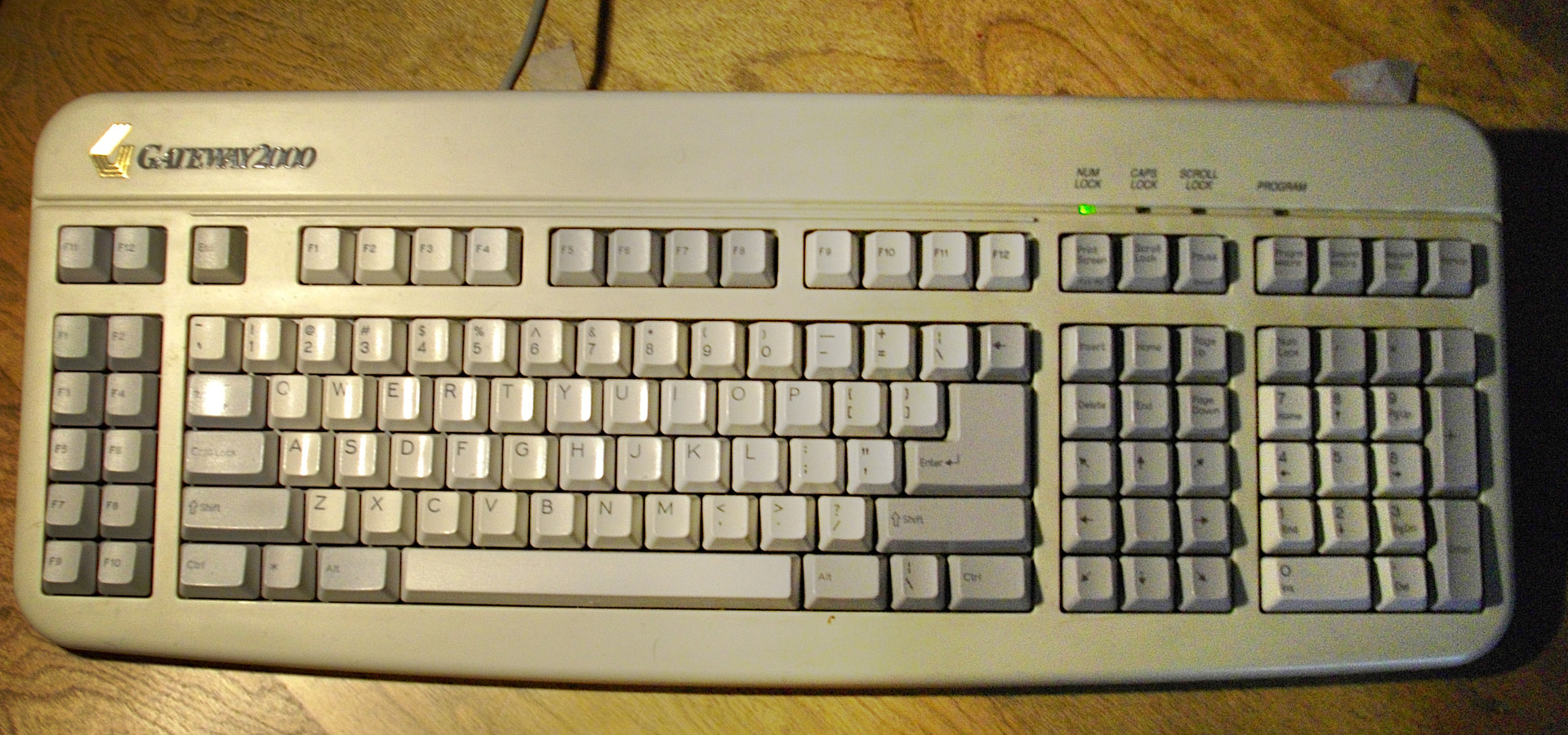
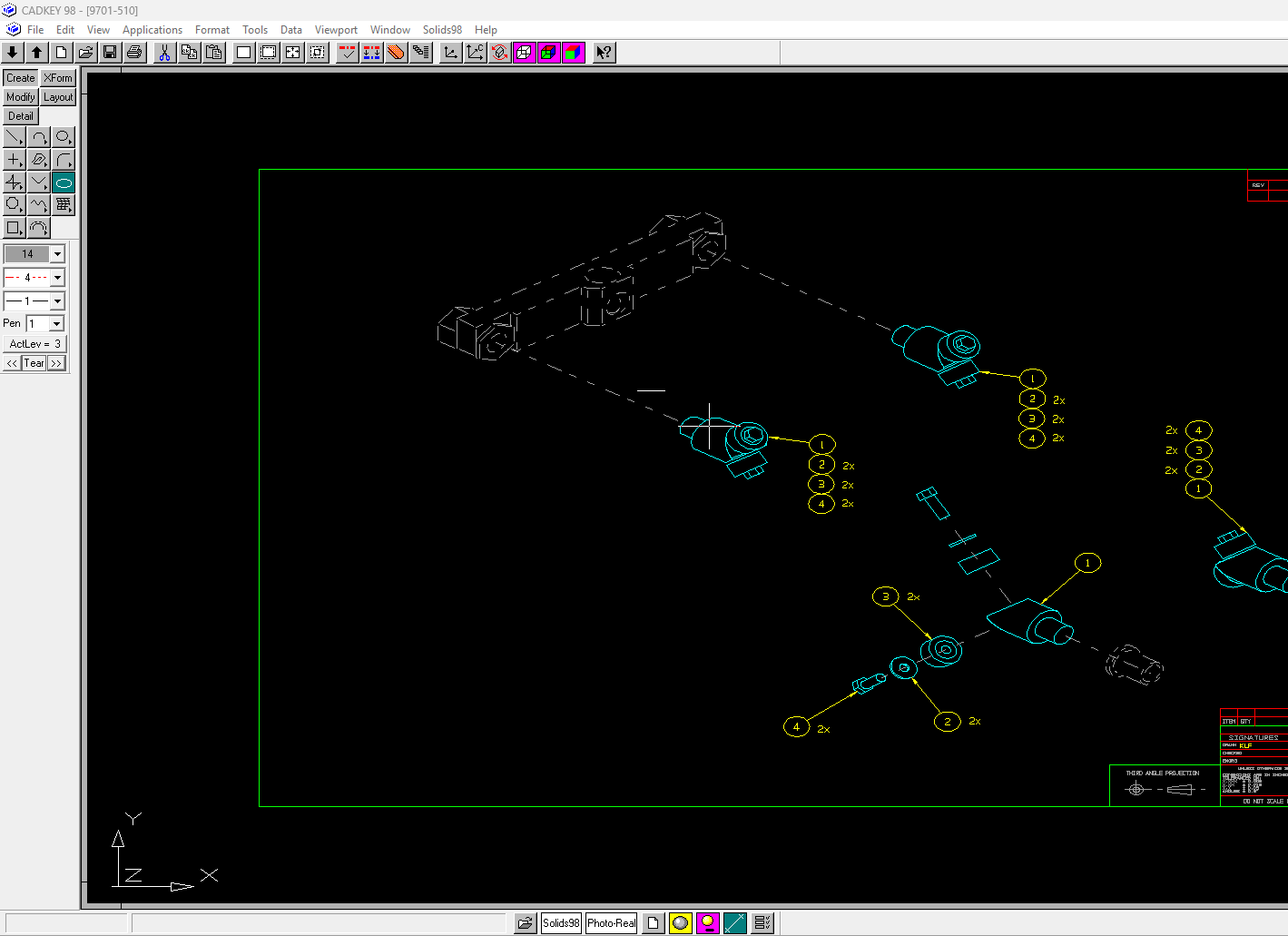
I started CAD using Cadkey, which had a system of menus no more than 10 items long and up to 4 or 5 deep all reachable with a string of function keys. No enter key was required. Worked with the old PC keyboards with a set of 10 function keys on the left end. I could look at the menus and hit those keys by touch, and any command I used with any frequency I could punch in without thinking. Right hand was free to mouse. I remember it was a very fast set up.
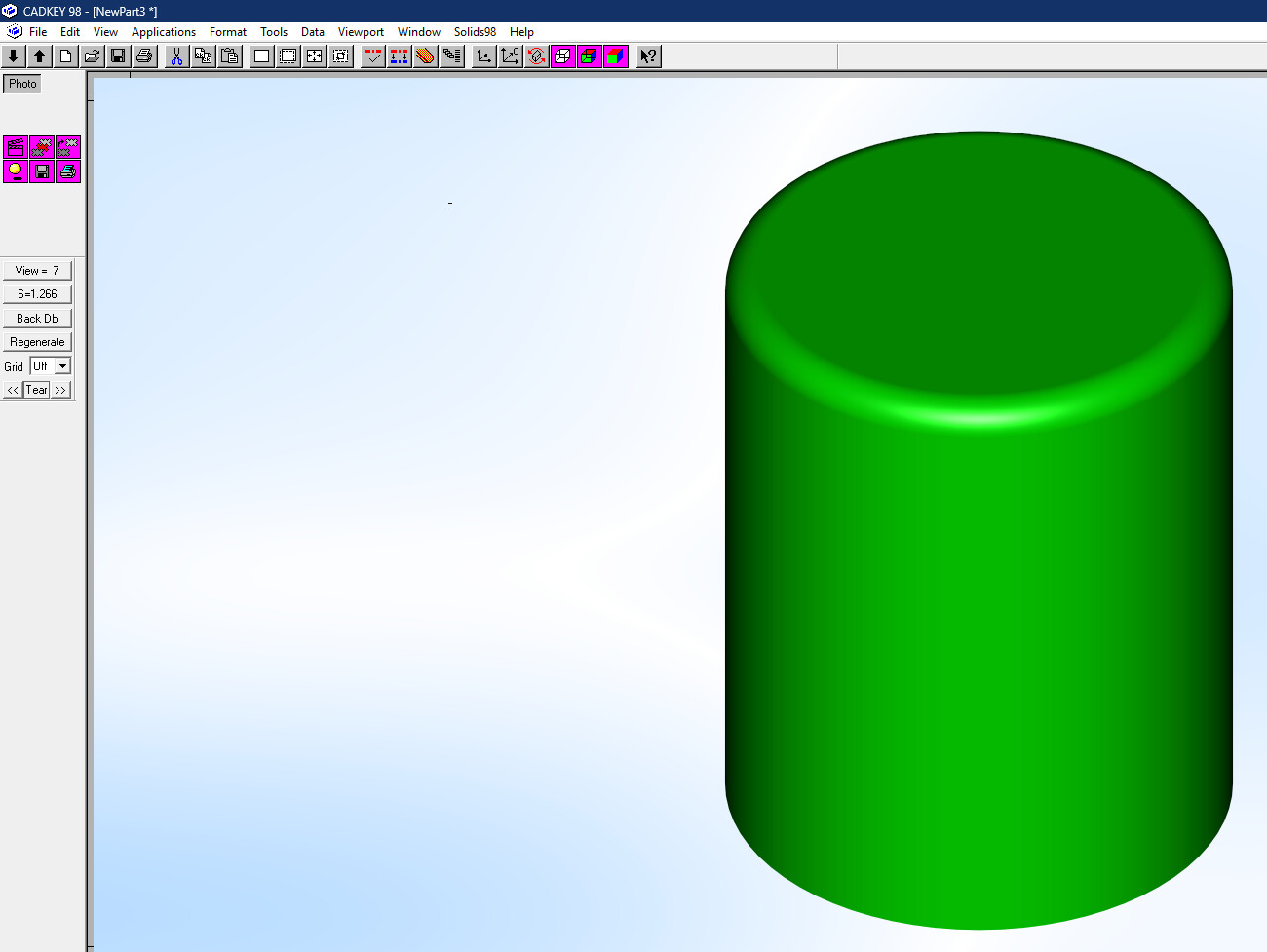
IT was able to find them in the backups of the company we are currently in the process of splitting from. A couple more weeks and they probably would have been gone forever. I installed CADKEY 98 on my Windows 11 machine last week. Only a few minor hiccups so far. I have to run it as administrator. Because 16:9 monitors weren’t a thing until 10 years after 1998, circles are all smooshed into ellipses until you adjust the screen size in the settings. Otherwise it runs fine.


 the last three bits of code i’ve had it do for me it’s got right the first try. still dont trust it cause it’ll mess up eventually. but this is a prime use for it